How to Turn a Photo Into a Pop Art Portrait
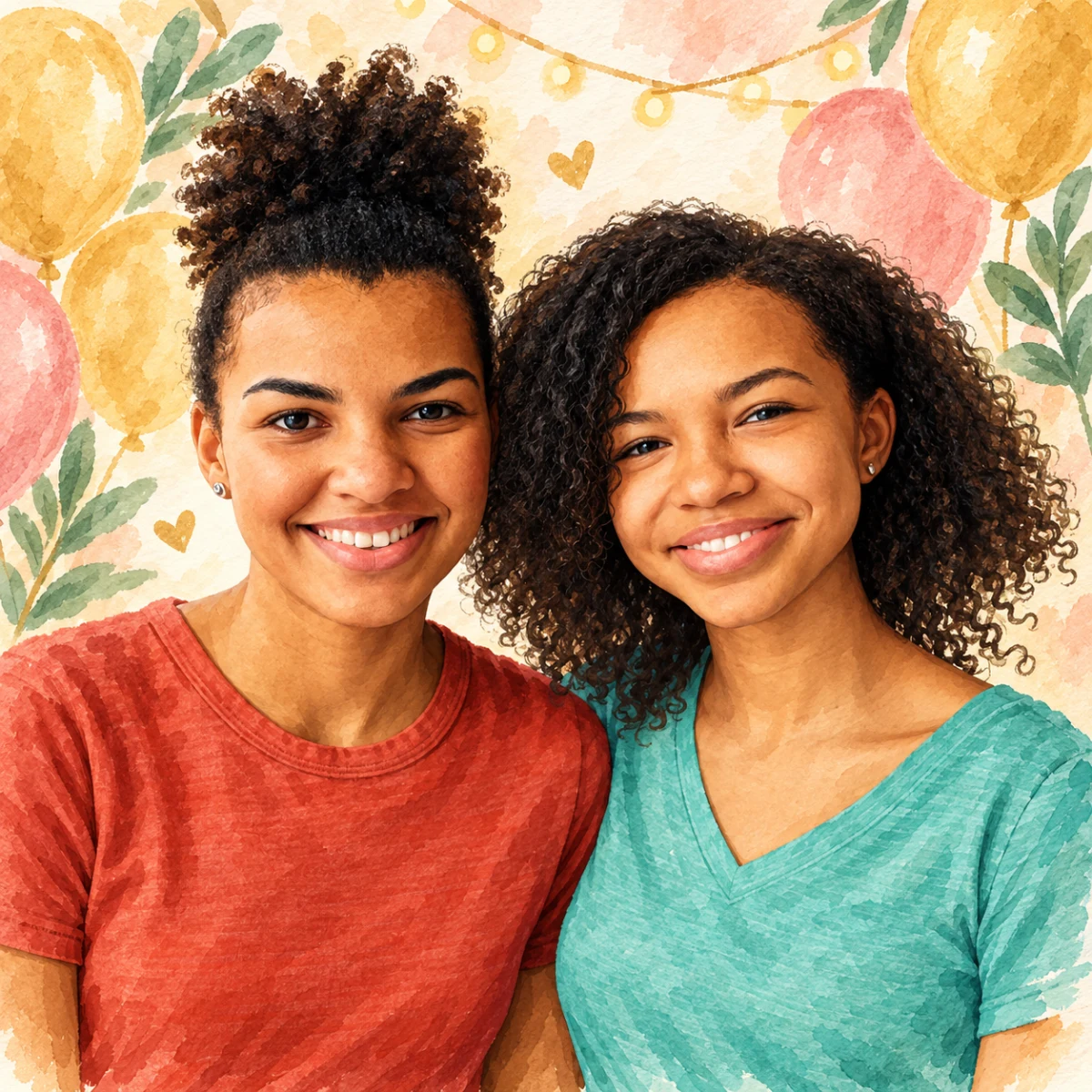
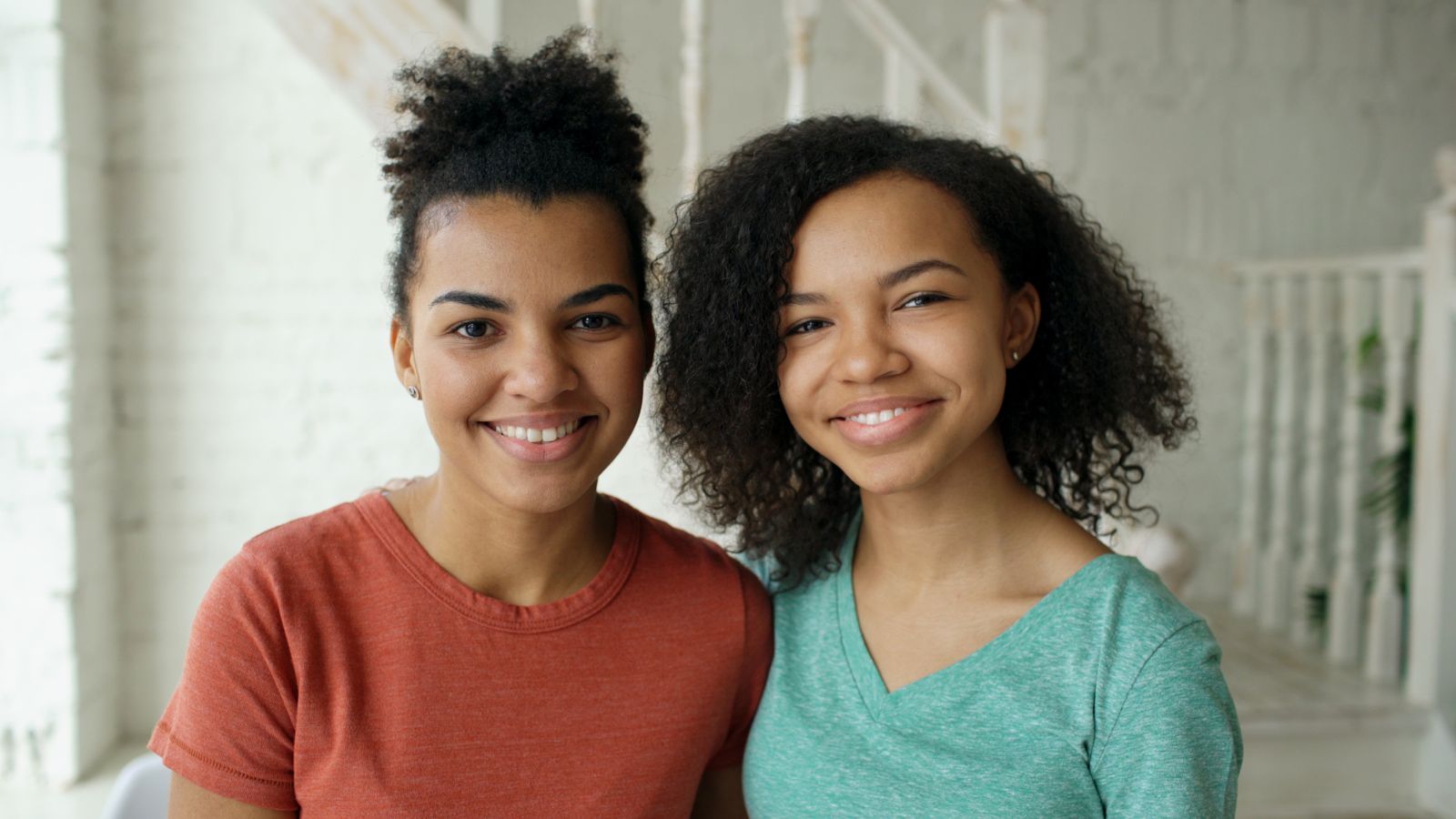
Make a bold, saturated pop art portrait from a clear photo.
Free preview No account needed Order when you love it
Make a bold, saturated pop art portrait from a clear photo. This guide shows how to preview the style and choose a printed format.
By PhotoCardMagic Editorial Team · Last updated
At a glance
- Preview
- Free to try
- Steps
- 5 steps
- You'll need
- 3 items
- Skill level
- Beginner-friendly
- Cost to try
- Free · no signup
Before you start
- ✓ A clear photo with a recognizable face
- ✓ An email address
- ✓ A bold aesthetic appetite
Expected outcome: A vibrant pop art portrait suitable for posters, canvases, and greeting cards.
Steps
-
1
Upload the source photo
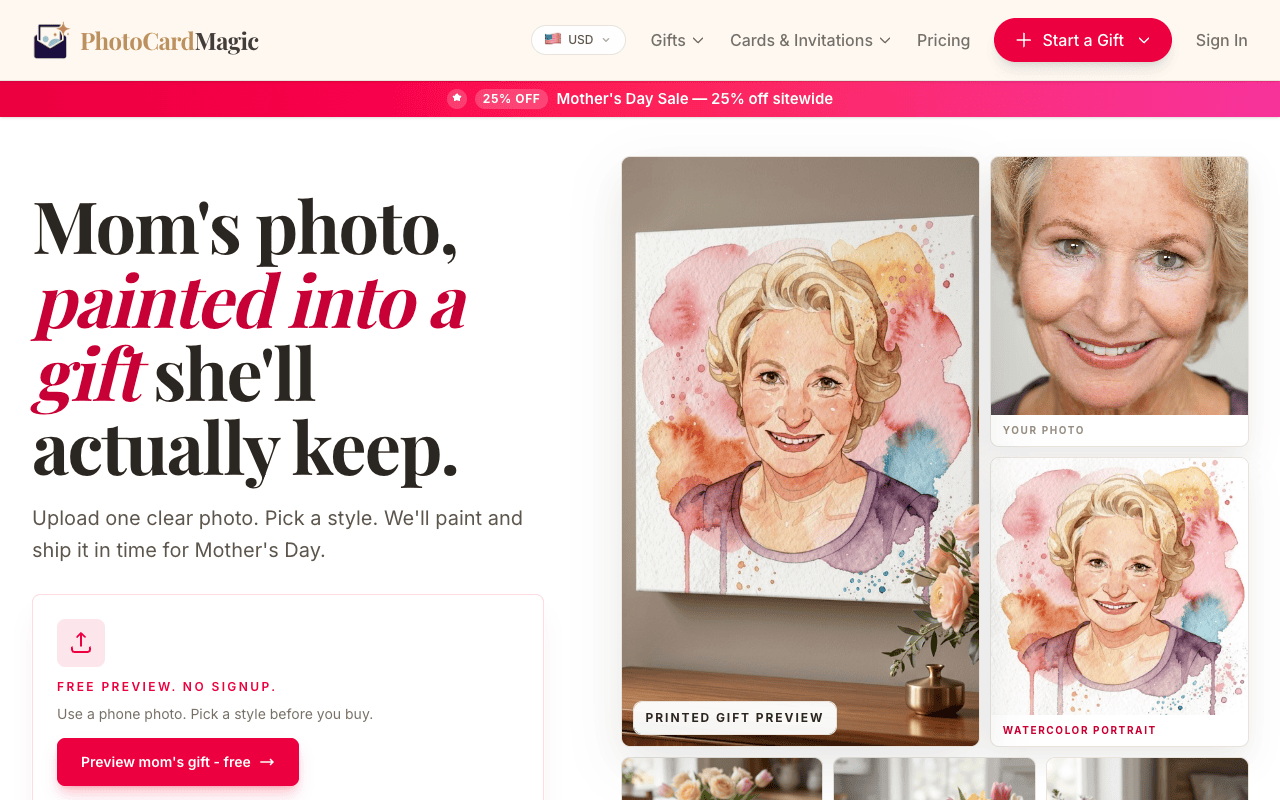
Pop art flattens tonal detail into four or five bold color zones, so almost any photo works — even older phone snapshots. Drop your file into the PhotoCardMagic upload panel and wait for it to process.
-
2
Tap Pop Art
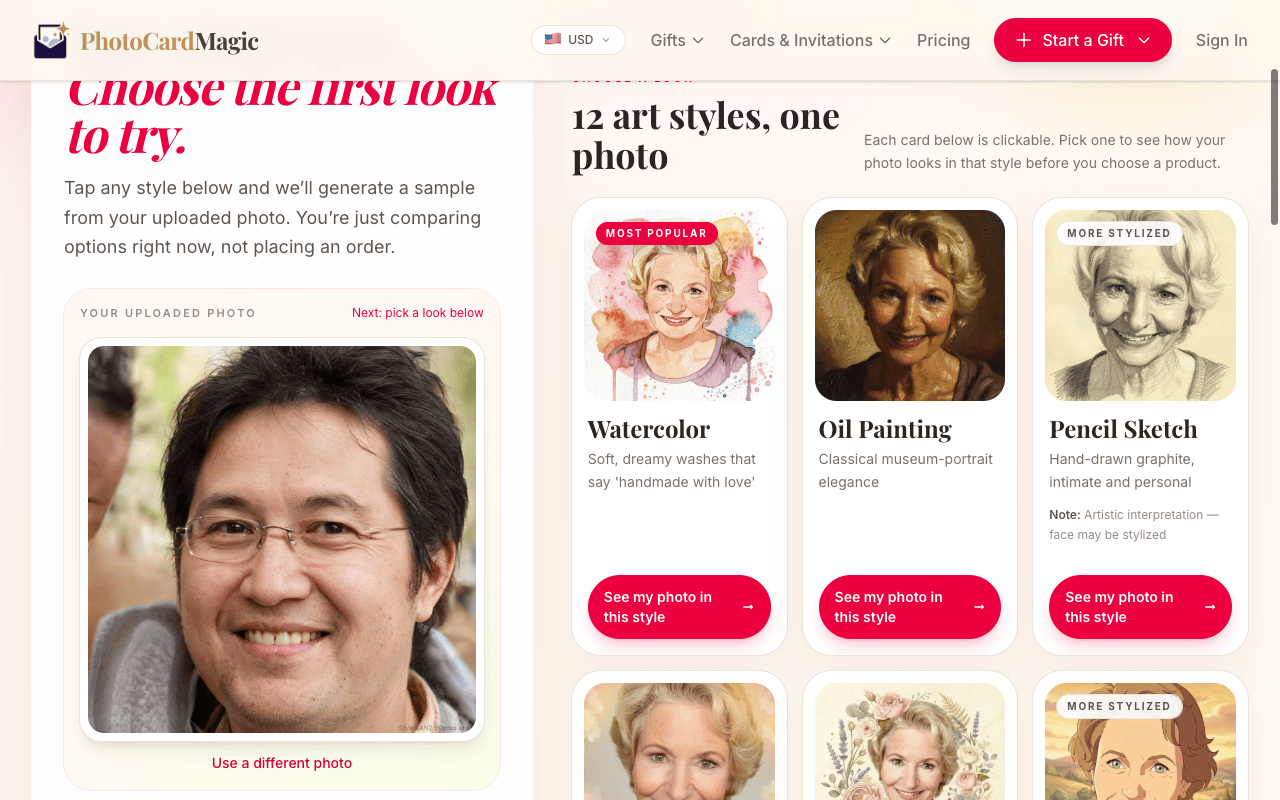
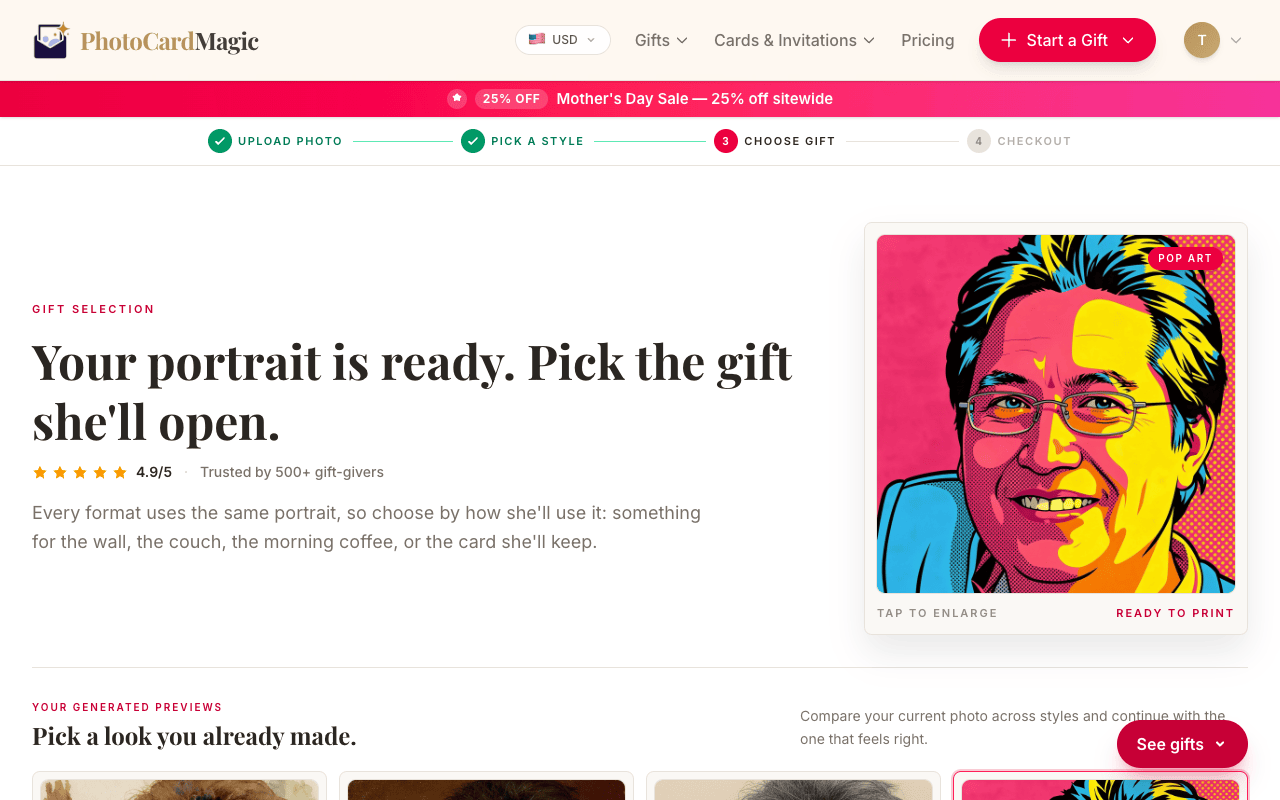
In the style grid, select Pop Art. The preview describes the medium: hot pink, electric blue, sunshine yellow, and bright orange in high-contrast flat color fields with halftone dots and black outlines.
-
3
Generate your preview
Press Generate preview. The style uses bold color blocks, halftone patterns, and a contrasting background. Inspect the likeness before choosing a print.
-
4
Choose a poster-friendly product
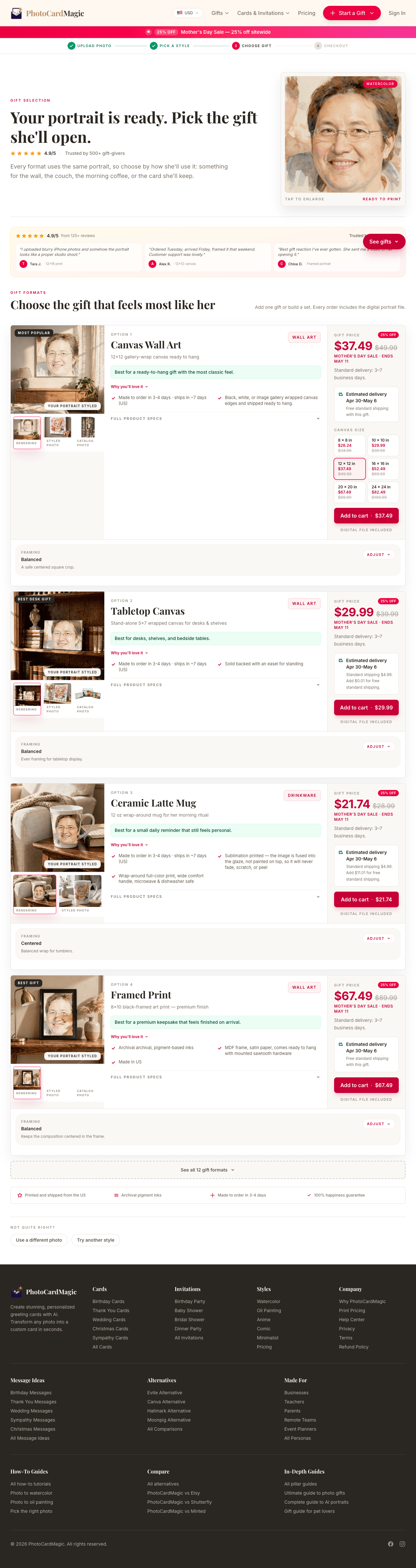
Pop art looks best big and bold. Pick a canvas, framed print, or acrylic print — all sized to show off the saturated palette. Greeting cards work too if you're giving it as a gift.
-
5
Order and ship
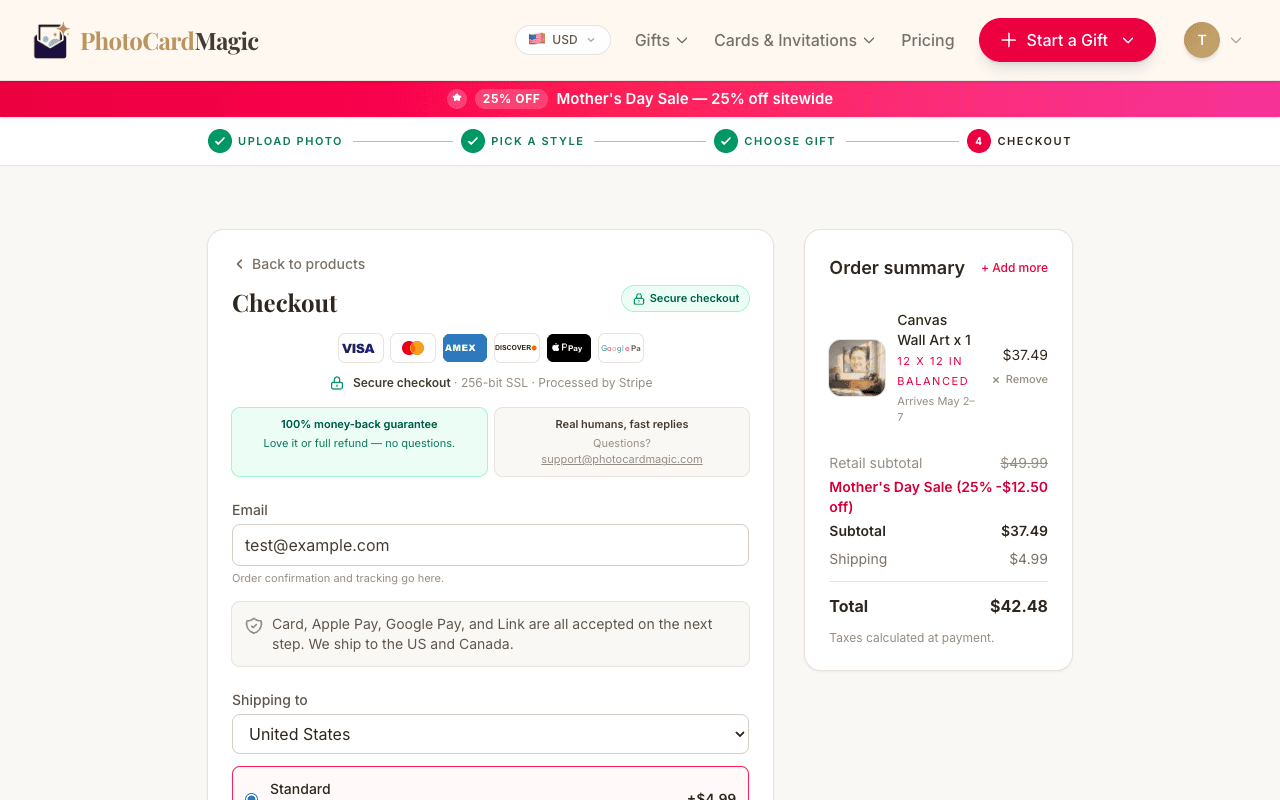
Choose a printed format and review the current delivery estimate at checkout. Orders are printed in the US.
⚠ Common mistakes
- • Expecting photographic realism — pop art is flat by design
- • Choosing a muted subdued photo expecting muted results
- • Printing too small for the impact the style deserves
- • Skipping the free preview to see the halftone density
Frequently asked questions
Will it look like a Warhol print?
Can I print pop art on a mug?
Does it work on pets?
Explore the styles
Start your portrait
Preview free, then choose a print. See delivery options at checkout.
Preview a style freeLast updated: 2026-09-22