How to Pick a Photo for Your Portrait
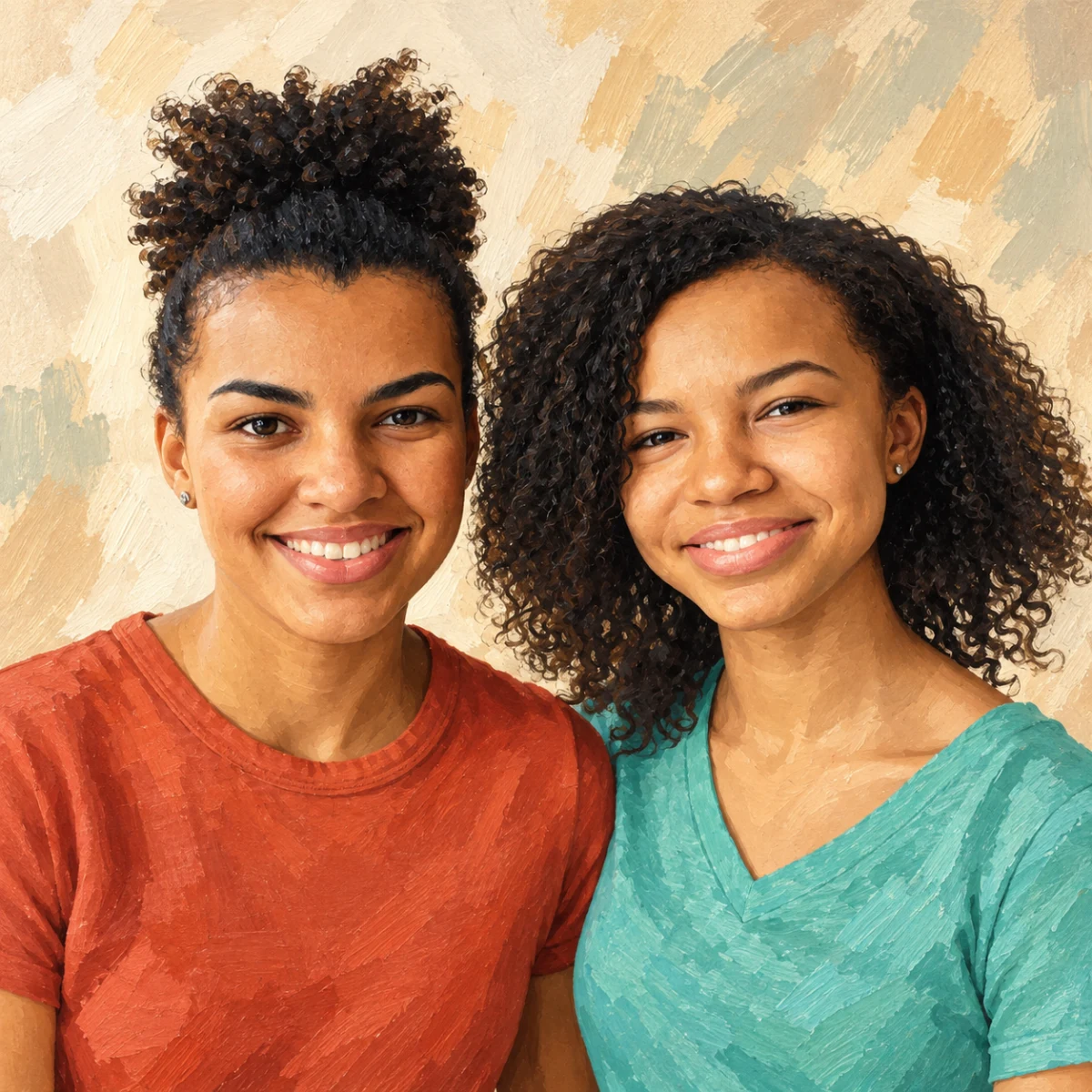
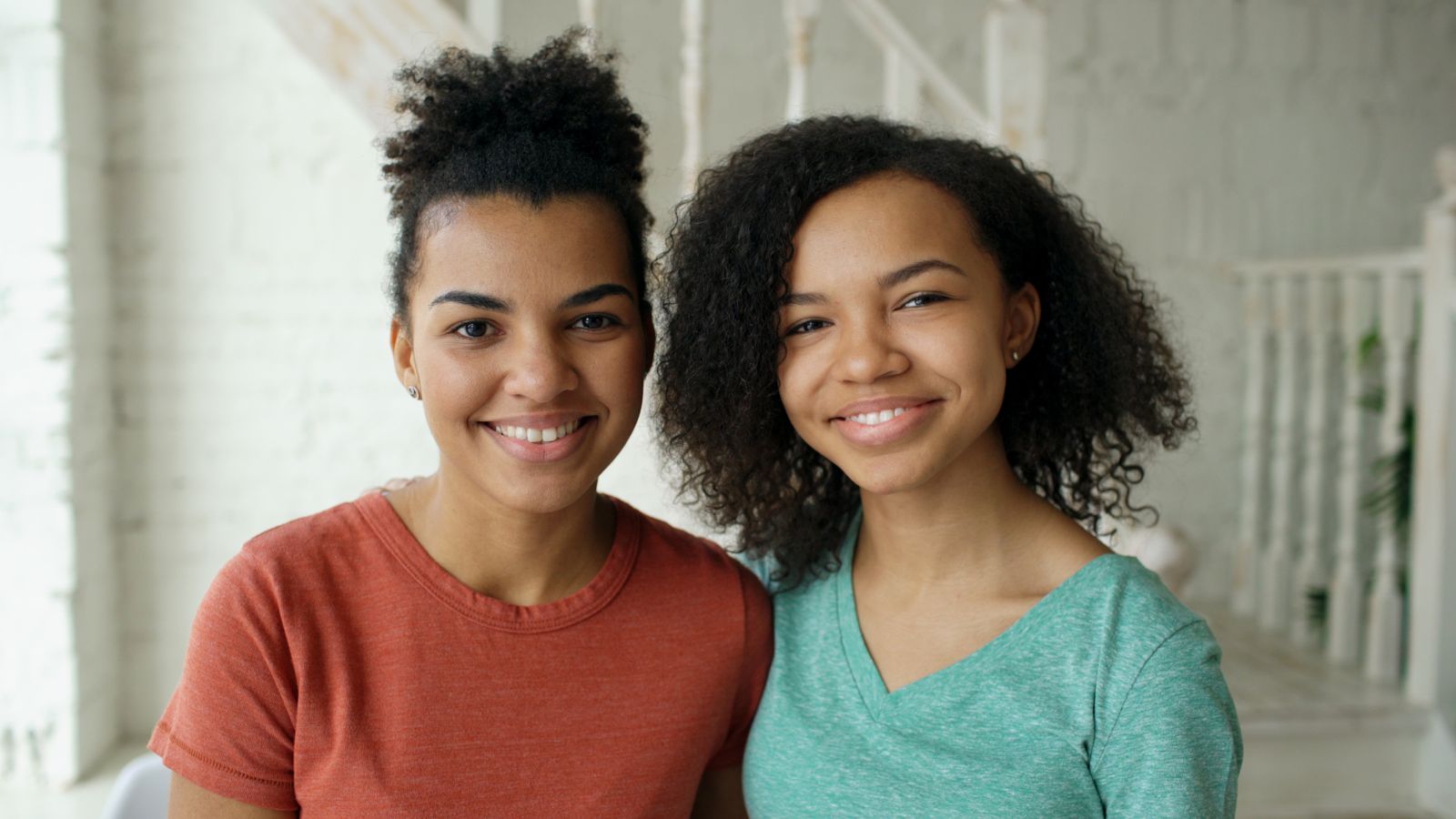
Great portraits start with great source photos.
Free preview No account needed Order when you love it
Great portraits start with great source photos. This guide explains the six qualities we look for in a PhotoCardMagic upload and how to improve a photo that's almost good enough.
By PhotoCardMagic Editorial Team · Last updated
At a glance
- Preview
- Free to try
- Steps
- 5 steps
- You'll need
- 2 items
- Skill level
- Beginner-friendly
- Cost to try
- Free · no signup
Before you start
- ✓ At least one candidate photo
- ✓ Access to a phone or camera to reshoot if needed
Expected outcome: A photo that will deliver a crisp, recognizable custom portrait on the first try.
Steps
-
1
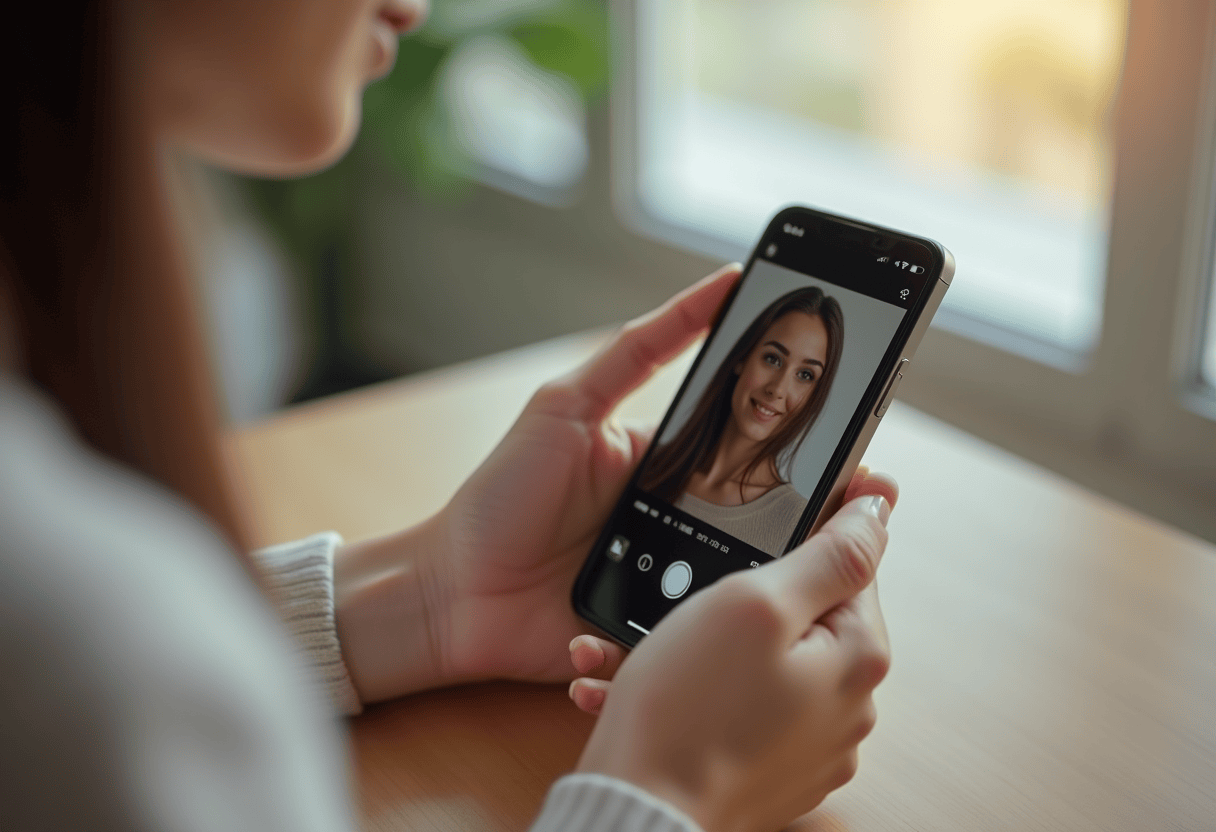
Prioritize face sharpness
The face is the most important part of the frame. It should be in focus, with clear eyes and a visible mouth. If the face is motion-blurred or soft, that softness carries into the finished portrait. Swap to a sharper photo if possible.
-
2
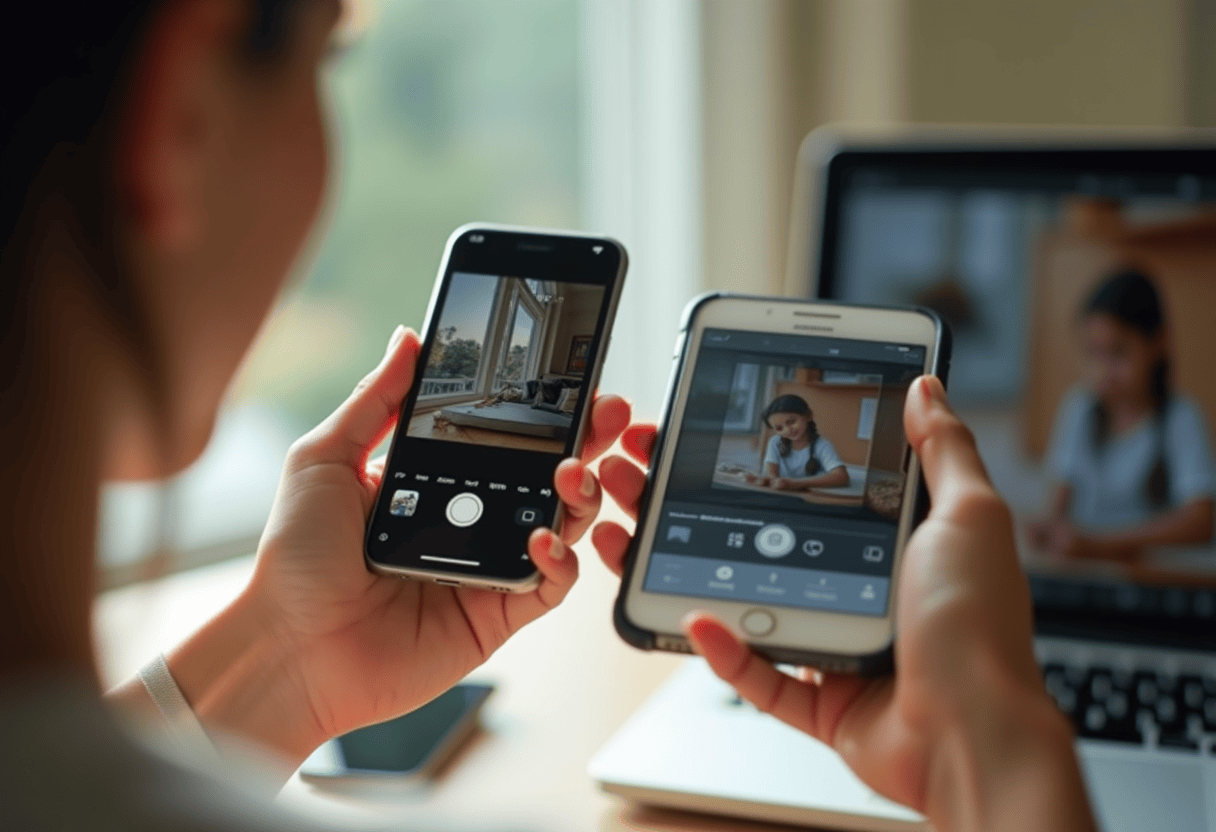
Check the lighting
Even, natural light is best. Golden hour outdoor photos and window-lit indoor photos both work. Avoid harsh flash with deep shadows under the eyes, and avoid backlit silhouettes where the face is in shadow.
-
3
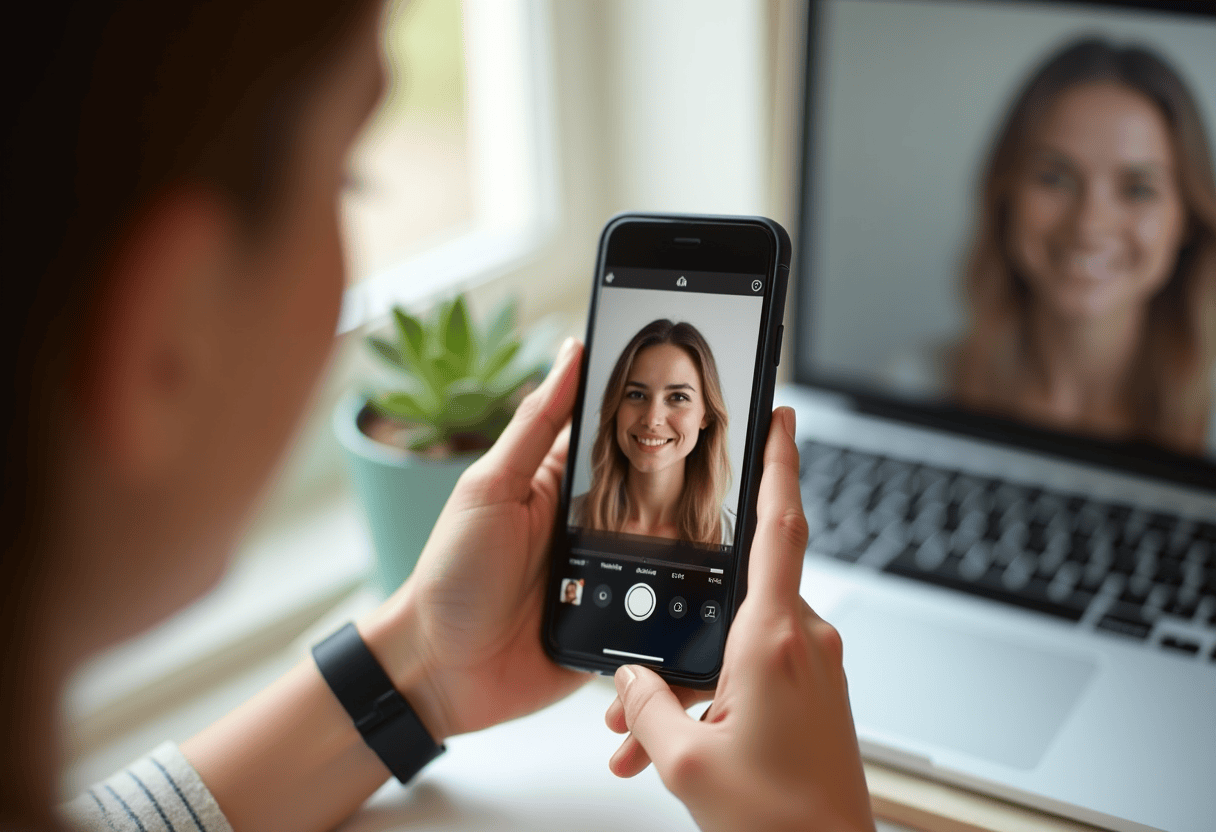
Frame the face
The face should occupy roughly 30 to 50 percent of the frame. Too tight and there's no room for styling. Too wide and the face loses detail. Three-quarter body shots and head-and-shoulders portraits both work well.
-
4
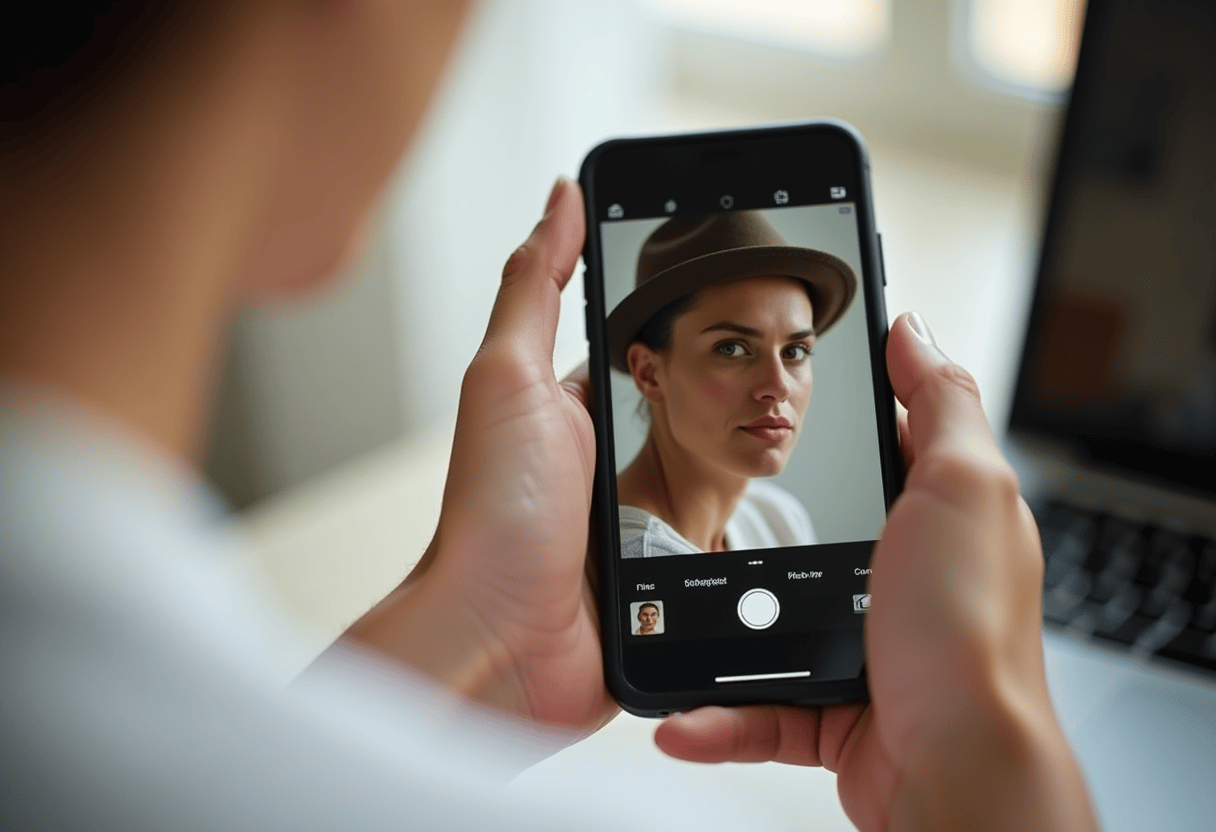
Remove heavy accessories
Sunglasses, face paint, and masks hide the features needed to build the portrait. If possible, pick a photo without them. Glasses are fine — they come through cleanly.
-
5
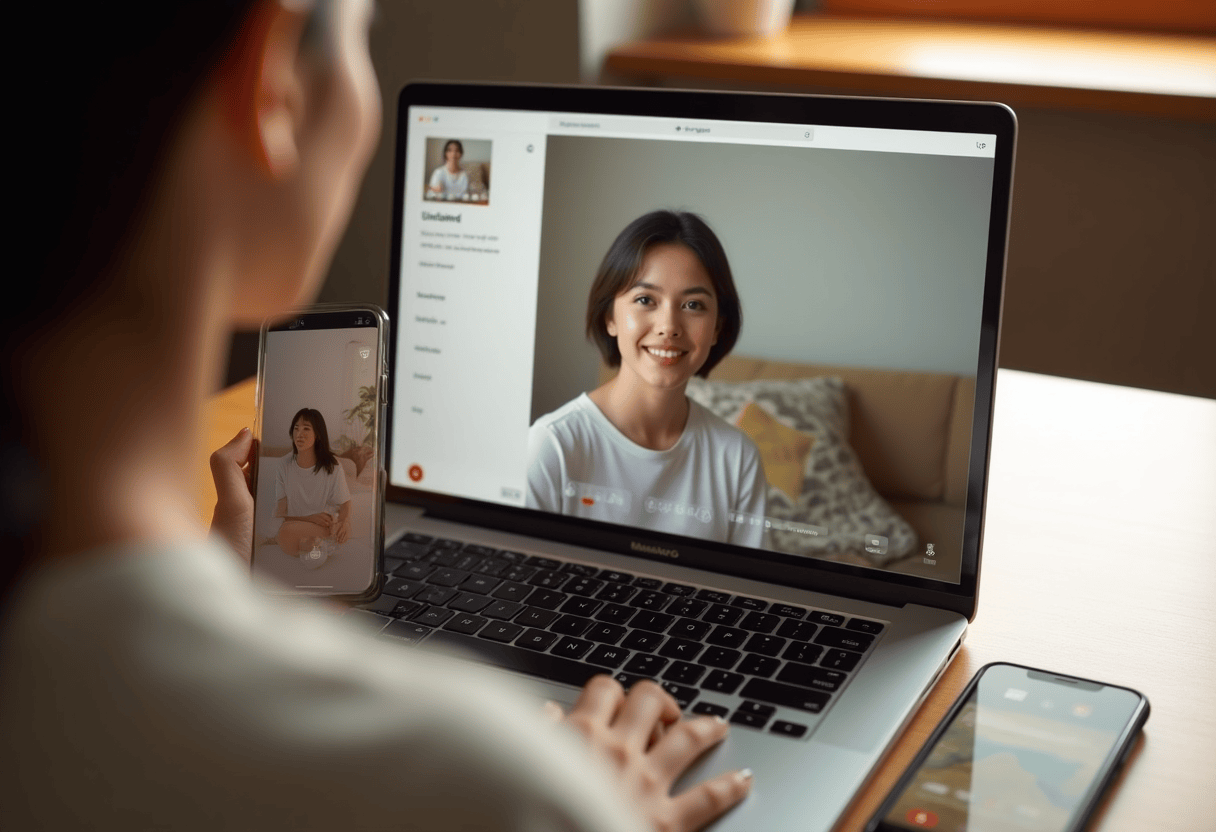
Upload and preview
Drop the photo into PhotoCardMagic and generate a free preview. If the result is soft, regenerate with a different photo from your camera roll — it costs nothing to try a second source.
⚠ Common mistakes
- • Uploading a heavily filtered Instagram photo
- • Using a photo where the face is in deep shadow
- • Cropping so tight the face fills the frame
- • Sending a photo with heavy sunglasses
Frequently asked questions
Do I need a professional photo?
What resolution should the photo be?
Can I use an old photo?
Explore the styles
Start your portrait
Preview free, then choose a print. See delivery options at checkout.
Preview a style freeLast updated: 2026-09-22