How to Turn a Photo Into an Oil Painting Portrait
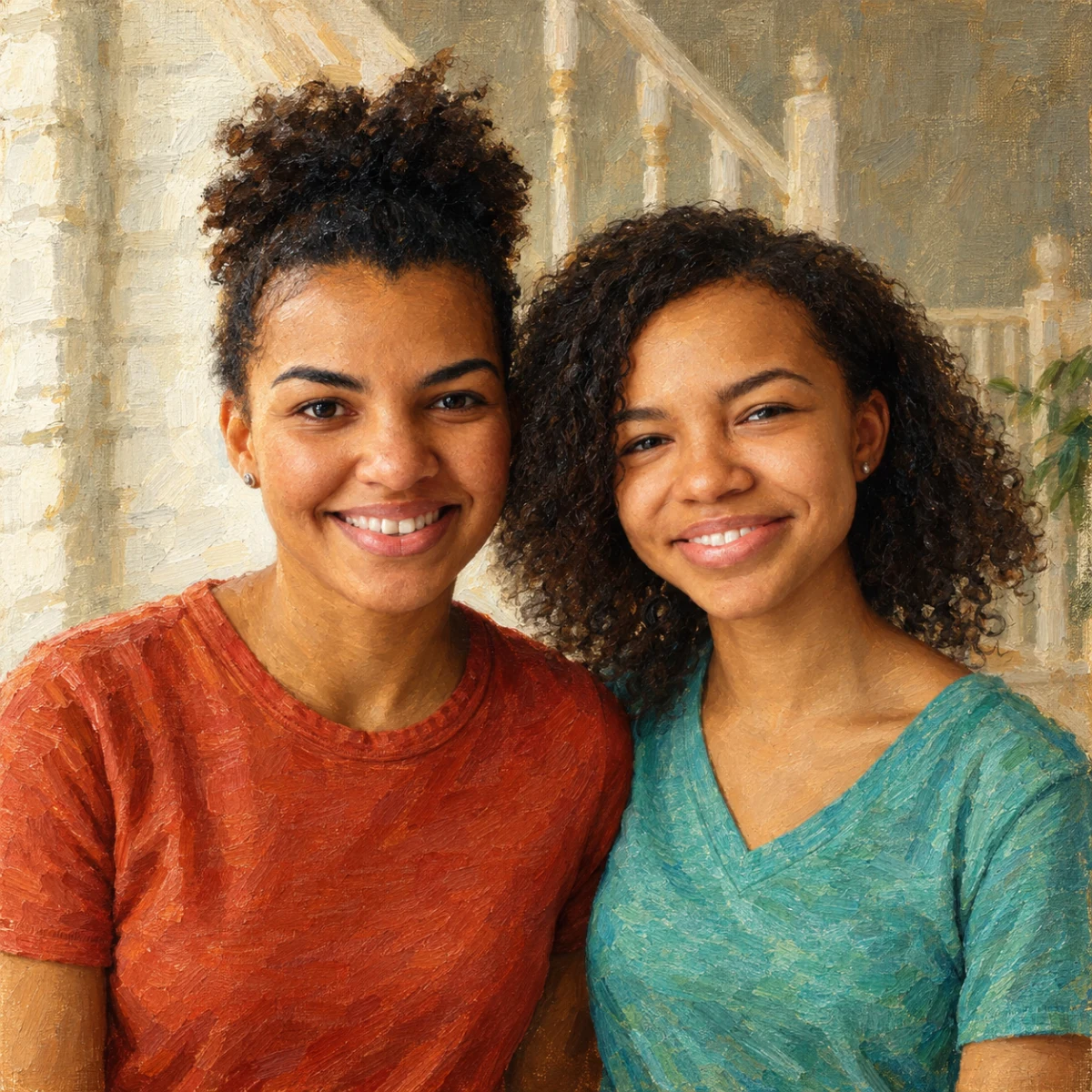
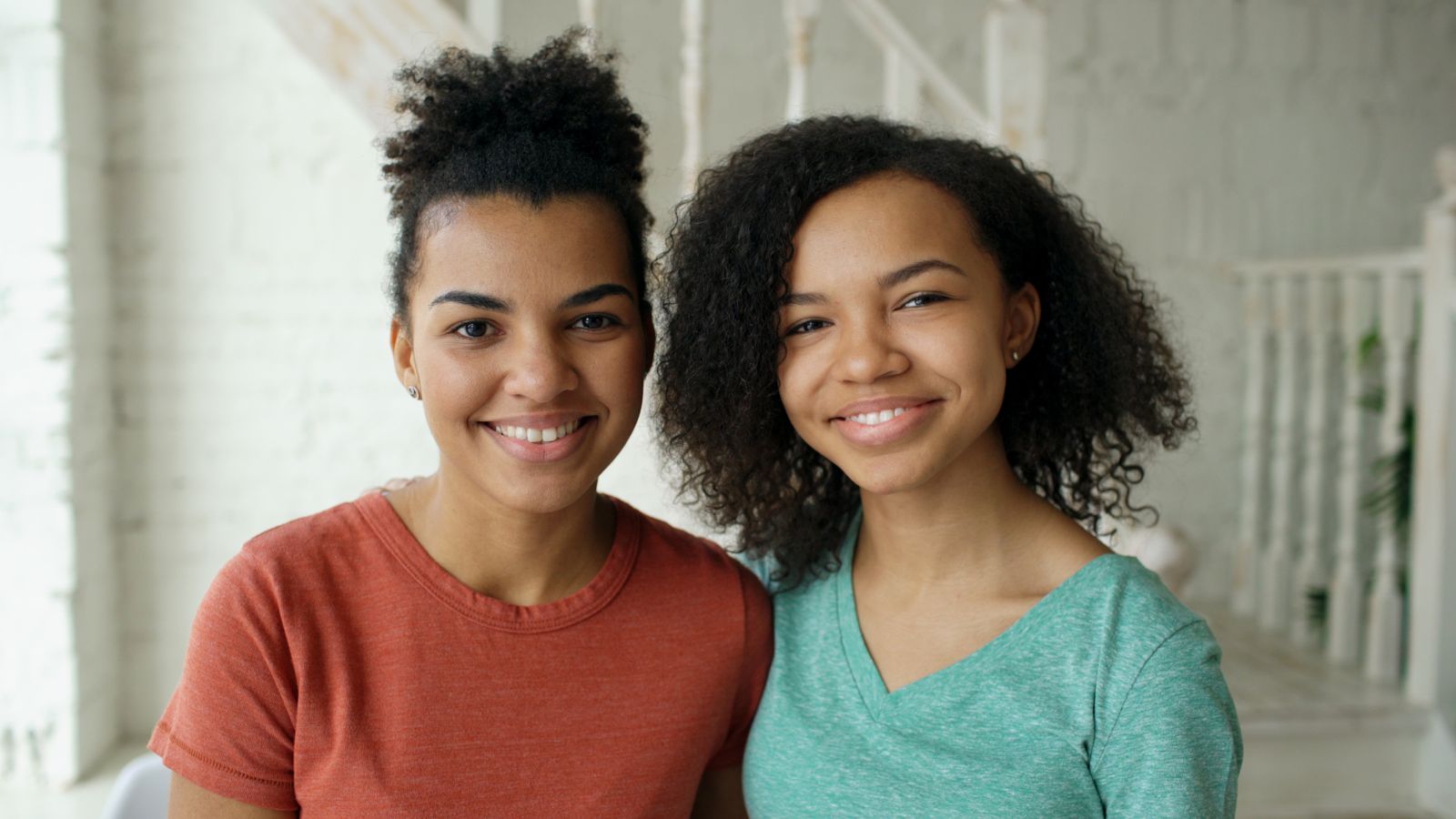
Transform a family photo into an oil painting-style portrait.
Free preview No account needed Order when you love it
Transform a family photo into an oil painting-style portrait. This guide walks you from a clear phone photo to a preview you can print on wall art.
By PhotoCardMagic Editorial Team · Last updated
At a glance
- Preview
- Free to try
- Steps
- 5 steps
- You'll need
- 3 items
- Skill level
- Beginner-friendly
- Cost to try
- Free · no signup
Before you start
- ✓ A clear front-facing photo
- ✓ An email address
- ✓ A wall you want to hang art on (eventually)
Expected outcome: A museum-style oil painting portrait ready to print on canvas or as a framed print.
Steps
-
1
Upload a high-quality photo
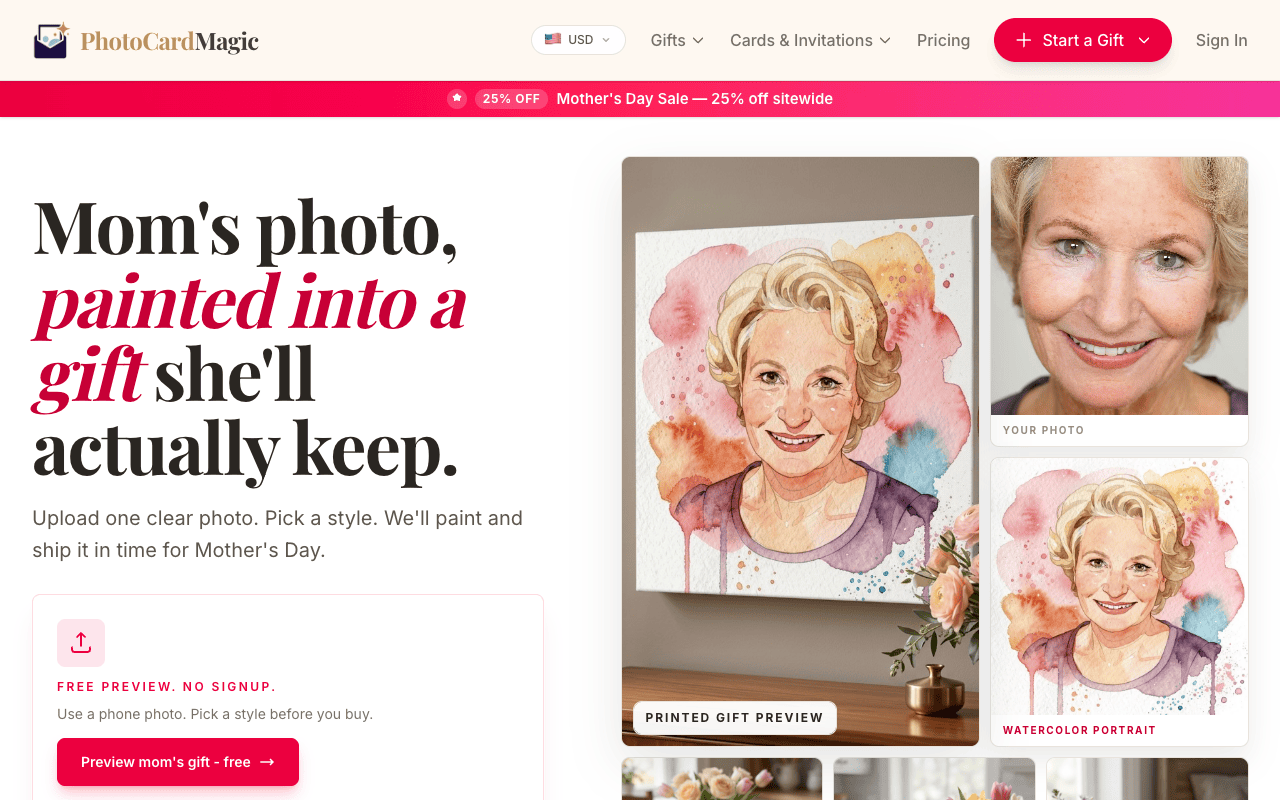
Oil painting rewards good source material. Choose a well-lit photo where the subject's face is clearly visible and the eyes are sharp. Avoid heavy bokeh backgrounds — the background gets restyled anyway. Drop the file into the PhotoCardMagic upload panel, which accepts JPEG, PNG, and HEIC up to 20MB.
-
2
Select Oil Painting
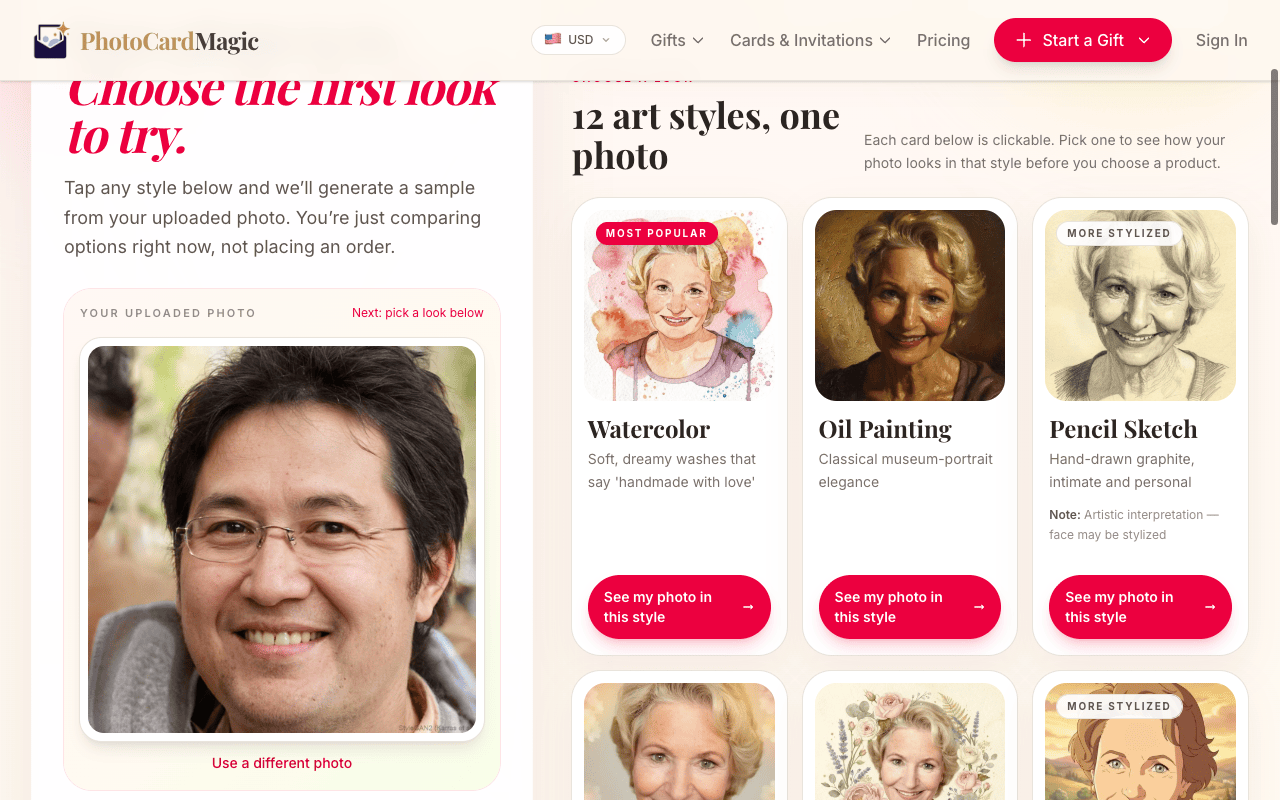
Tap the Oil Painting tile. The preview card describes the medium: impasto brushwork on stretched linen canvas, warm old-master tones, and Rembrandt-style lighting. If you want a slightly softer variant, Watercolor sits right next to it in the grid.
-
3
Generate and review the preview
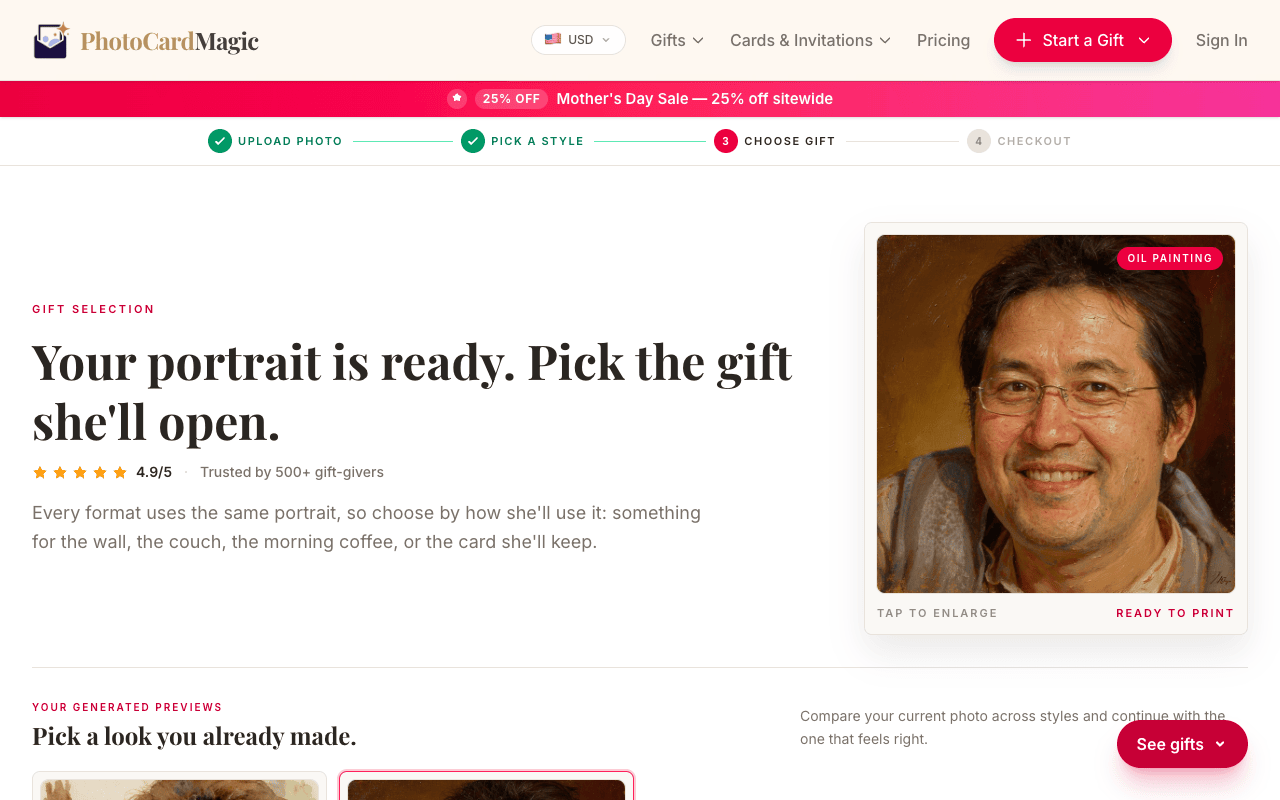
Press Generate preview. The first preview is free. The style renders thick brushstrokes in the highlights and thinner glazes in shadow, with a warm umber background gradient. Zoom in on the preview to check the face — oil painting preserves likeness really well because the brushwork sits on top of a correct portrait skeleton.
-
4
Choose canvas or framed print
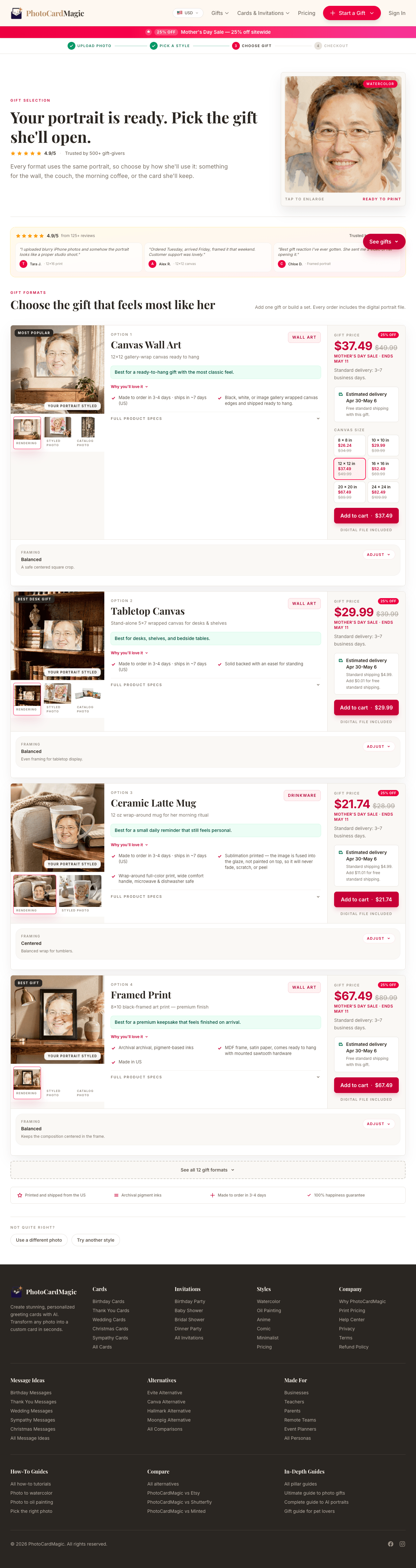
Oil painting looks best on canvas wall art or framed prints — the textured substrate mimics a real oil painting. Mugs and cards work too, but the canvas formats show off the impasto texture at full scale.
-
5
Place your order
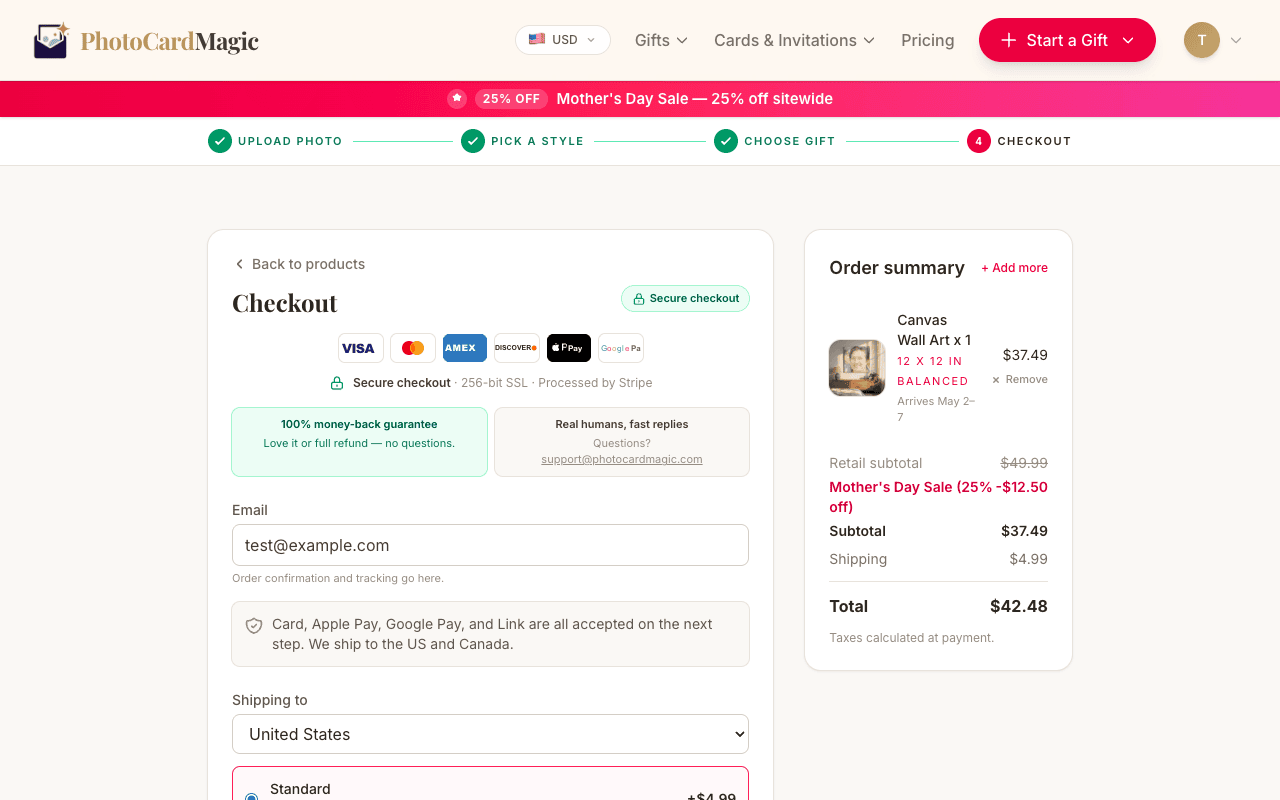
Choose canvas or a framed print, then review the current price and estimated arrival date before paying. Printed orders are fulfilled in the US.
⚠ Common mistakes
- • Choosing a low-resolution or grainy source photo
- • Picking a photo where the face is in deep shadow
- • Ordering a small print when the detail deserves a large canvas
- • Forgetting to double-check the preview before checking out
Frequently asked questions
Does the oil painting style work on pet photos?
How big can I print it?
Can I get the digital file?
Explore the styles
Start your portrait
Preview free, then choose a print. See delivery options at checkout.
Preview a style freeLast updated: 2026-09-22