How to Turn a Photo Into a Vintage Portrait
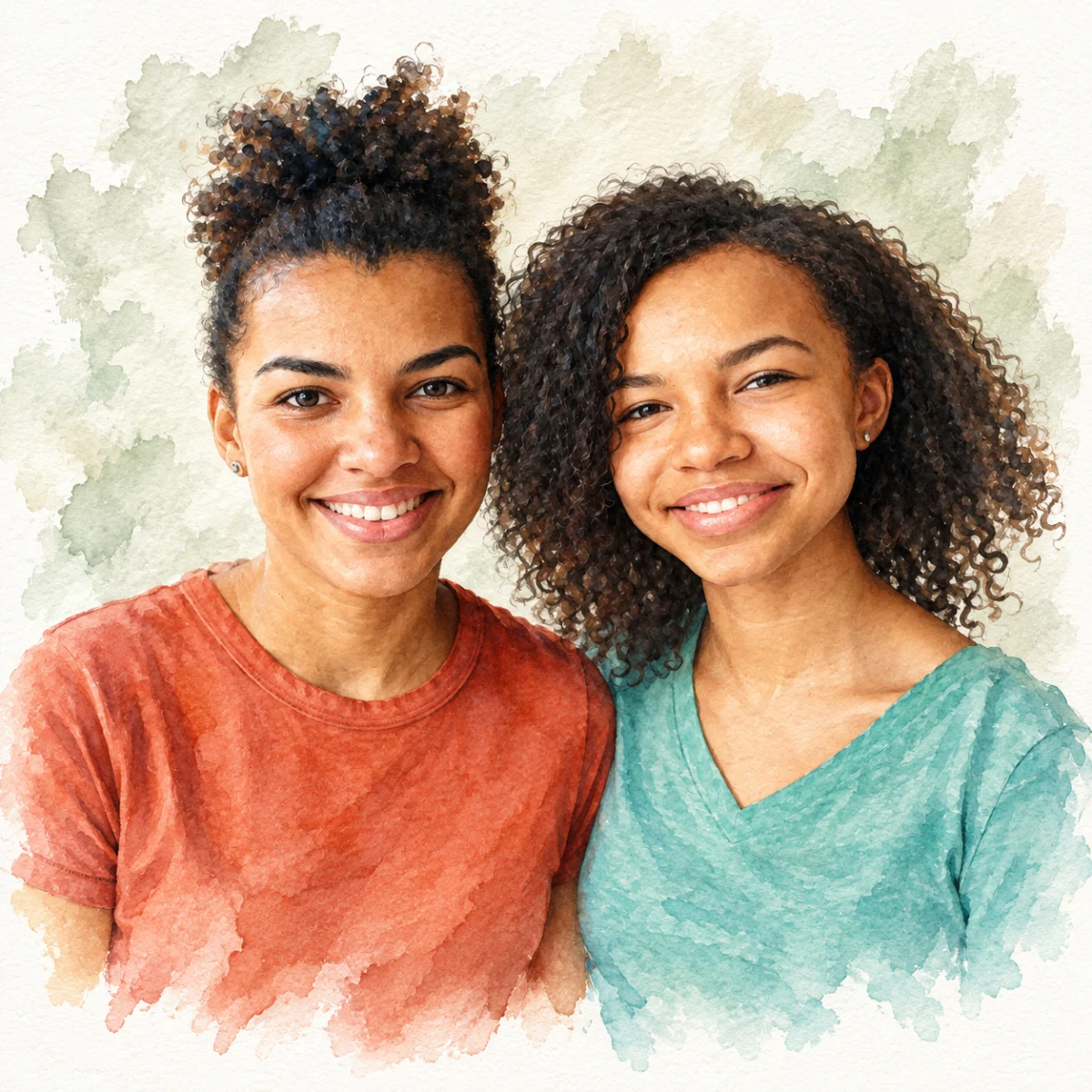
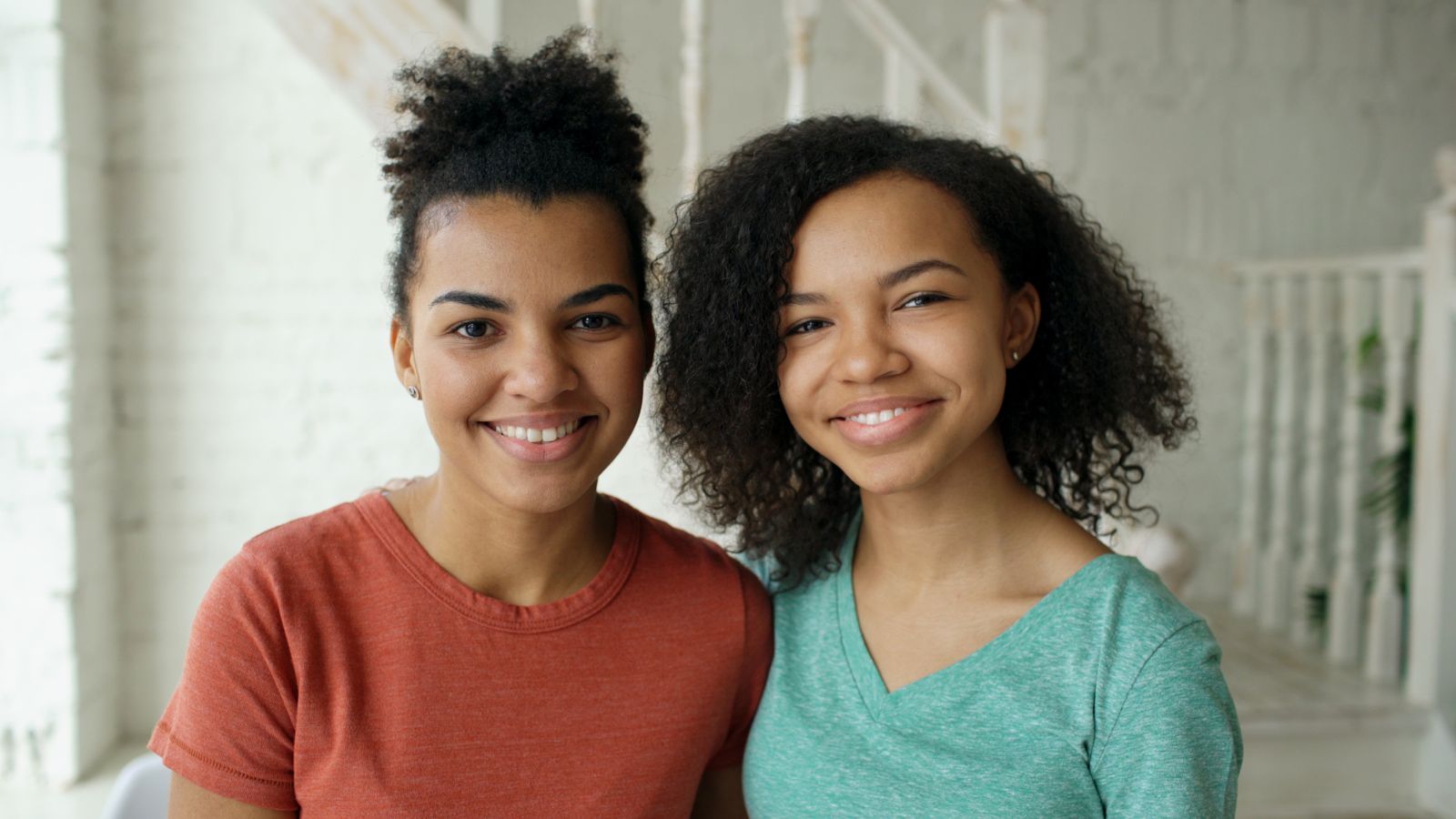
Give any photo a nostalgic vintage feel — from '90s yearbook glamour shots to 1940s film noir.
Free preview No account needed Order when you love it
Give any photo a nostalgic vintage feel — from '90s yearbook glamour shots to 1940s film noir. This guide covers PhotoCardMagic's vintage-leaning styles and how to pick the right one for your mood.
By PhotoCardMagic Editorial Team · Last updated
At a glance
- Preview
- Free to try
- Steps
- 5 steps
- You'll need
- 3 items
- Skill level
- Beginner-friendly
- Cost to try
- Free · no signup
Before you start
- ✓ A photo with a clear subject
- ✓ An email address
- ✓ A mood in mind: nostalgic, moody, or romantic
Expected outcome: A printable vintage portrait in your chosen era.
Steps
-
1
Pick your vintage mood
PhotoCardMagic has three vintage-leaning styles: '90s Yearbook for kitschy nostalgia, Film Noir for moody black-and-white drama, and Renaissance or Royal Portrait for classical grandeur. Decide which mood you want before you upload.
-
2
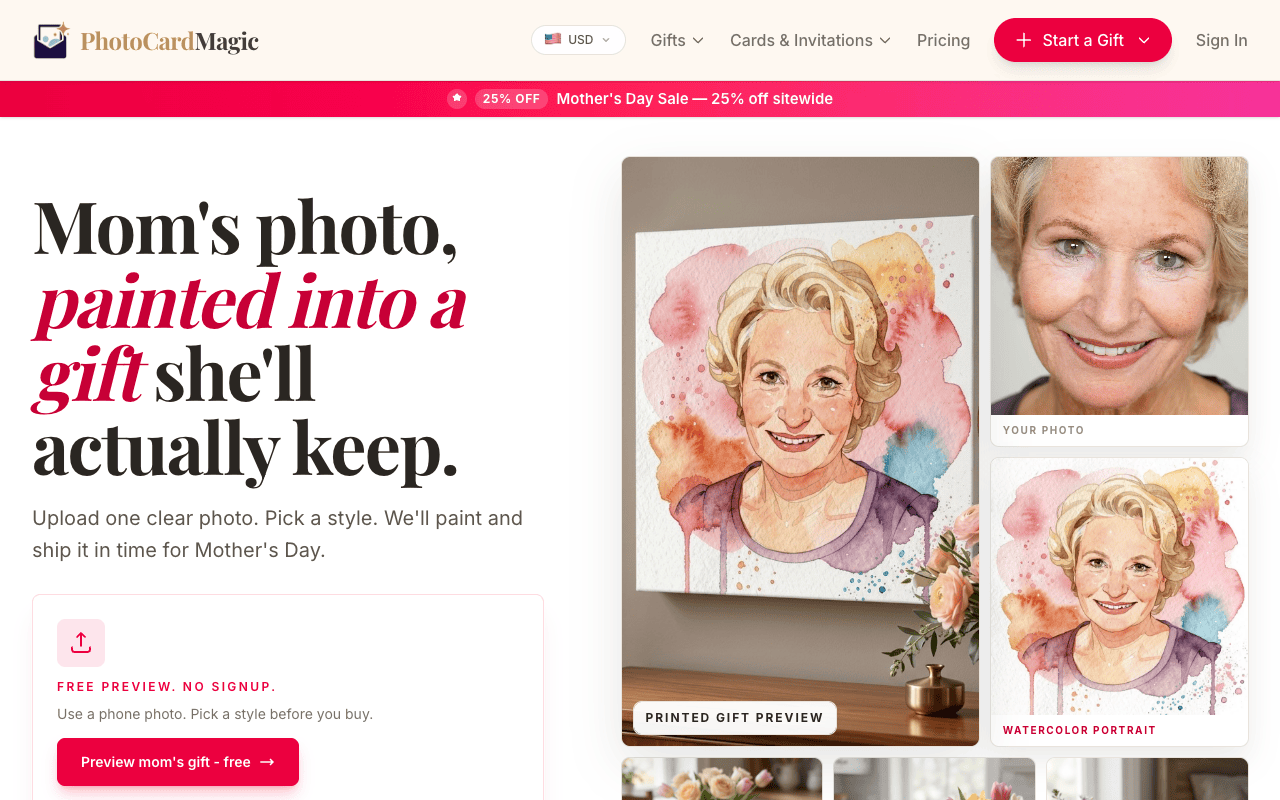
Upload the source photo
Drop the photo into the PhotoCardMagic upload panel. Vintage styles benefit from clear front-lit faces — the styling (hair, wardrobe, backdrop) is added for you, so the source doesn't need to match the era.
-
3
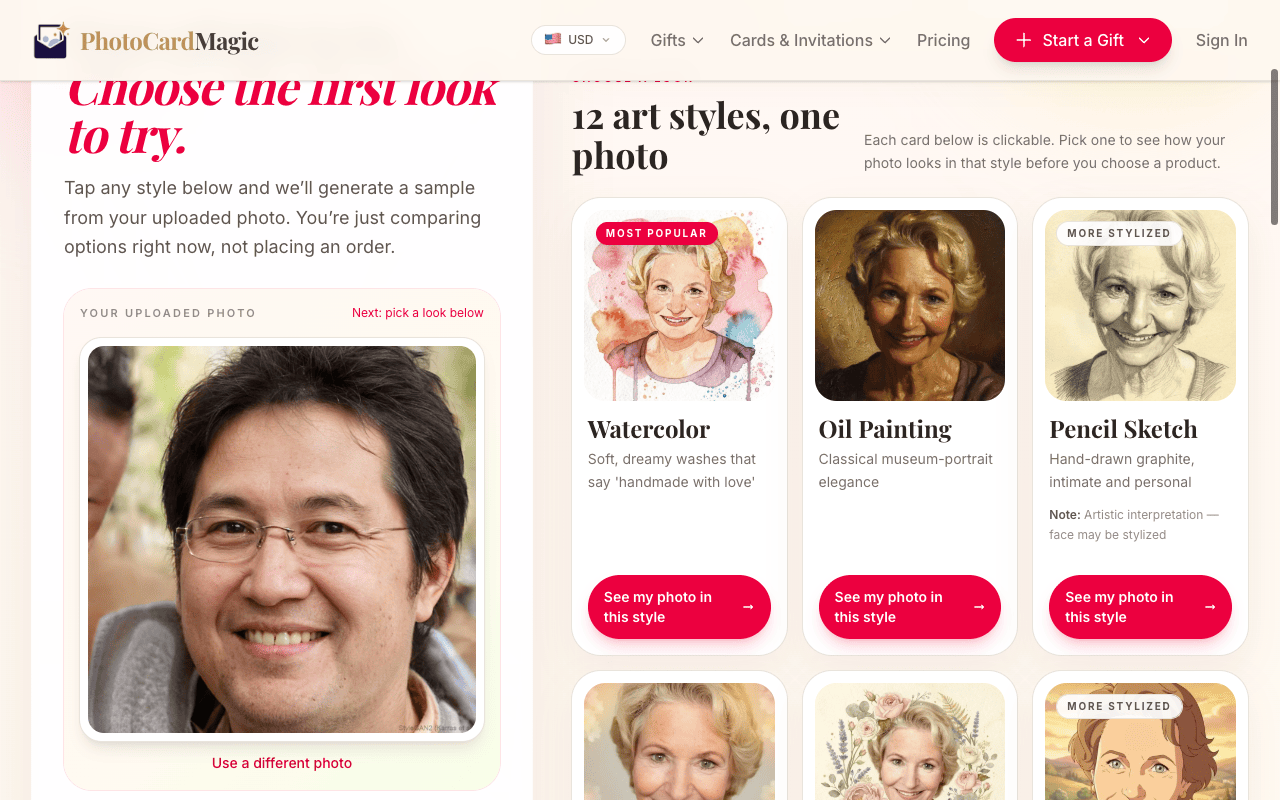
Select your vintage style
Pick the matching tile from the style grid. Each preview card explains the era: '90s Yearbook shows laser backgrounds and soft focus, Film Noir shows venetian blind shadows and sepia tints, and the Renaissance and Royal options describe old-master oil glazes.
-
4
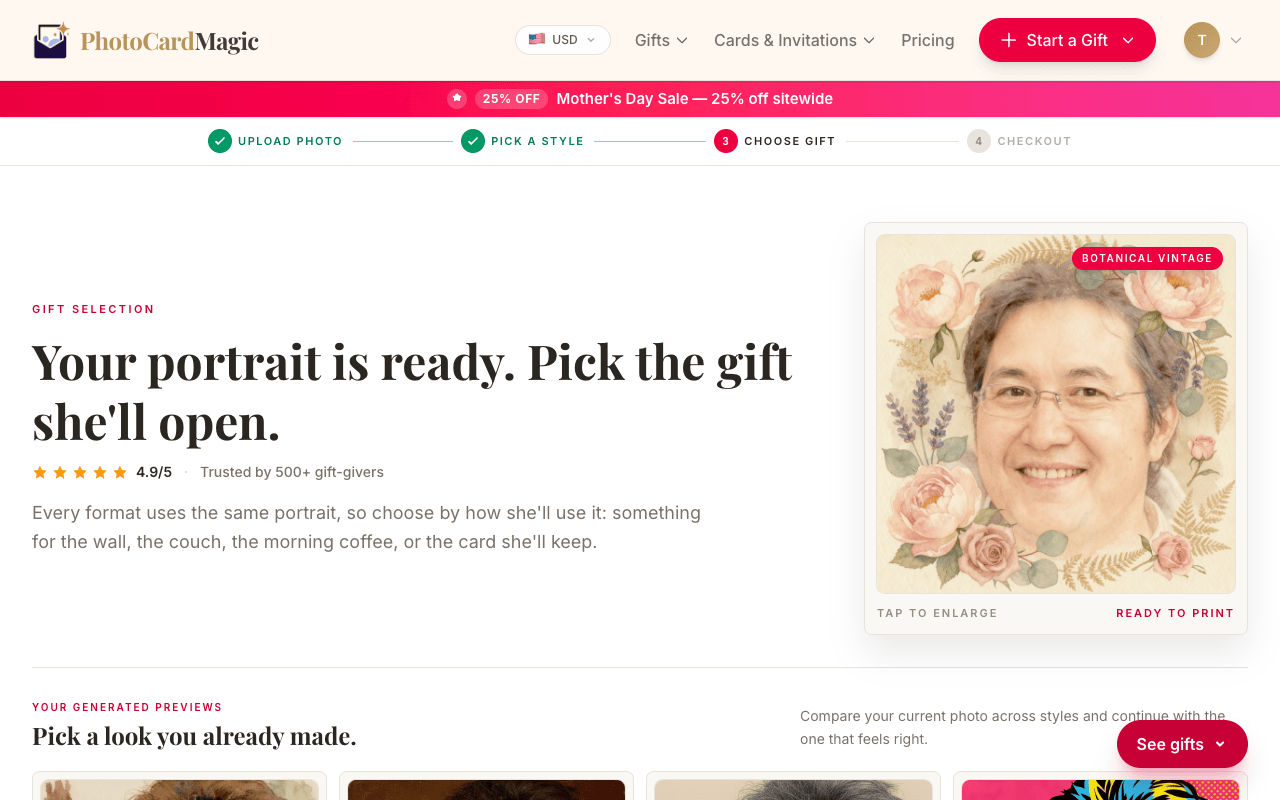
Generate the preview
Press Generate preview. When the vintage portrait is ready, inspect the mood and likeness. If the era doesn't feel right, try another style before buying a print.
-
5
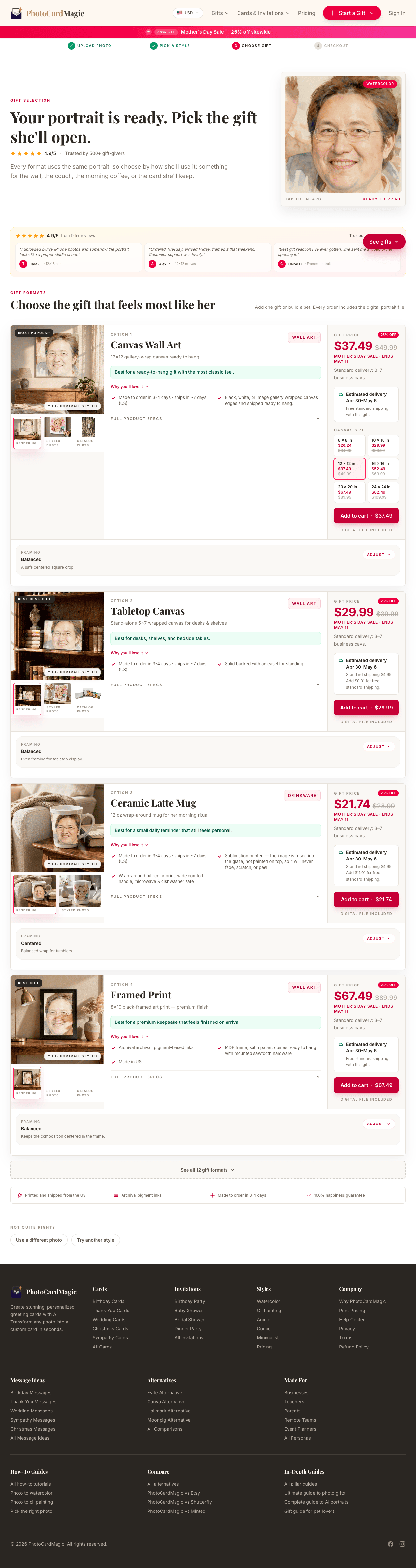
Choose product and ship
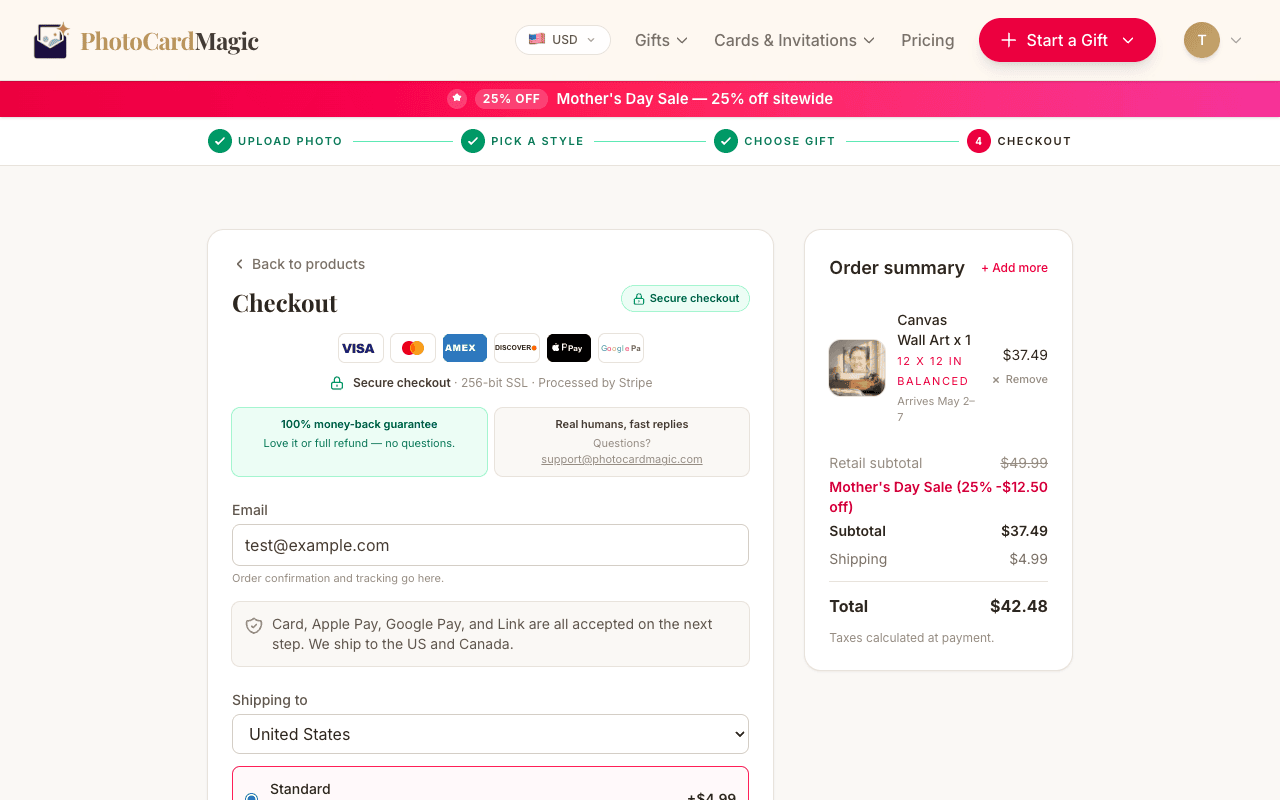
Vintage portraits can work well on framed prints or canvas. Pick a product and review the estimated arrival date at checkout.
⚠ Common mistakes
- • Picking a vintage style without deciding on a mood first
- • Expecting the source photo to already look vintage
- • Skipping the second free preview to try another era
- • Ordering a small print for a dramatic style like Film Noir
Frequently asked questions
Which vintage style should I try?
Can I print vintage styles in color?
Will the face still look like me?
Explore the styles
Start your portrait
Preview free, then choose a print. See delivery options at checkout.
Preview a style freeLast updated: 2026-09-22