How to Turn a Photo Into an Anime Portrait
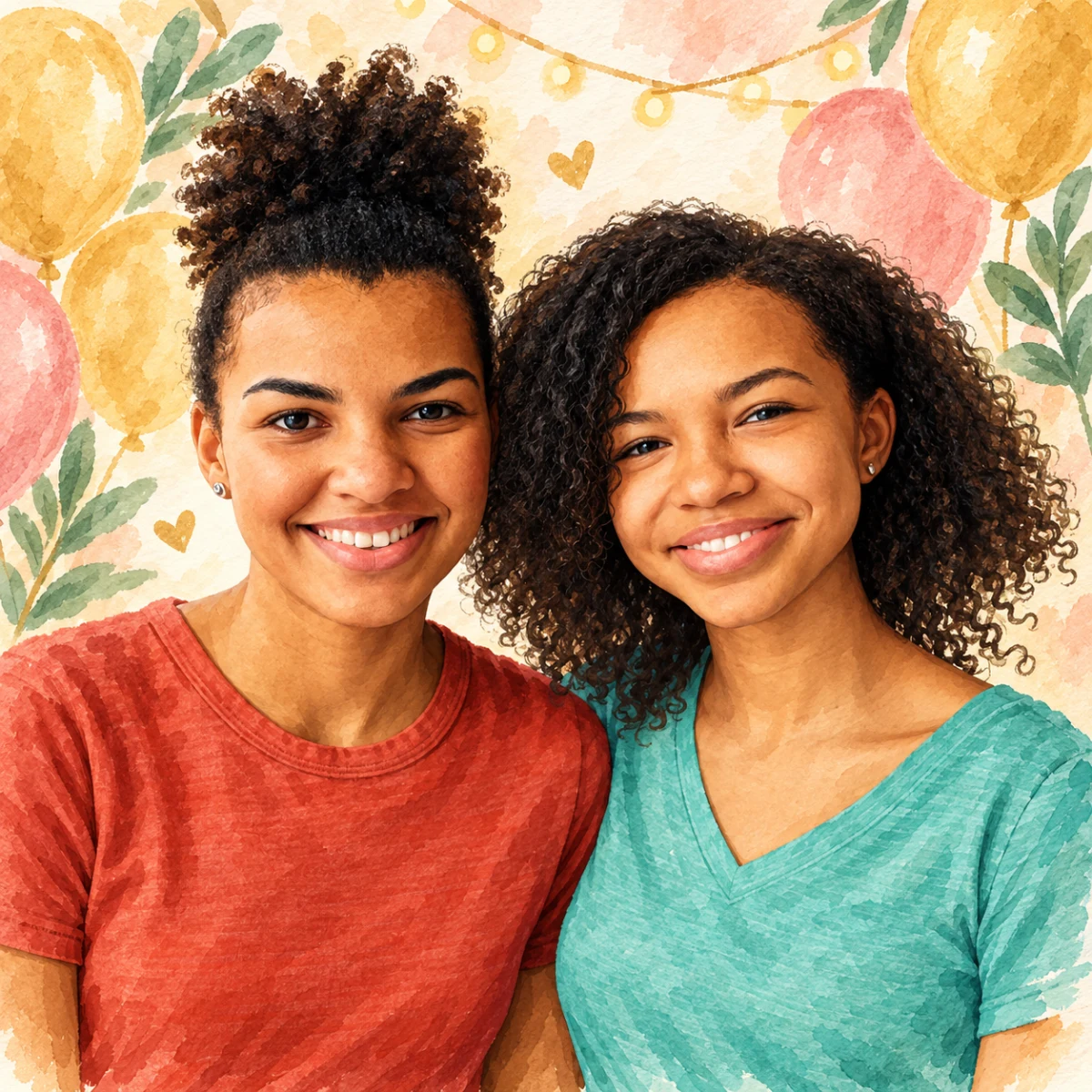
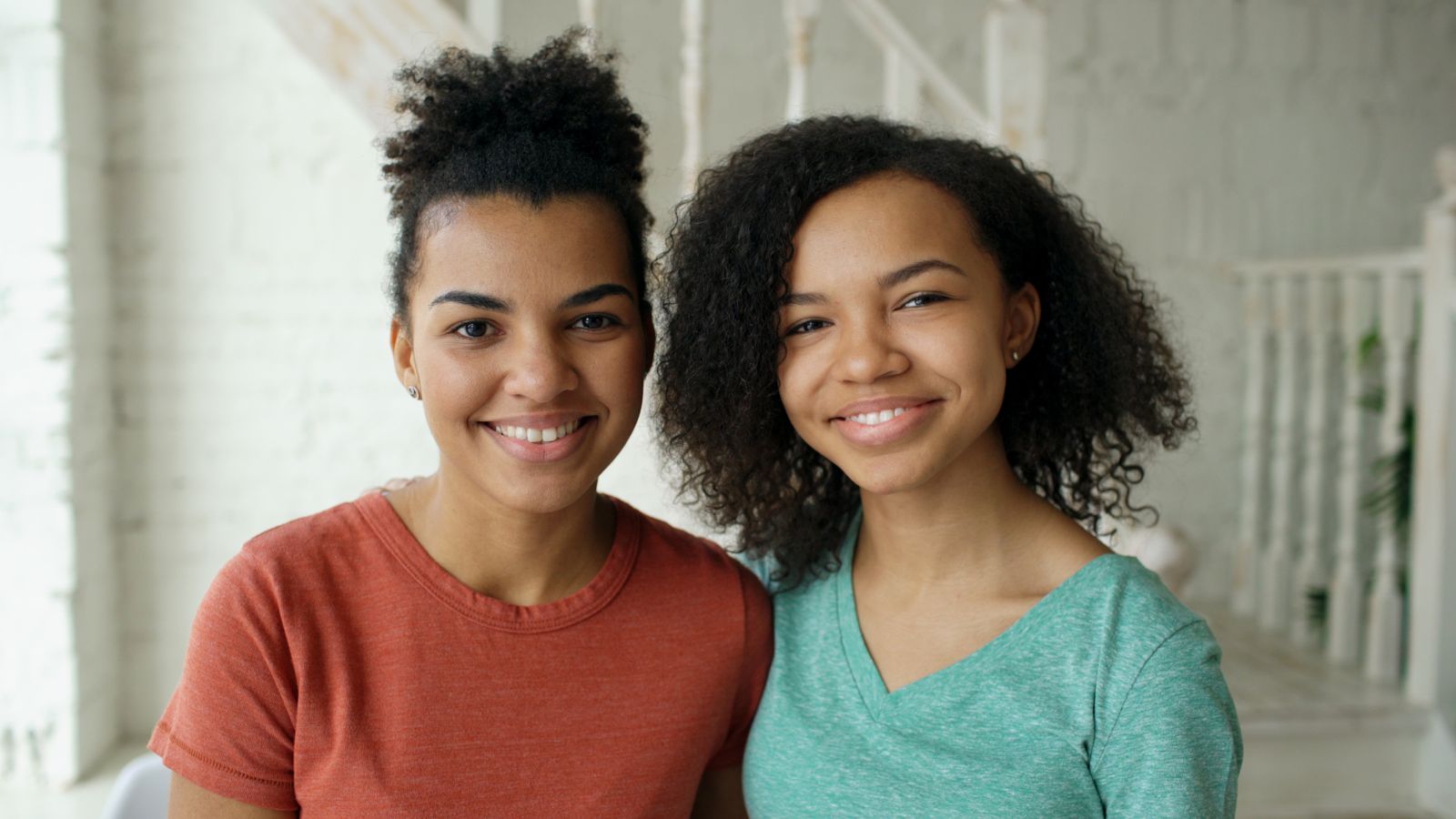
Turn a phone photo into a warm, Studio Ghibli-inspired anime portrait.
Free preview No account needed Order when you love it
Turn a phone photo into a warm, Studio Ghibli-inspired anime portrait. This guide walks you through the PhotoCardMagic funnel step by step and explains how our identity-preservation keeps the likeness recognizable even in anime style.
By PhotoCardMagic Editorial Team · Last updated
At a glance
- Preview
- Free to try
- Steps
- 5 steps
- You'll need
- 3 items
- Skill level
- Beginner-friendly
- Cost to try
- Free · no signup
Before you start
- ✓ A clear face photo
- ✓ An email address
- ✓ A love for Miyazaki films (optional but recommended)
Expected outcome: A warm, dreamy anime portrait ready to print on cards or canvas.
Steps
-
1
Pick a good face photo
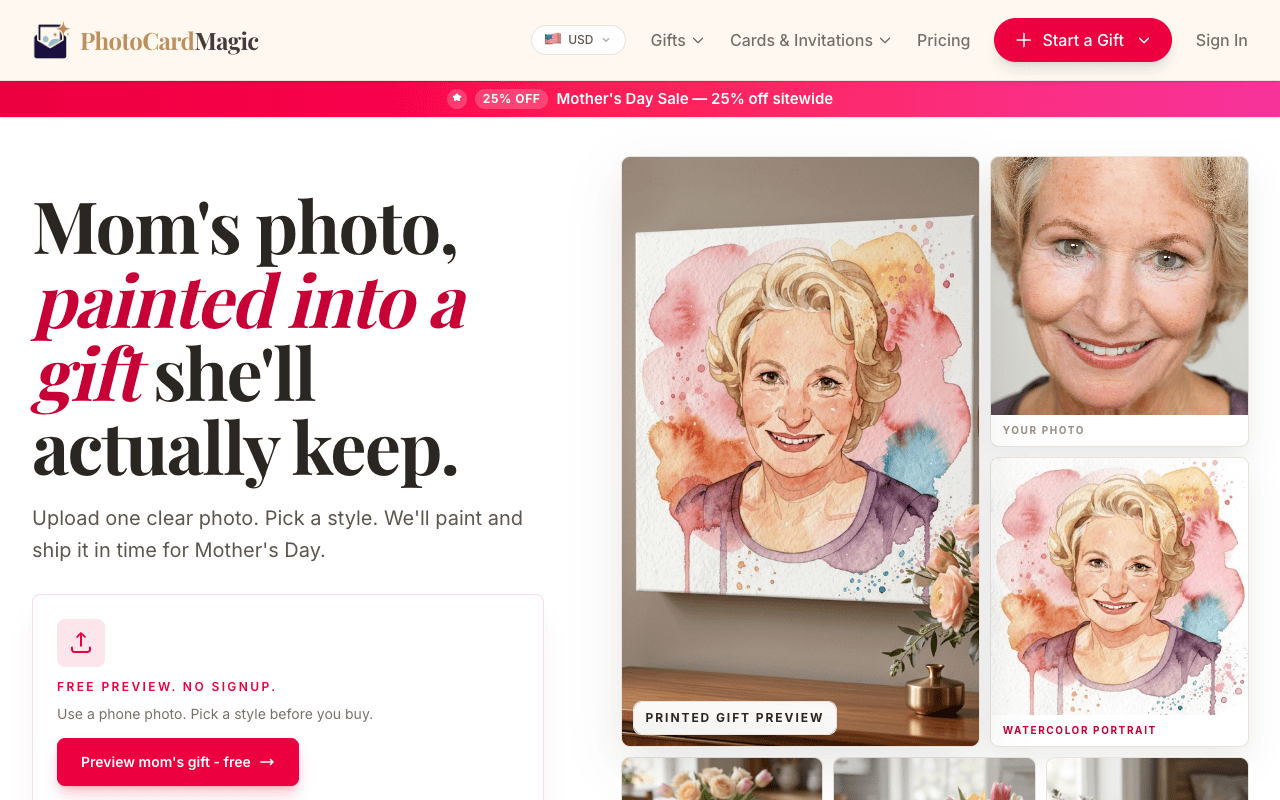
Anime style simplifies facial features, so the source photo needs to clearly show the face. A front or three-quarter angle with natural light works best. Upload the file to PhotoCardMagic in JPEG, PNG, or HEIC format.
-
2
Select Studio Ghibli
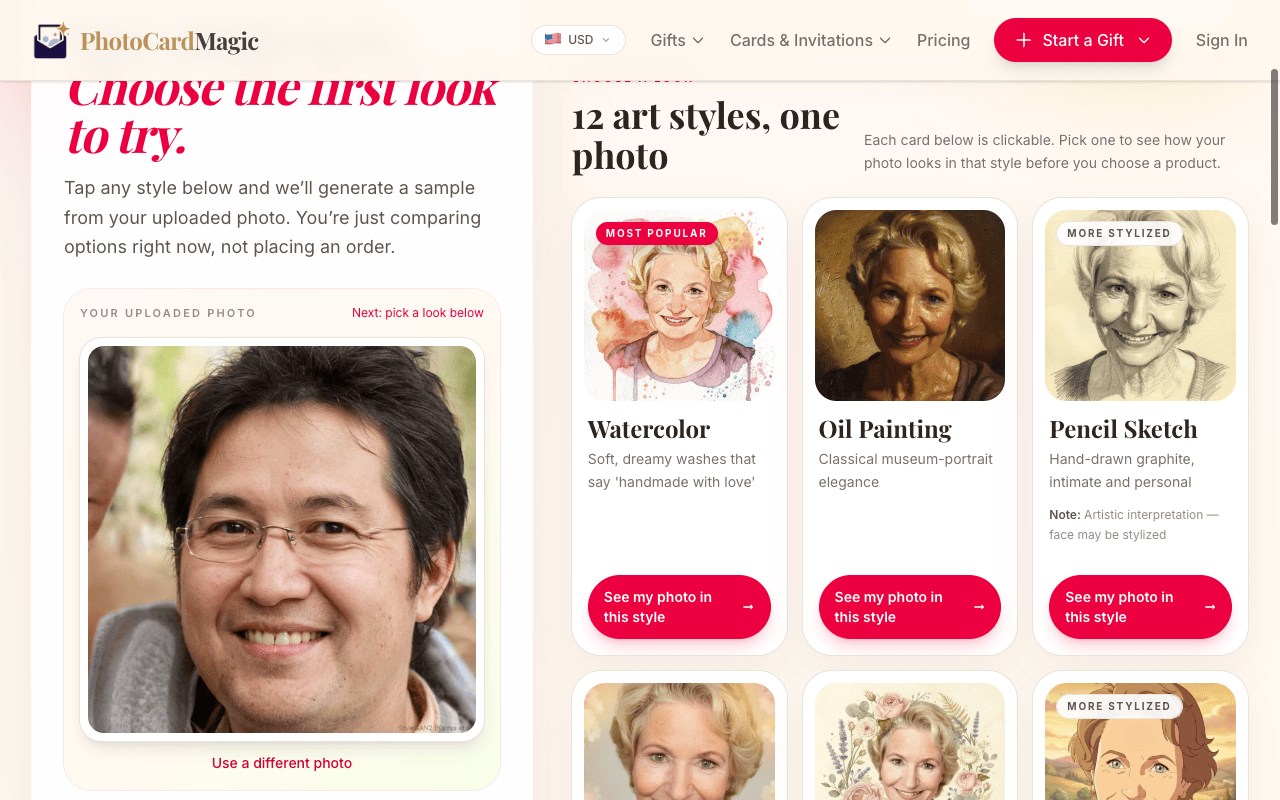
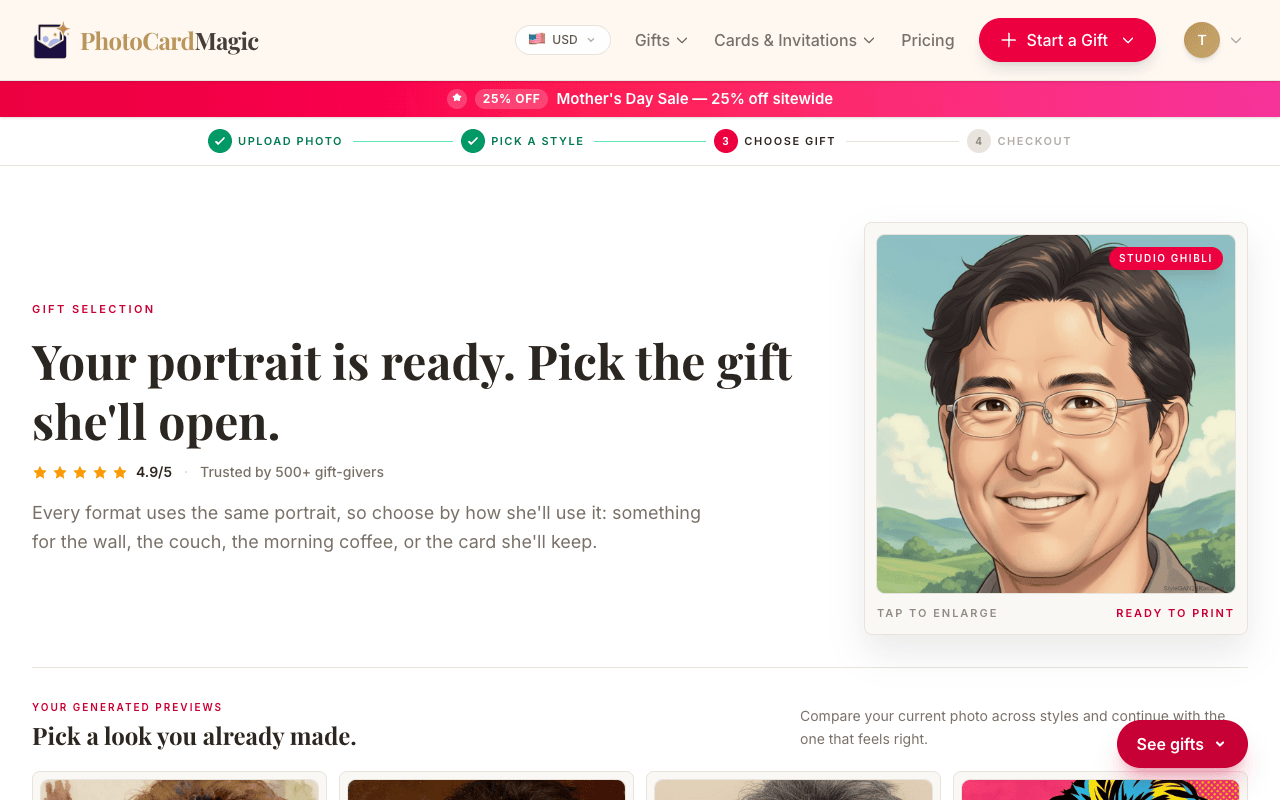
From the style grid, pick Studio Ghibli. The preview describes the medium: warm pastels, golden hour light, soft clouds, and hand-drawn cel animation with expressive eyes and gentle fur or hair strand groups.
-
3
Generate your preview
Press Generate preview. Look for warm golden-hour light and a dreamy background, then check that the subject still feels recognizable.
-
4
Regenerate if the likeness drifts
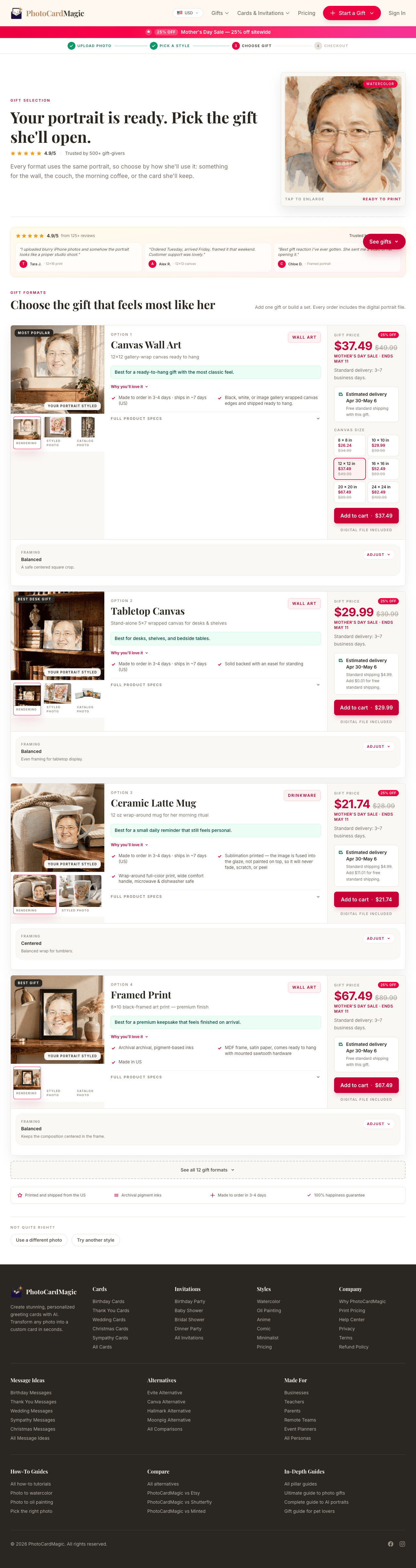
Anime style is expressive, so the face can occasionally simplify a little too much. If the first preview doesn't feel quite right, use your second free preview to regenerate. Try a photo with a stronger catchlight in the eyes — that helps the model lock onto the face.
-
5
Print it
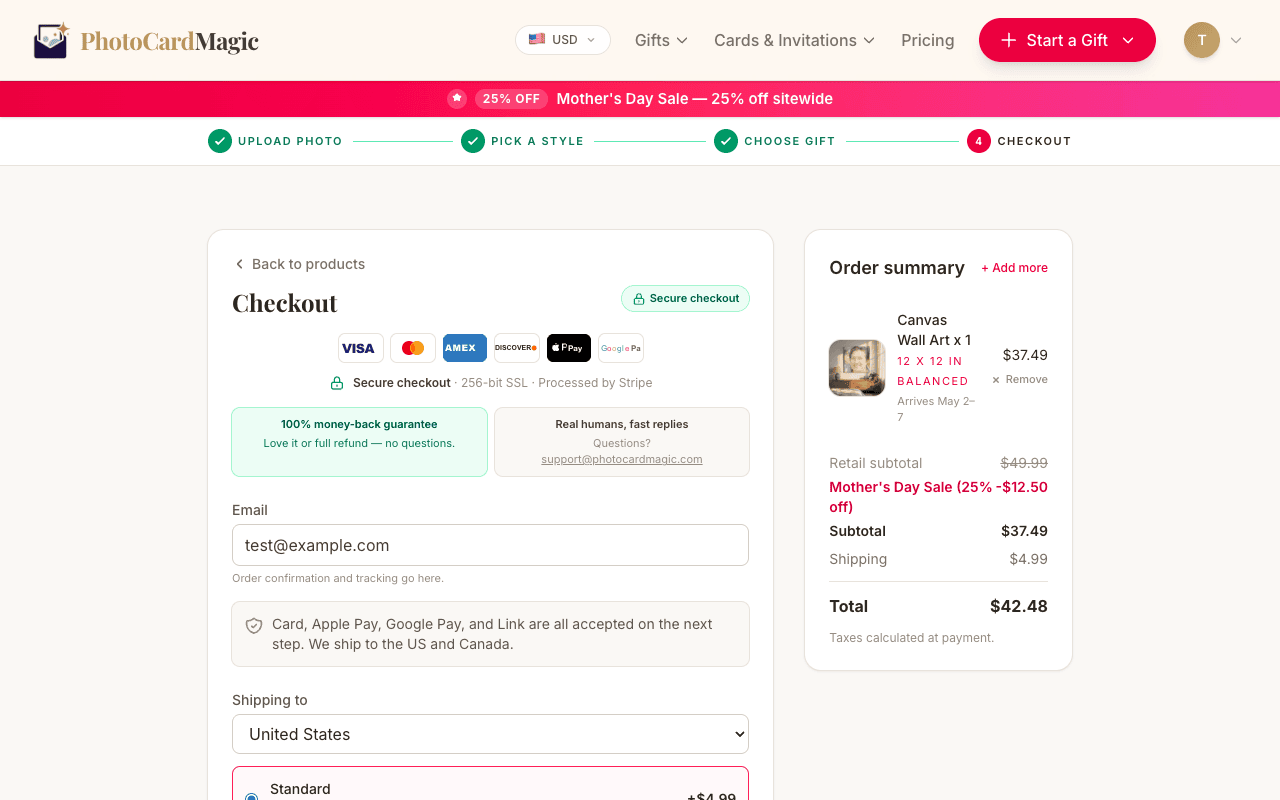
Pick a card, framed print, or canvas and review the current delivery estimate at checkout. Printed orders are fulfilled in the US.
⚠ Common mistakes
- • Using a photo where the face is hidden by sunglasses
- • Expecting a perfect photographic likeness — anime is stylized
- • Forgetting to try a second preview if the first one drifts
- • Using a backlit silhouette photo
Frequently asked questions
Is this a real Studio Ghibli collaboration?
Can I get an anime pet portrait?
How identity-preserving is the anime style?
Explore the styles
Start your portrait
Preview free, then choose a print. See delivery options at checkout.
Preview a style freeLast updated: 2026-09-22