How to Turn a Photo Into a Watercolor Portrait
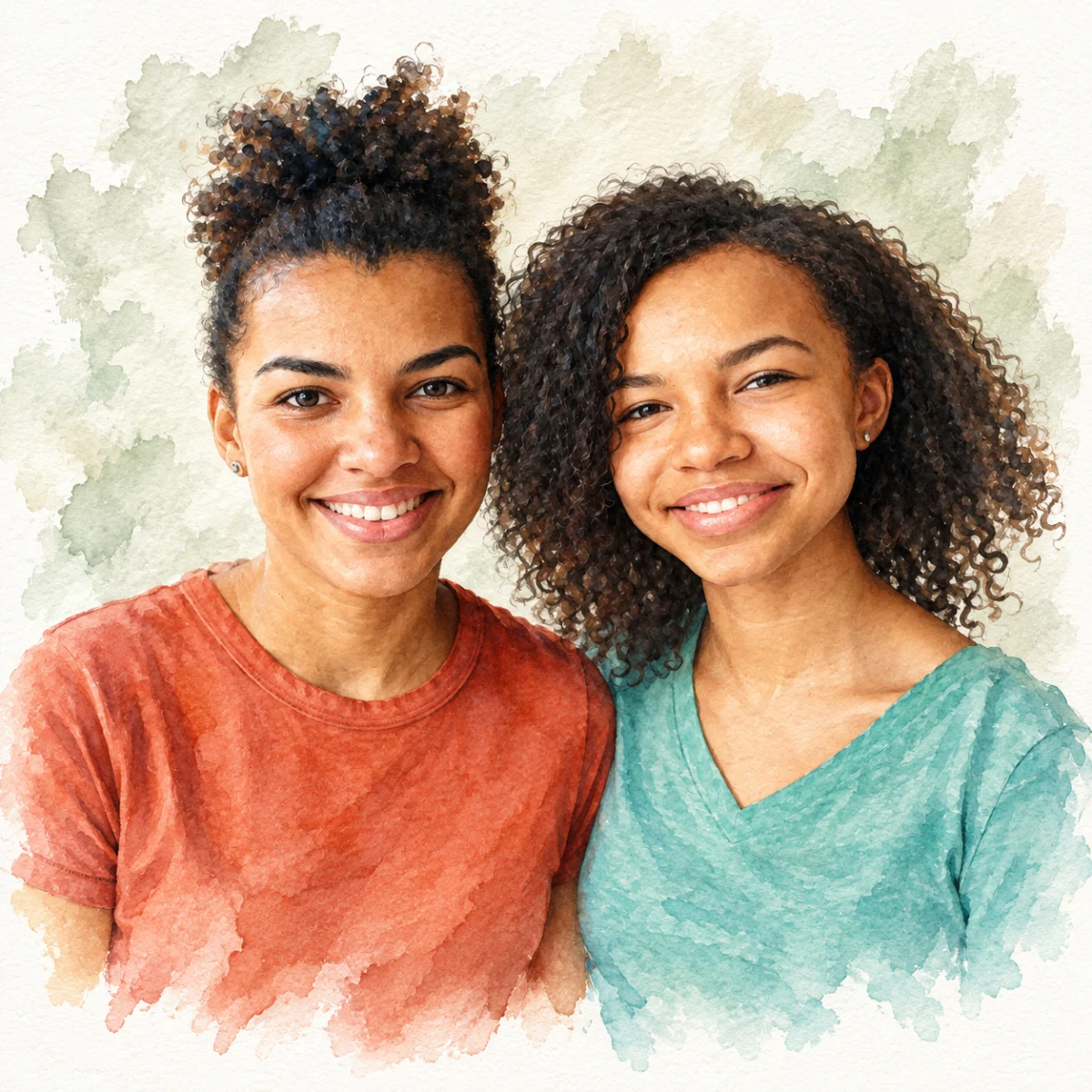

Learn how to turn a clear phone photo into a soft watercolor-style portrait.
Free preview No account needed Order when you love it
Learn how to turn a clear phone photo into a soft watercolor-style portrait. Preview the look before choosing a greeting card, canvas, or framed print.
By PhotoCardMagic Editorial Team · Last updated
At a glance
- Preview
- Free to try
- Steps
- 5 steps
- You'll need
- 3 items
- Skill level
- Beginner-friendly
- Cost to try
- Free · no signup
Before you start
- ✓ A clear, well-lit photo of the subject
- ✓ An email address for your free preview
- ✓ A payment method only if you decide to print
Expected outcome: A watercolor-style portrait preview you can inspect before choosing a card or wall print.
Steps
-
1
Upload your photo
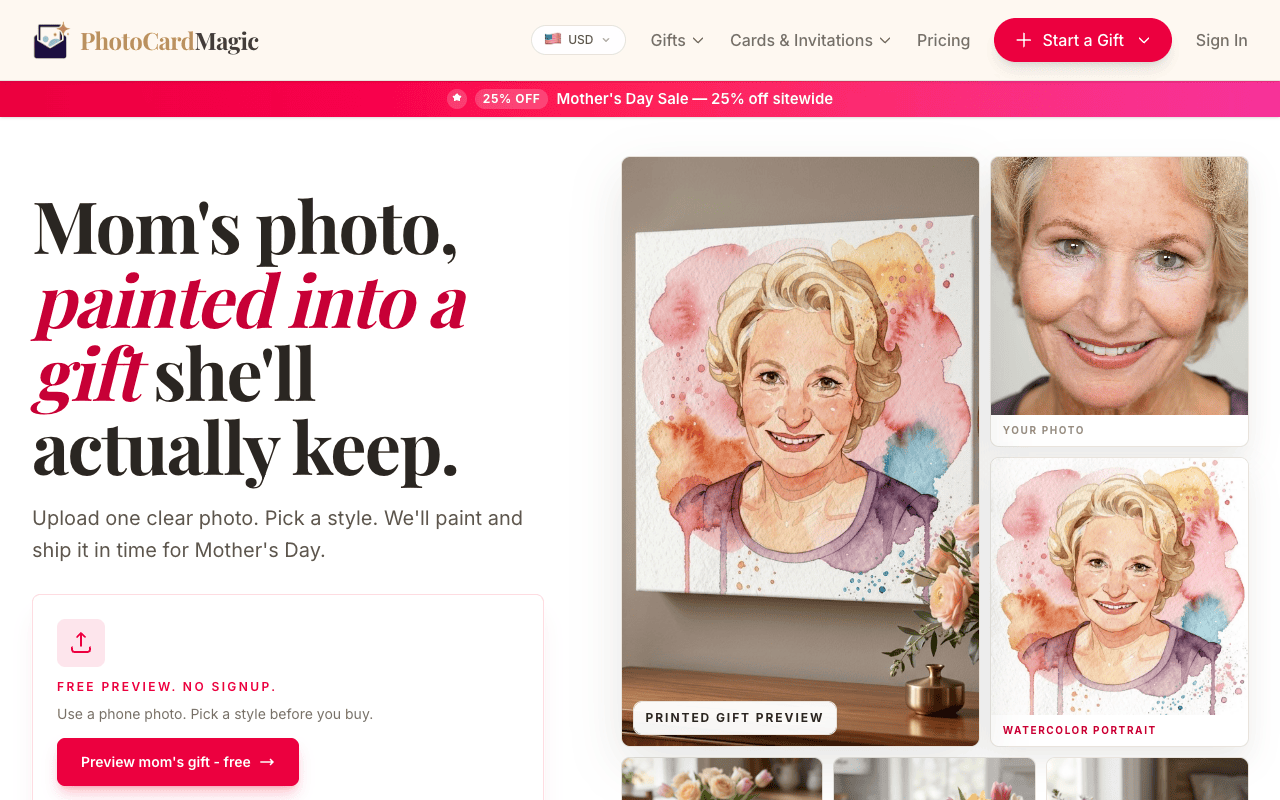
Open the PhotoCardMagic gifts funnel and drag your photo into the upload panel. JPEG, PNG, and HEIC files up to 20MB all work. The best source photos are front-facing, well-lit, and show the face clearly without sunglasses or heavy filters. You don't need to crop or edit — the face is centered automatically and the rest of the composition is restyled into watercolor.
-
2
Pick the Watercolor style
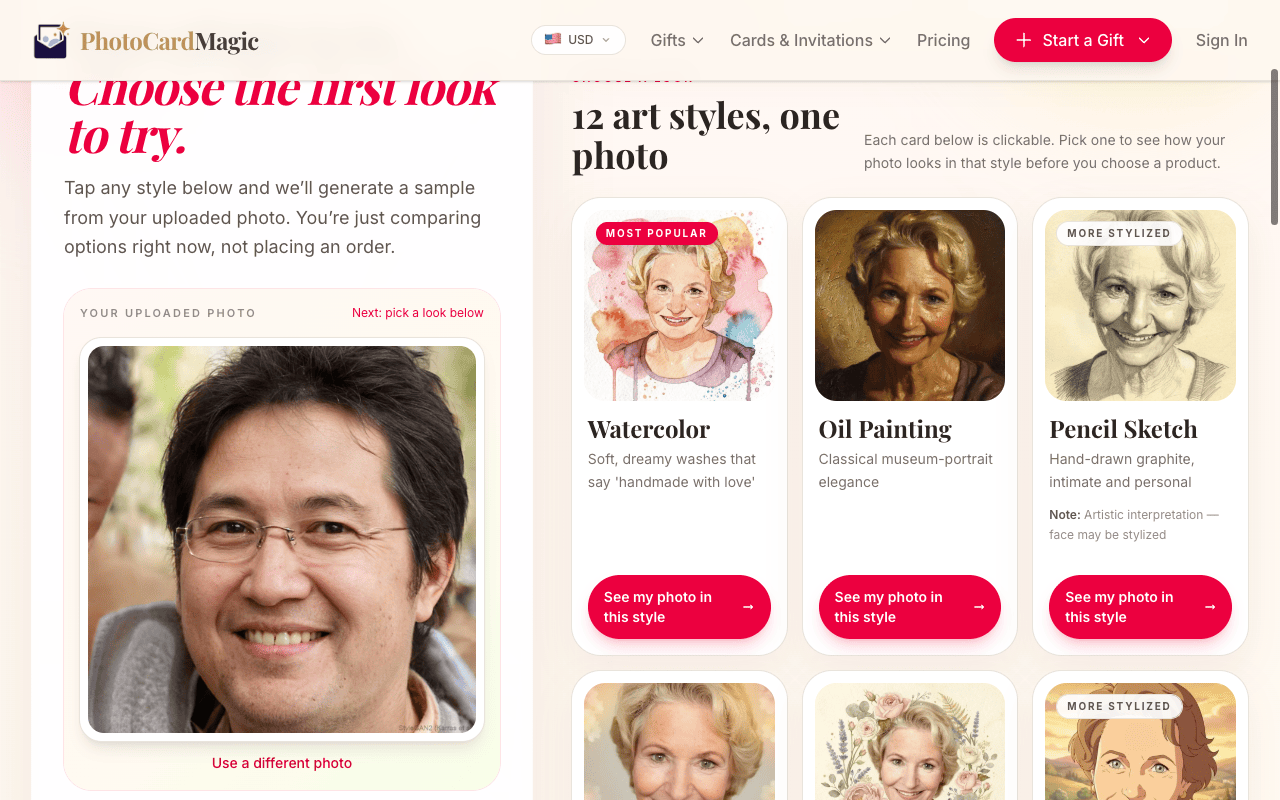
From the style grid, tap Watercolor. It's one of our recommended styles because it's forgiving of photo quality and almost universally loved as a gift. The preview shows what the medium looks like — soft rose, blush pink, warm ochre, and cerulean washes on cotton paper with natural paint bleeds around the hair and clothing.
-
3
Generate your free preview
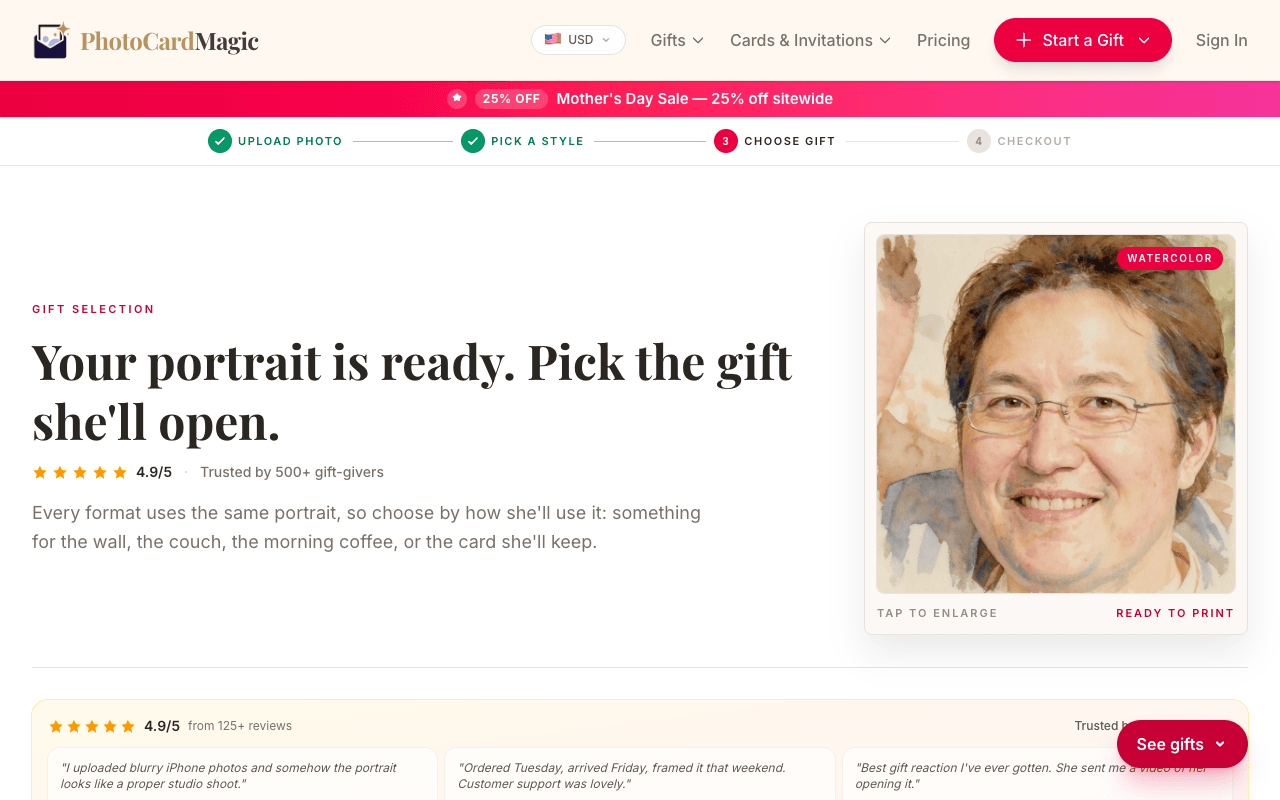
Press Generate preview. Previewing is free—no account or credit card needed. The face stays recognizable while the rest of the photo takes on a watercolor look. If the first result isn't quite right, try a different photo or another watercolor look.
-
4
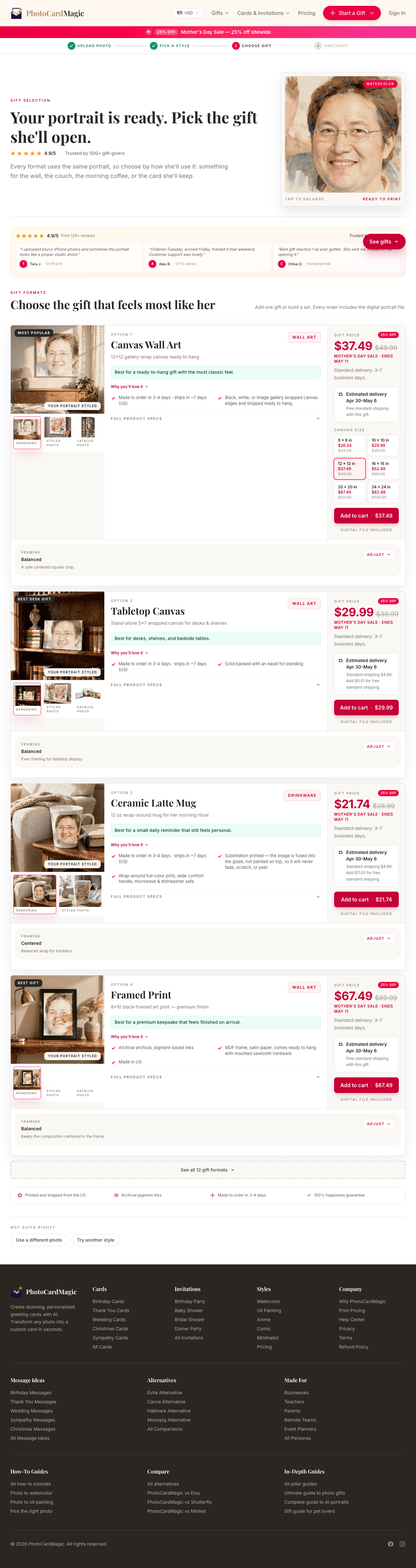
Pick a product
Once you love the preview, choose a printed product. The approved artwork can be used on a card, framed print, or canvas; current prices appear before checkout.
-
5
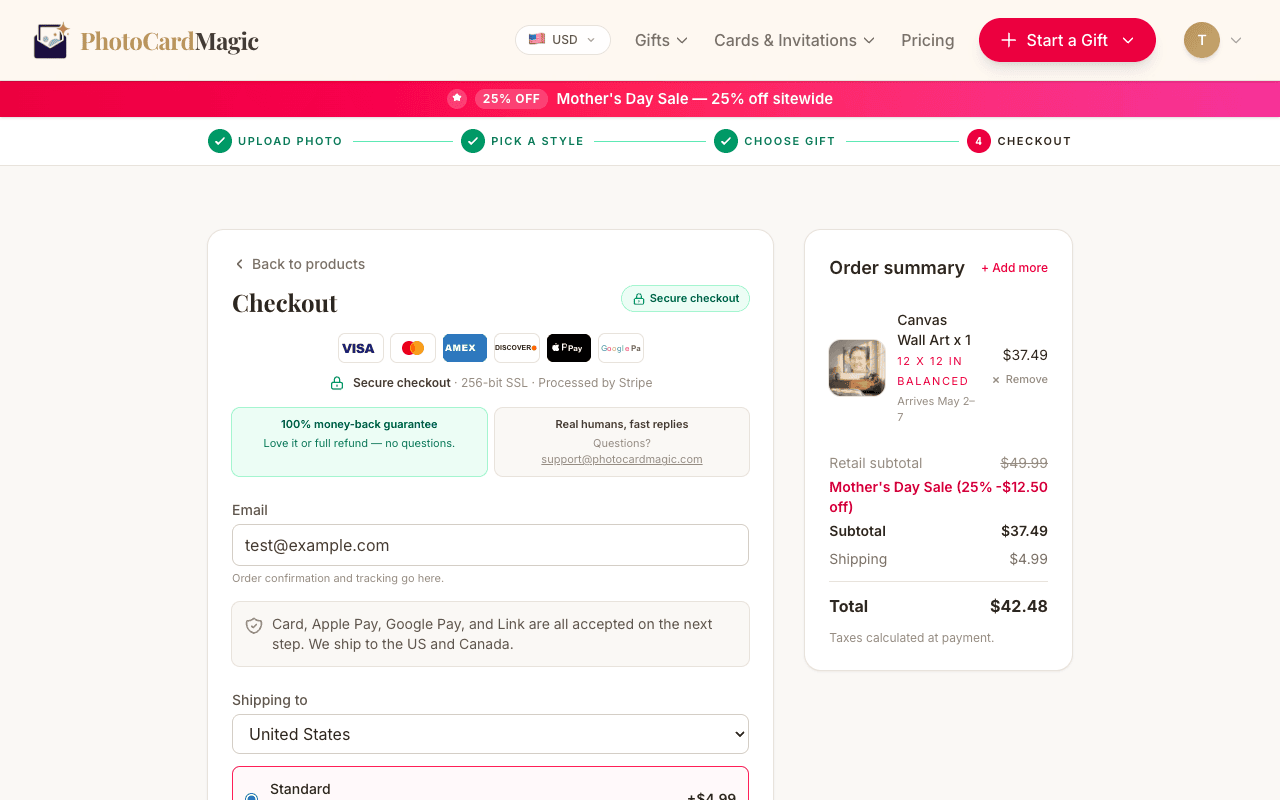
Checkout and ship
Enter your shipping address and review the current delivery estimate before paying. Orders are printed in the US; available shipping methods depend on the destination.
⚠ Common mistakes
- • Uploading a blurry phone photo with motion blur
- • Cropping so tightly that the face fills the entire frame
- • Using a photo with heavy sunglasses or face paint
- • Skipping the free preview and going straight to checkout
Frequently asked questions
How long does a watercolor preview take?
Can I print the watercolor on a mug?
Will the face still look like the person in my photo?
Explore the styles
Start your portrait
Preview free, then choose a print. See delivery options at checkout.
Preview a style freeLast updated: 2026-09-22