How to Get the Best Portrait From PhotoCardMagic
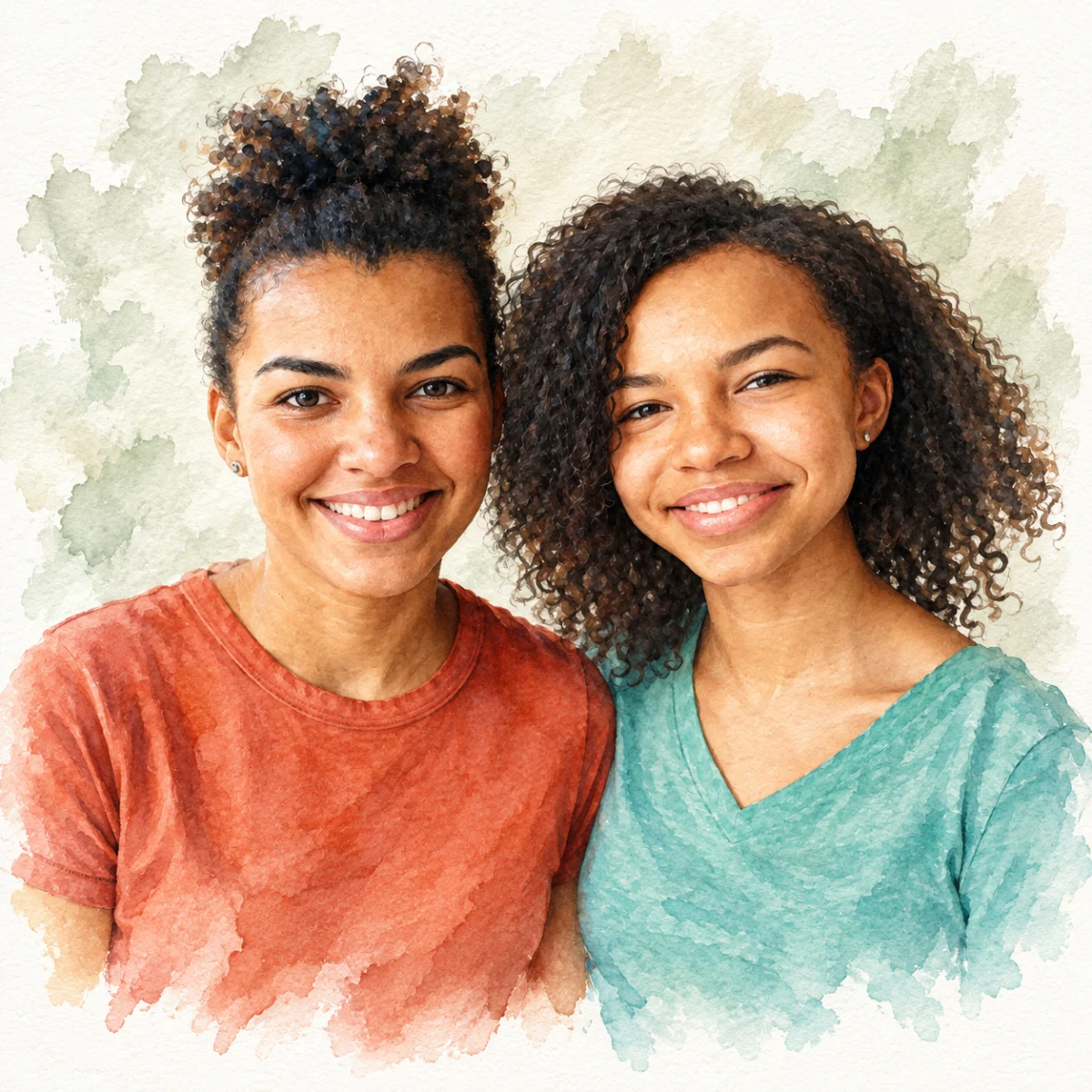

A clear photo and a style that fits the subject can make a portrait feel more personal.
Free preview No account needed Order when you love it
A clear photo and a style that fits the subject can make a portrait feel more personal. These steps help you choose, preview, and inspect the result before printing.
By PhotoCardMagic Editorial Team · Last updated
At a glance
- Preview
- Free to try
- Steps
- 5 steps
- You'll need
- 2 items
- Skill level
- Beginner-friendly
- Cost to try
- Free · no signup
Before you start
- ✓ A PhotoCardMagic account or an email address for guest checkout
- ✓ A candidate photo
Expected outcome: A portrait that exceeds expectations and feels worth printing big.
Steps
-
1
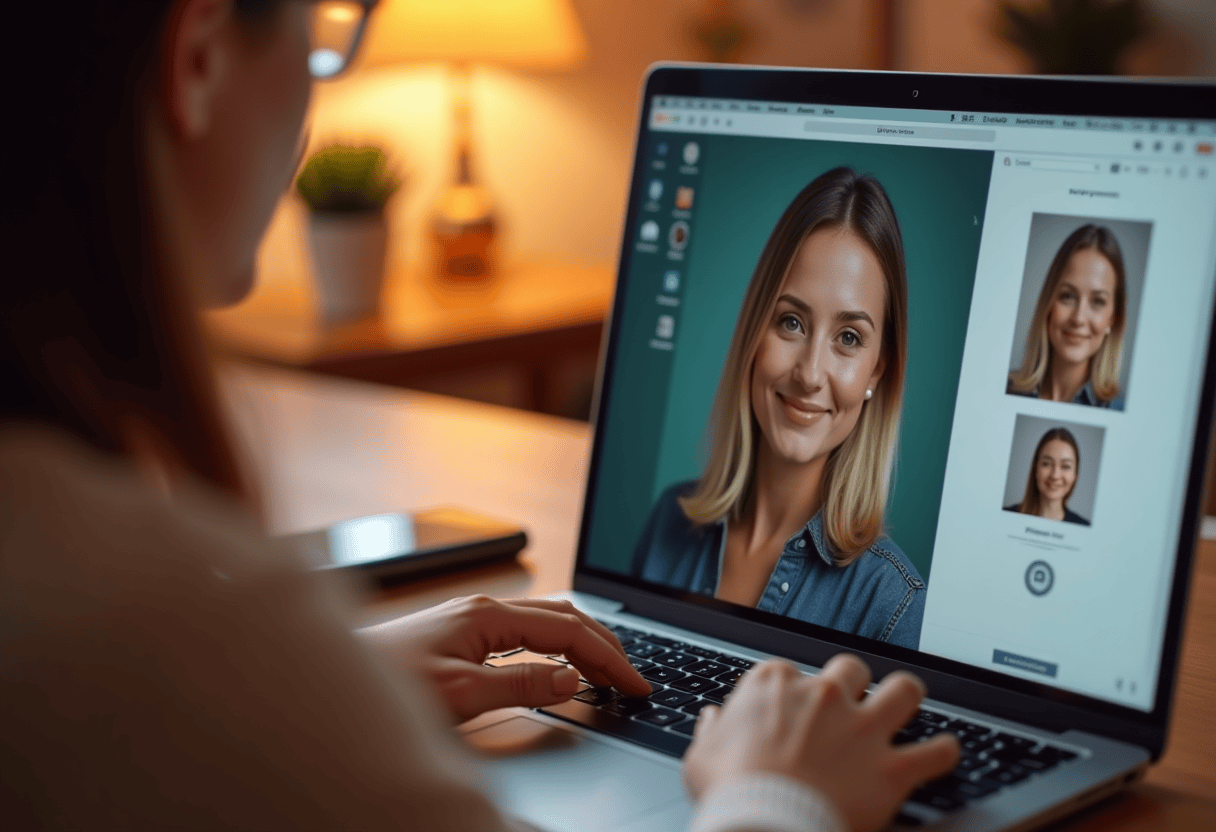
Use the best photo you have
Nothing fixes a blurry source. Before you start, scroll through your camera roll and pick the single best photo of the subject. Take a few minutes — it's the highest-leverage step in the whole process.
-
2
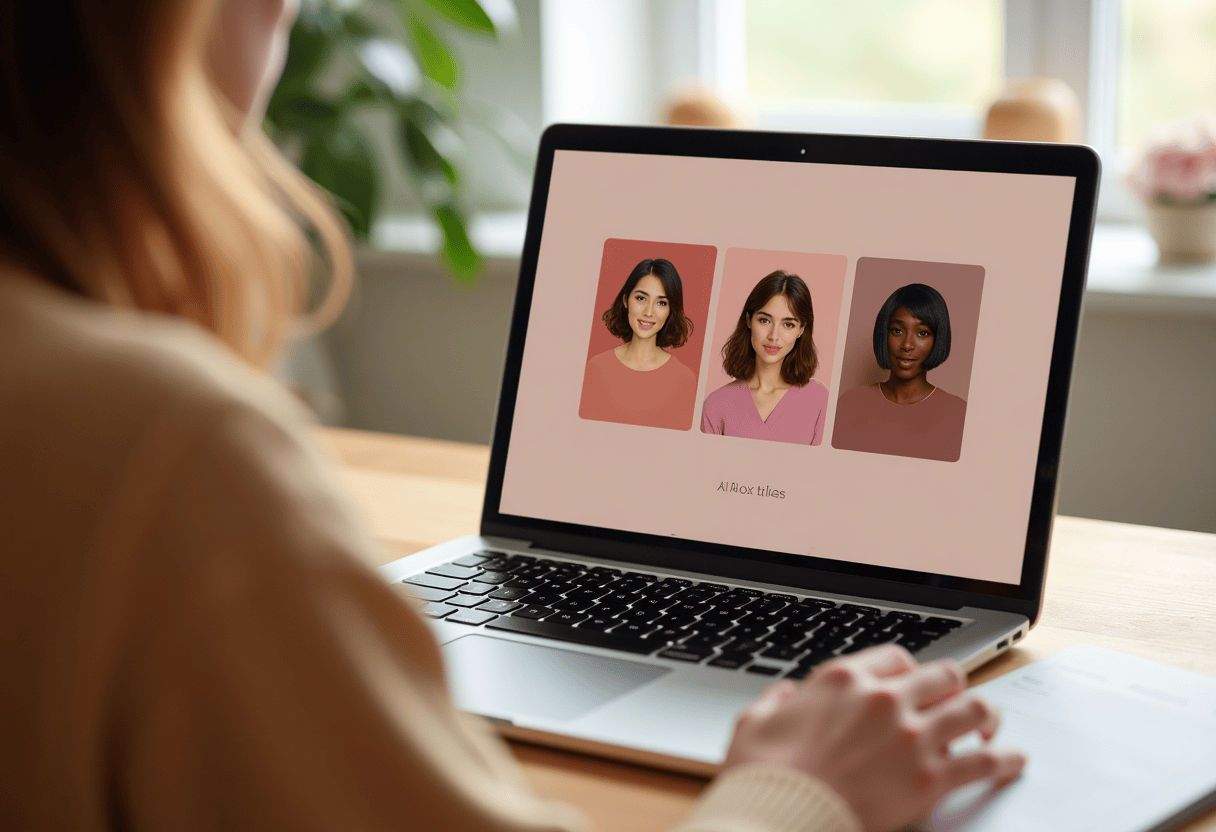
Pick the right style for the photo
Sharp, well-lit photos shine in Oil Painting and Photorealistic. Softer or older photos shine in Watercolor and Botanical. Match the style to the source quality and you'll save previews.
-
3
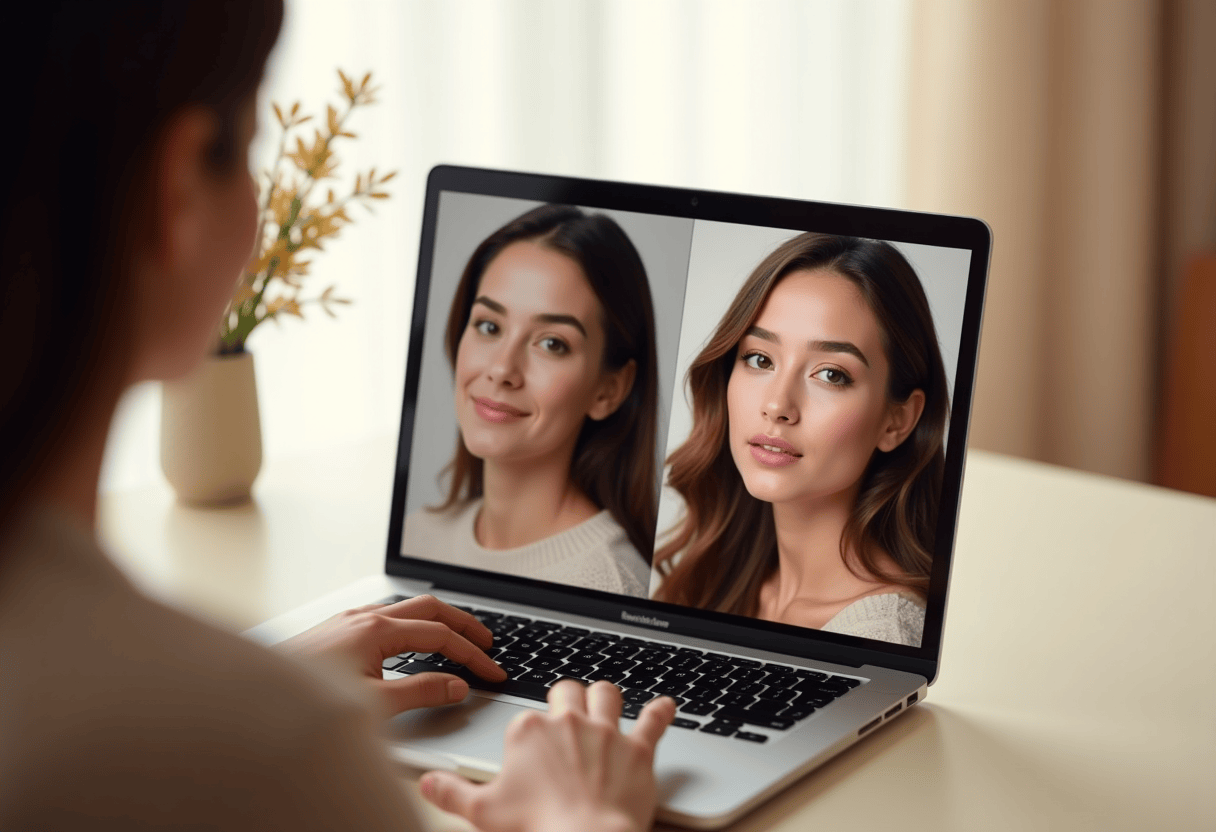
Preview before deciding
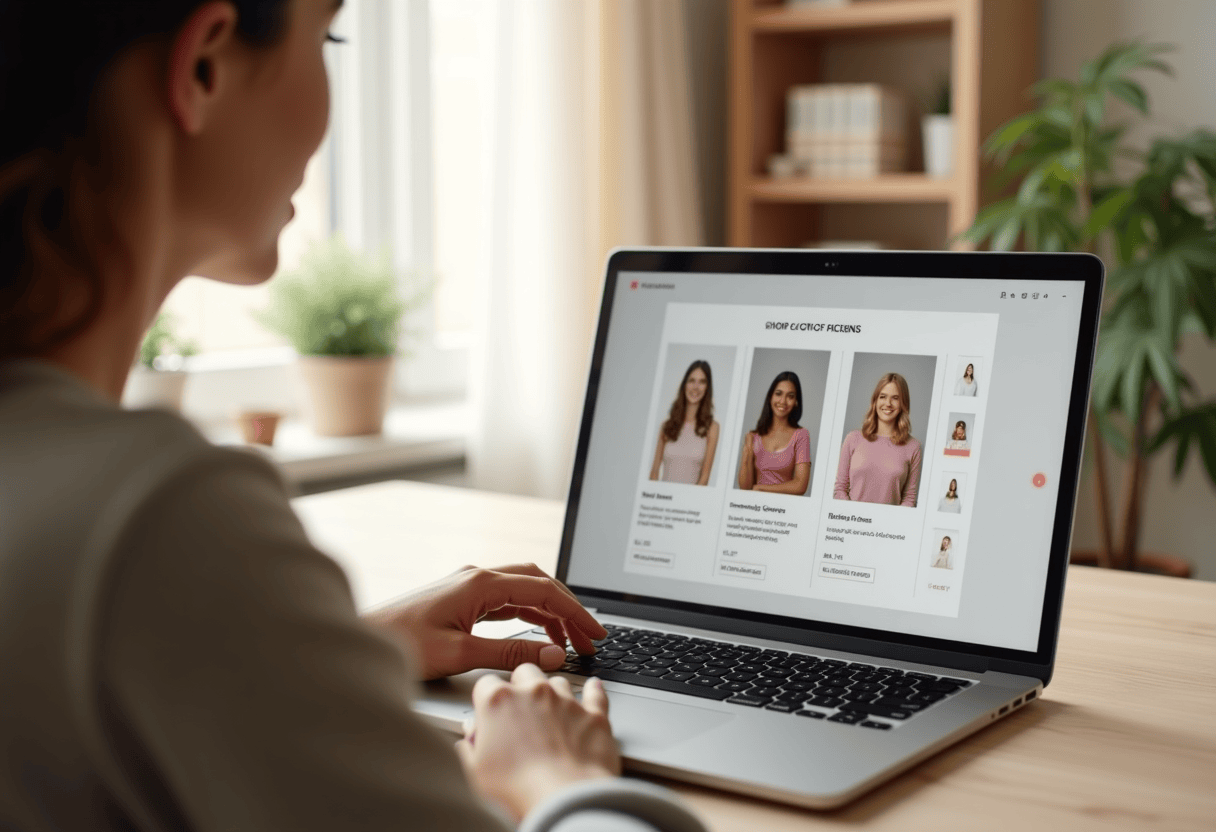
Inspect the first free preview closely. If the likeness or mood feels off, try another photo or style and compare before buying a print.
-
4
Print at a dignified size
A great portrait on a 5x7 card is sweet, but the same render on a 16x20 canvas is a statement piece. Don't under-print — you'll end up wanting the bigger version anyway.
-
5
Choose the right print
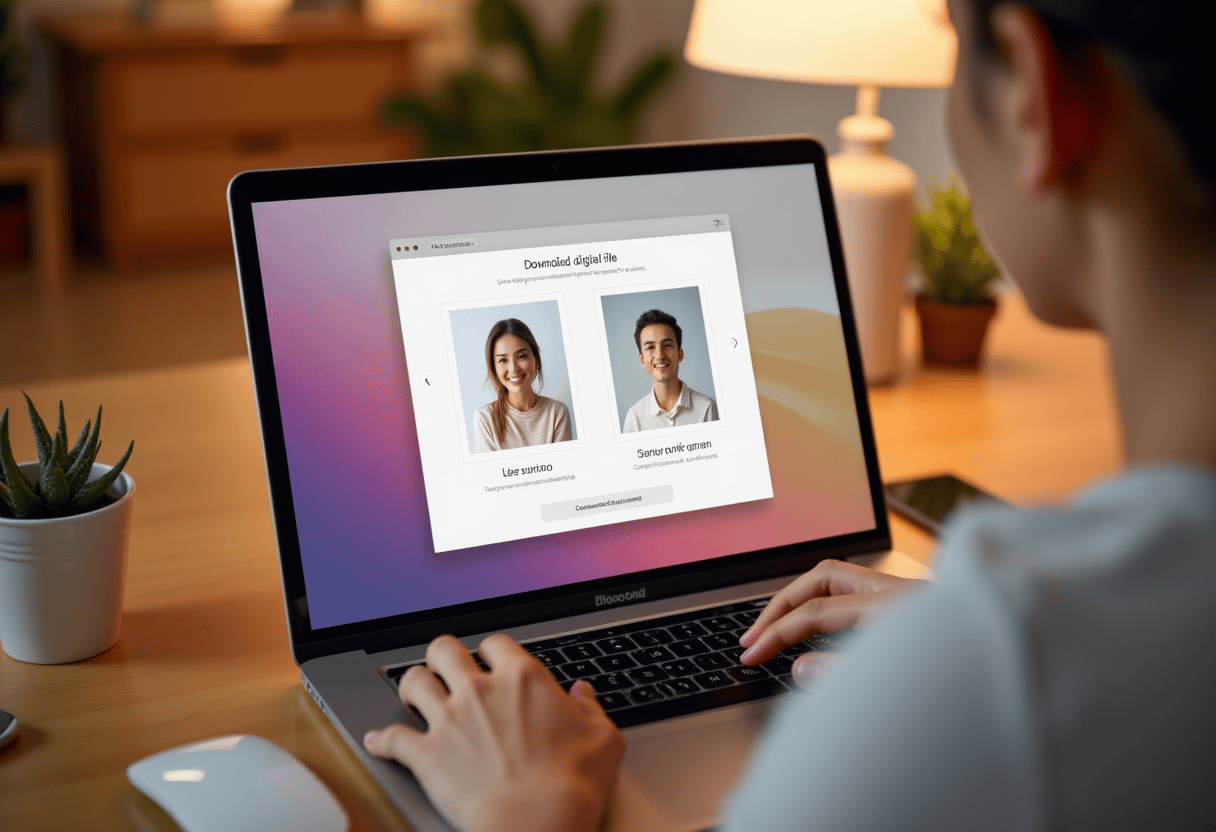
Once the preview feels right, choose a product and size that fit the recipient's space. Review the price and delivery estimate before checkout.
⚠ Common mistakes
- • Rushing the photo-picking step
- • Committing to the first preview without comparing
- • Printing too small
- • Choosing a print size before checking the available options
Frequently asked questions
What if I'm still not happy with the preview?
Do you offer a money-back guarantee?
Can I edit the preview myself?
Explore the styles
Start your portrait
Preview free, then choose a print. See delivery options at checkout.
Preview a style freeLast updated: 2026-09-22