The Complete Guide to Custom Portraits
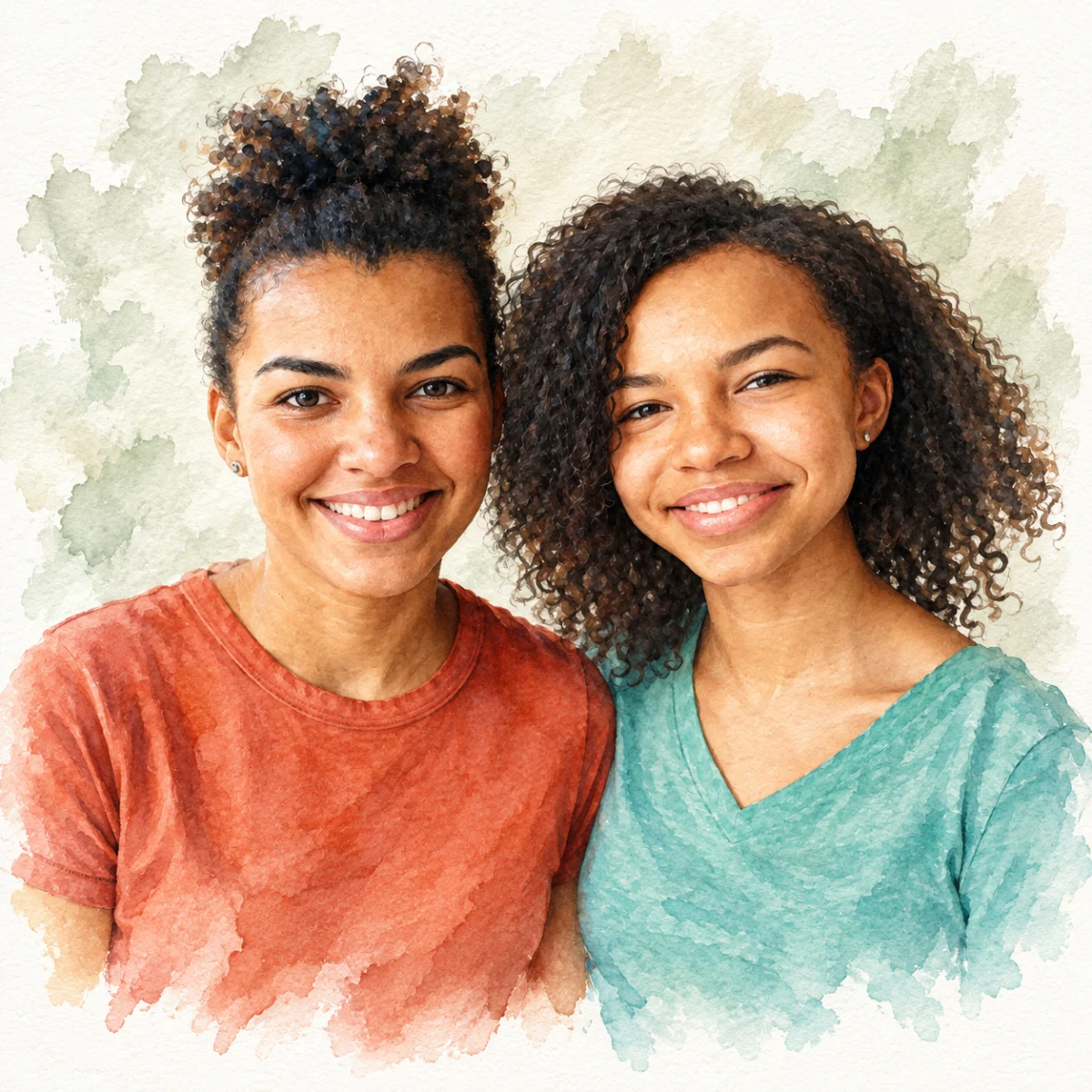
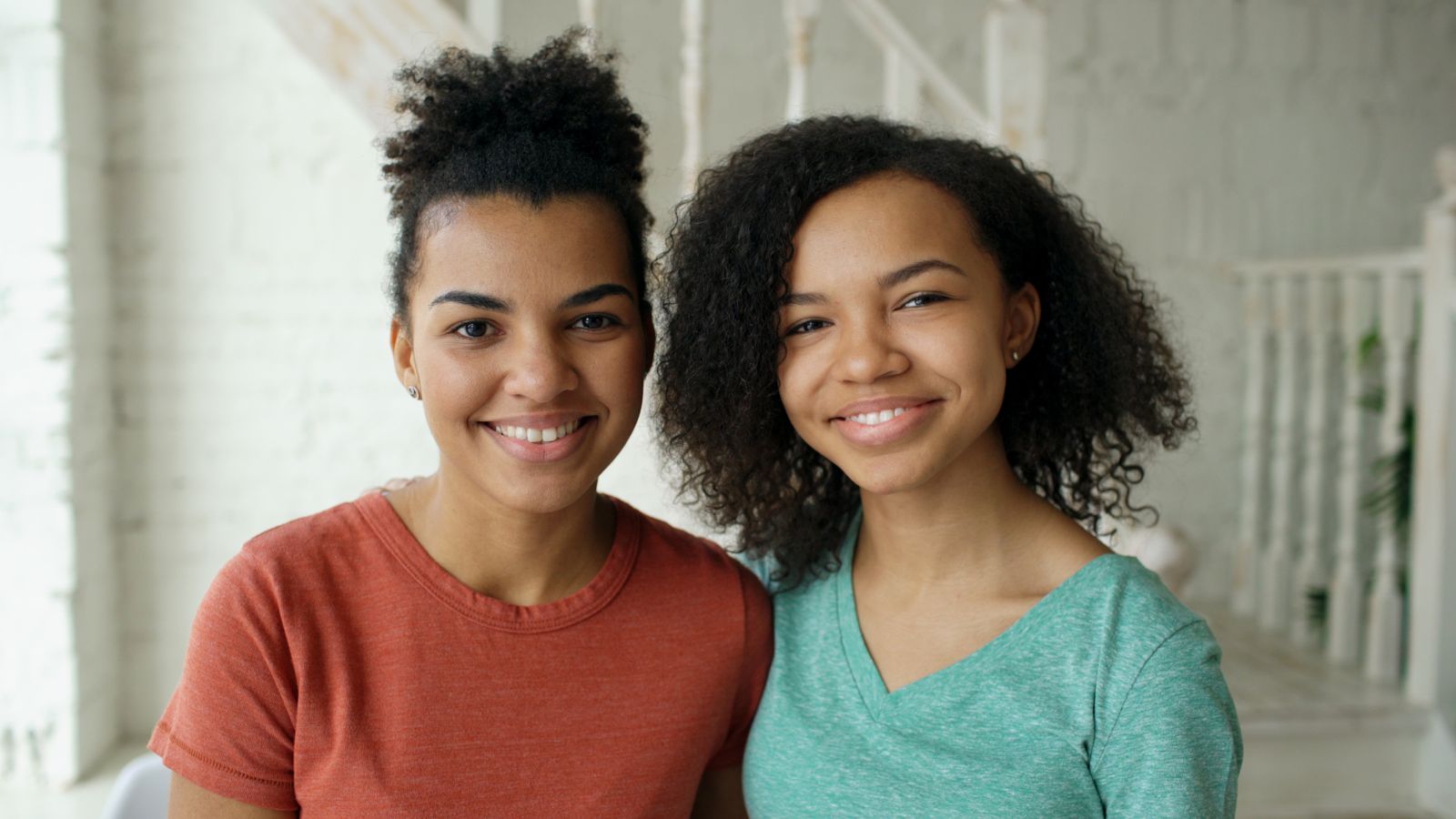
Everything you need to know before ordering a custom portrait
Free preview No account needed Order when you love it
Everything you need to know before ordering a custom portrait
Last updated: 2026-09-22 — Next refresh: April
You can turn a favorite phone photo into a personal portrait gift. This guide explains how the preview works, how to pick a style, how to prepare a photo, and which printed format fits the recipient. If you're ordering your first custom portrait, start here.
What Is a Custom Portrait?
A custom portrait starts from a photograph you provide and comes back as a piece of art. Unlike a traditional photo print or a digital filter, a custom portrait doesn't just tweak the colors or add a vignette. It rebuilds the entire image in a new artistic medium — watercolor on cotton paper, oil paint on linen, graphite pencil on sketch paper, Warhol-style screen print, 1940s film noir photography — while keeping the subject's face recognizable. The face is the anchor; everything else is reinterpreted through the lens of the chosen style.
This matters because the emotional payoff of a portrait lives in the face. If the styling smooths a loved one's features into a generic version of a human, the portrait fails as a gift. If the styling preserves the specific shape of their eyes and the curve of their smile, the portrait becomes a meaningful personal artifact. We design the styles to preserve recognizable details, but results vary with the source photo and style. Review the free preview before ordering.
Custom portraits differ from a straight photo print and from a hand-painted commission. The photo is restyled in an artistic medium, and you can inspect the result before choosing a print. If the craft of an original painting by a human artist matters most to you, consider a commissioned artist.
How It Works
From your side, the process is simple: upload a photo, pick a style, and review the preview. What comes back is not your photo with an effect layered on top—it is a fresh rendering of the same subject in a new medium. A watercolor has visible paper texture and soft pigment bleeds. An oil painting has directional brushwork and thicker paint in the highlights. A pencil sketch has graphite hatching and paper-white catchlights. The subject stays; the medium changes completely.
The style description shapes the mood, palette, lighting, and composition you see in the preview. Every PhotoCardMagic style is tuned against a detailed description of the finished piece — the medium, the palette, the mood, the lighting, and the composition. Our watercolor style, for example, calls for cold-pressed cotton paper, soft rose and blush pink pigments, wet-on-wet brushwork, and natural paint bleeds around the hair. That specificity is why two services can both offer "watercolor" and produce completely different results.
The styles aim to keep the face anchored to the uploaded photo, but a generated portrait can still miss a detail. Check the eyes, expression, hairstyle, and any distinctive markings in your preview. If the likeness feels off, try another photo or style before buying a print.
Choosing a Style
PhotoCardMagic offers curated portrait styles for people and pets. Picking the right style is worth slowing down for: think about the subject, the occasion, and the room where the piece will live.
Start with the subject. Is the portrait for a person or a pet? The two catalogs are tuned differently — pet styles understand fur direction, breed silhouettes, and eye reflections that are unique to animals. Then think about the occasion. Mother's Day gifts tend to land best in Watercolor or Impressionist, because those styles read as romantic and soft. Father's Day gifts love Comic Book Hero and Film Noir for their heroic or cinematic mood. Birthday gifts shine with Pop Art or Birthday Caricature. Memorial gifts are best rendered in Oil Painting or Pencil Sketch, which feel reverent and timeless.
Finally, think about where the finished piece will live. A formal living room wants classical styles — Oil Painting, Renaissance, or Royal Portrait. A sunlit kitchen or nursery wants something softer — Watercolor or Impressionist. A home office or kids' room lights up with Pop Art, Comic Book Hero, or Studio Ghibli. Match the style to the room and the portrait feels like it belongs there; mismatch it and the gift lives in a drawer.
When you cannot decide between styles, use the free preview. Compare your favorites on the same photo before paying. Side-by-side previews make the final decision much clearer than thumbnails alone.
Photo Tips for the Best Results
A great custom portrait starts with a great source photo. The three qualities we look for are face sharpness, even lighting, and a reasonable crop. Face sharpness is the most important. If the face is motion-blurred, soft-focused, or hidden behind a heavy filter, that softness carries into the finished portrait. A sharp phone photo is a good starting point. Scroll through your camera roll to find the clearest option.
Lighting is the second factor. Even natural light is ideal. Golden hour photos outdoors and window-lit photos indoors both work beautifully. Avoid harsh direct flash, which casts deep unflattering shadows under the eyes, and avoid backlit silhouettes where the face is almost entirely in shadow. If your only available photo has bad lighting, try a different one — it's worth ten minutes of searching to save twenty minutes of previews.
Crop matters too. The face should occupy roughly 30 to 50 percent of the frame. Too tight and there's no room for the styling to place stylistic elements. Too wide and the face loses detail. Three-quarter body shots and head-and-shoulders portraits both work. If you only have a wide group photo, crop before uploading so the subject is clearly the anchor of the frame.
Finally, a note on accessories. Glasses are fine — they come through cleanly. Sunglasses, face paint, heavy masks, or anything that covers the eyes is a problem because eye detail is the strongest signal for keeping the likeness. If the only photo you have includes sunglasses, pick a different photo if possible. If you can't, the portrait will still generate but the likeness will be weaker than it otherwise would be.
Products and Prices
Once you have a preview you love, the next decision is which product to print it on. PhotoCardMagic offers multiple product types, each with different strengths. Greeting cards are the most affordable entry point and are perfect for in-person gifting. Framed prints are the gold standard for wall art that will be hung in a bedroom, hallway, or office. Canvas wall art delivers a painterly texture that's especially good for Oil Painting, Impressionist, and Watercolor styles. Acrylic prints are premium statement pieces for dramatic styles like Pop Art and Film Noir.
Beyond wall art, PhotoCardMagic offers ceramic mugs and tabletop canvases. Mugs work well with bold styles because the design reads clearly on a small surface. Tabletop canvases give the portrait a place on a desk or shelf without wall mounting.
Pricing is consistent across styles. You don't pay extra for Renaissance versus Watercolor — the render is the same cost. You pay based on the product, the size, and the finish. Review the delivery estimate and available shipping methods at checkout before ordering for a specific date. Every print order also includes a digital copy of the finished render, which you can use for social posts or phone wallpapers.
If a print arrives damaged or has a print defect, contact our support team with a photo within 14 days of delivery to request a replacement or refund. If the portrait likeness is the concern, request a refund within 7 days of ordering and before shipment. Review the free preview before placing a print order, and see our published refund policy for details.
Ready to make your first custom portrait? Upload a favorite photo and try a free preview. Review the likeness, choose the style that feels right, then select a print to order.
Frequently Asked Questions
How long does a custom portrait take to generate?
Is my photo stored or shared?
Can I get the digital file?
What if I don't love the first preview?
Do you offer a refund guarantee?
Can I order from outside the US?
Is PhotoCardMagic cheaper than a human artist?
How does PhotoCardMagic compare to other custom portrait services?
Can I use PhotoCardMagic for a business headshot?
Do you support group portraits?
Last updated: 2026-09-22