How to Pick the Right Pet Photo for a Custom Portrait
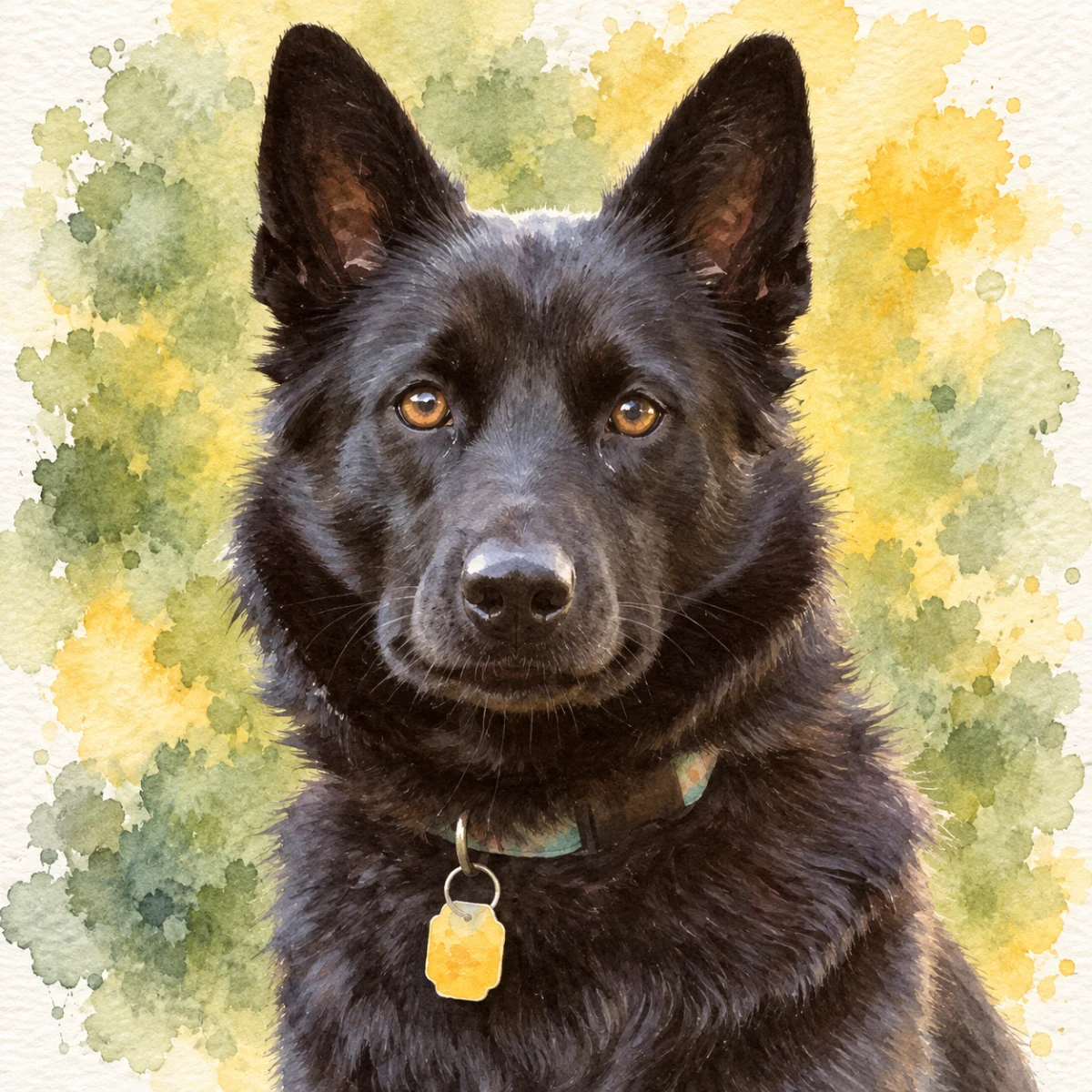
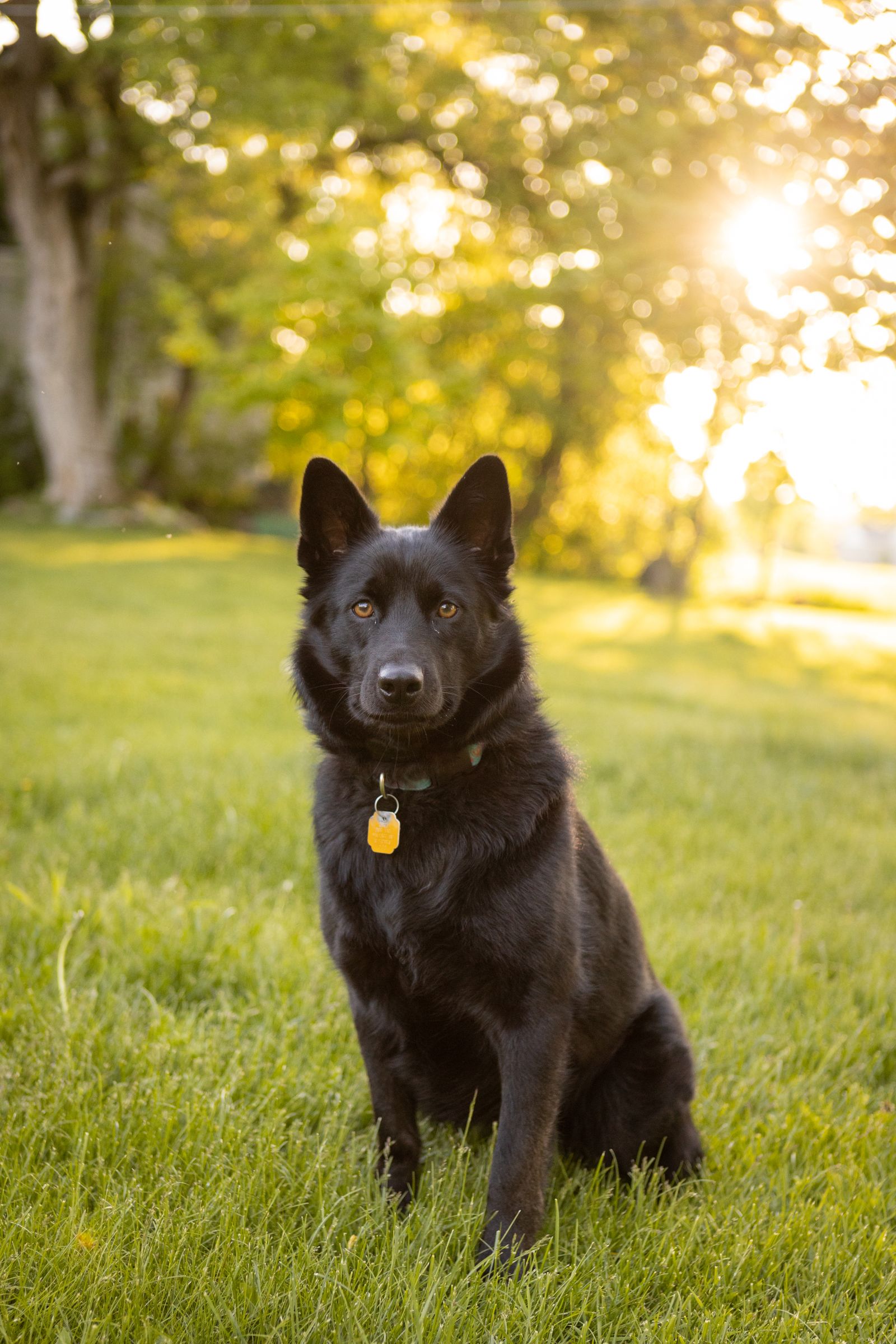
The single biggest factor in pet portrait quality is the source photo.
Free preview No account needed Order when you love it
The single biggest factor in pet portrait quality is the source photo. The process is forgiving but not magical — a great source produces a great portrait, a mediocre source produces a mediocre one. This guide shows you how to scroll your camera roll and pick the photo that actually produces wall-worthy art.
By PhotoCardMagic Editorial Team · Last updated
At a glance
- Preview
- Free to try
- Steps
- 5 steps
- You'll need
- 2 items
- Skill level
- Beginner-friendly
- Cost to try
- Free · no signup
Before you start
- ✓ A camera roll with at least a few pet photos
- ✓ Five minutes to scroll and compare
Expected outcome: A clear, well-lit, eye-level pet photo with sharp focus on the eyes — ready to upload to PhotoCardMagic for the strongest possible portrait result.
Steps
-
1
Filter for sharp focus on the eyes
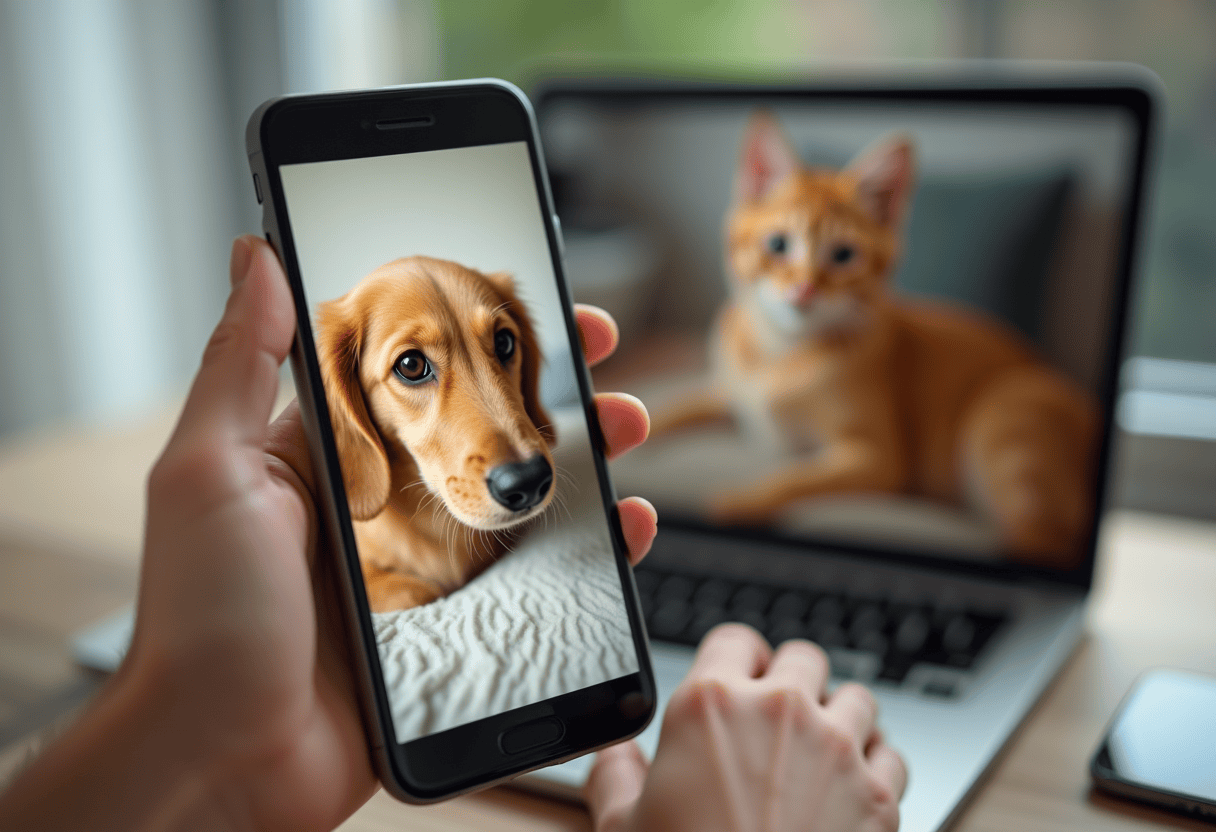
Open the camera roll and pick out every pet photo where the eyes are clearly in focus. The eyes are where viewers find the pet — a sharp-eyed photo produces a portrait that feels alive. Zoom in on candidates to confirm focus. Reject photos with motion blur on the muzzle, ears, or eyes. Use the favorites or albums feature on your phone to collect candidates as you scroll.
-
2
Filter for eye-level perspective
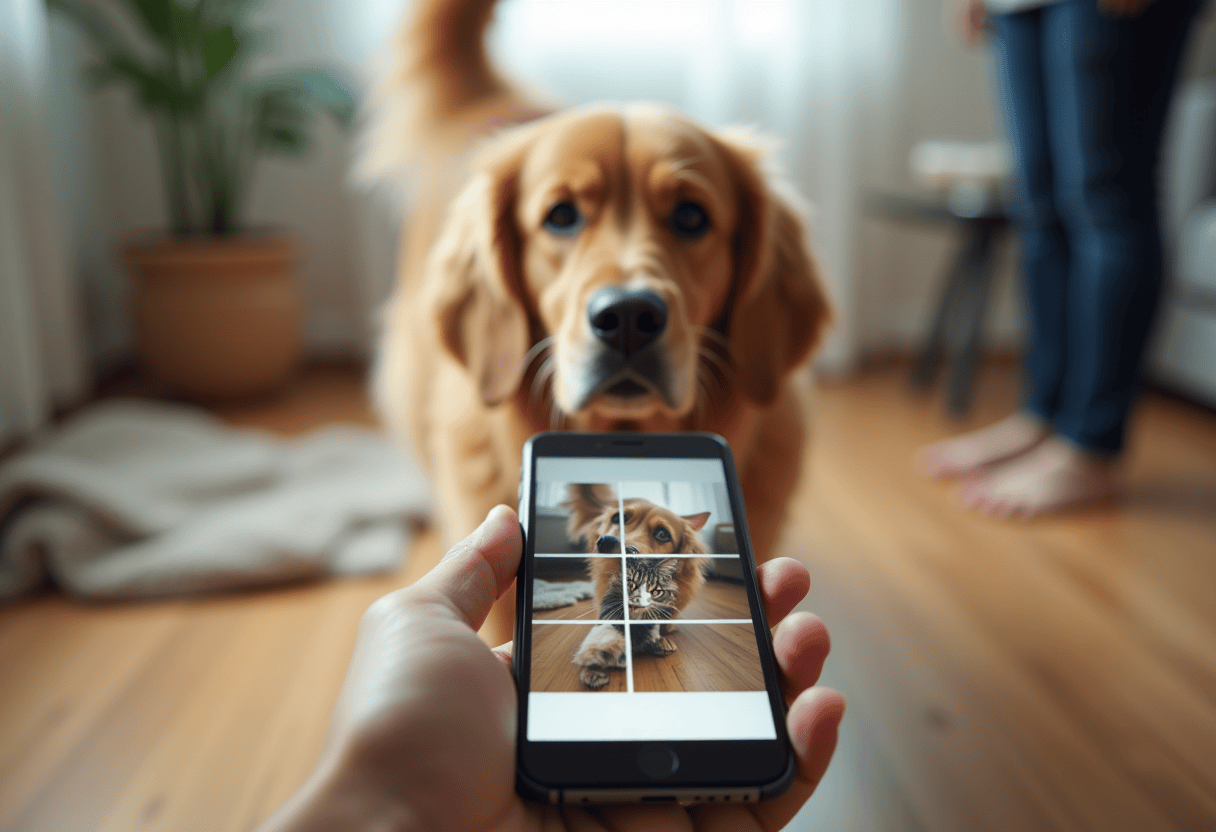
Among the sharp candidates, prefer photos taken at the pet's eye level rather than from standing height. Top-down photos flatten the face and produce weaker portraits than three-quarter or eye-level angles. If you don't have eye-level photos in your camera roll, consider taking five minutes for a fresh photoshoot — crouch, sit, or lie on the floor and shoot at the pet's gaze level.
-
3
Filter for natural light
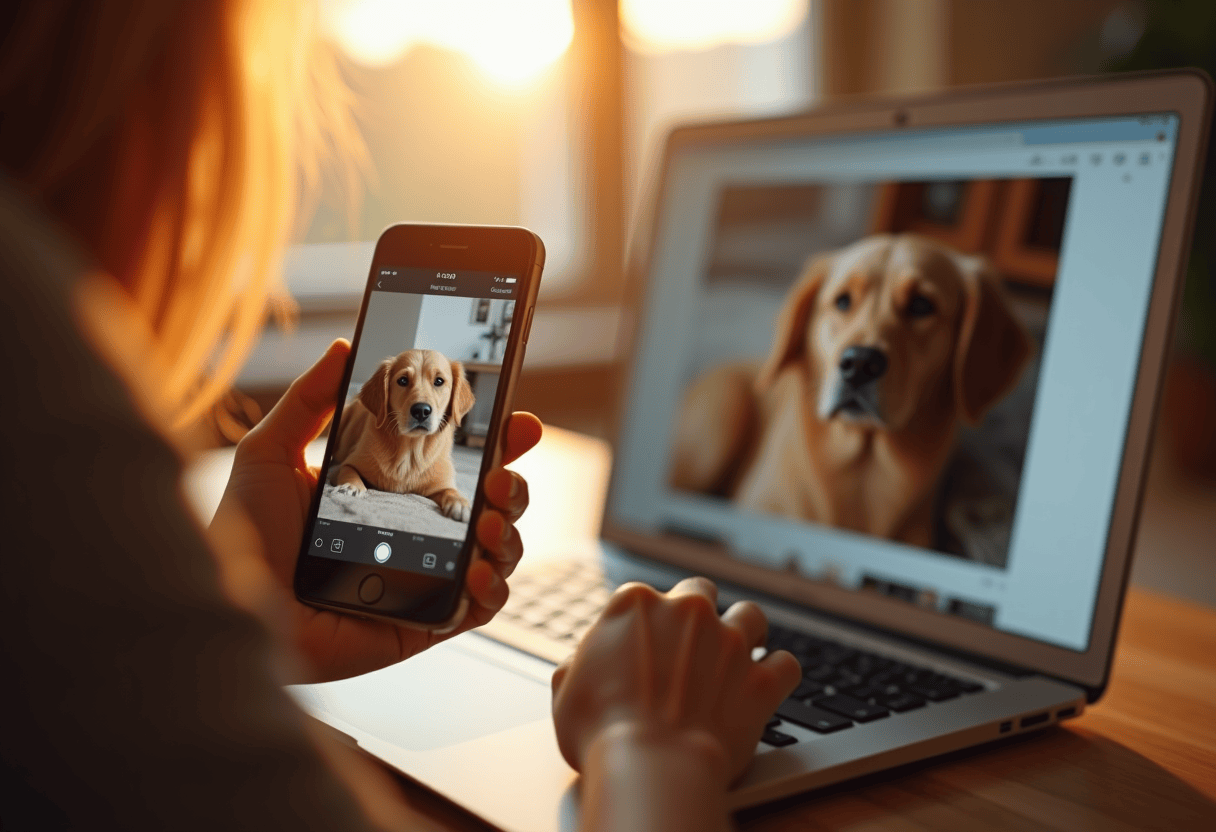
Among the sharp eye-level candidates, prefer photos taken in natural light — outdoor shade, near-window indoor light, or the slightly cloudy outdoor light pet photographers love. Reject photos with flash (cat and dog eyes reflect flash in colors cannot be cleanly corrected), harsh midday sun (produces hard shadows and squinting eyes), and dim evening light.
-
4
Pick the most characteristic expression
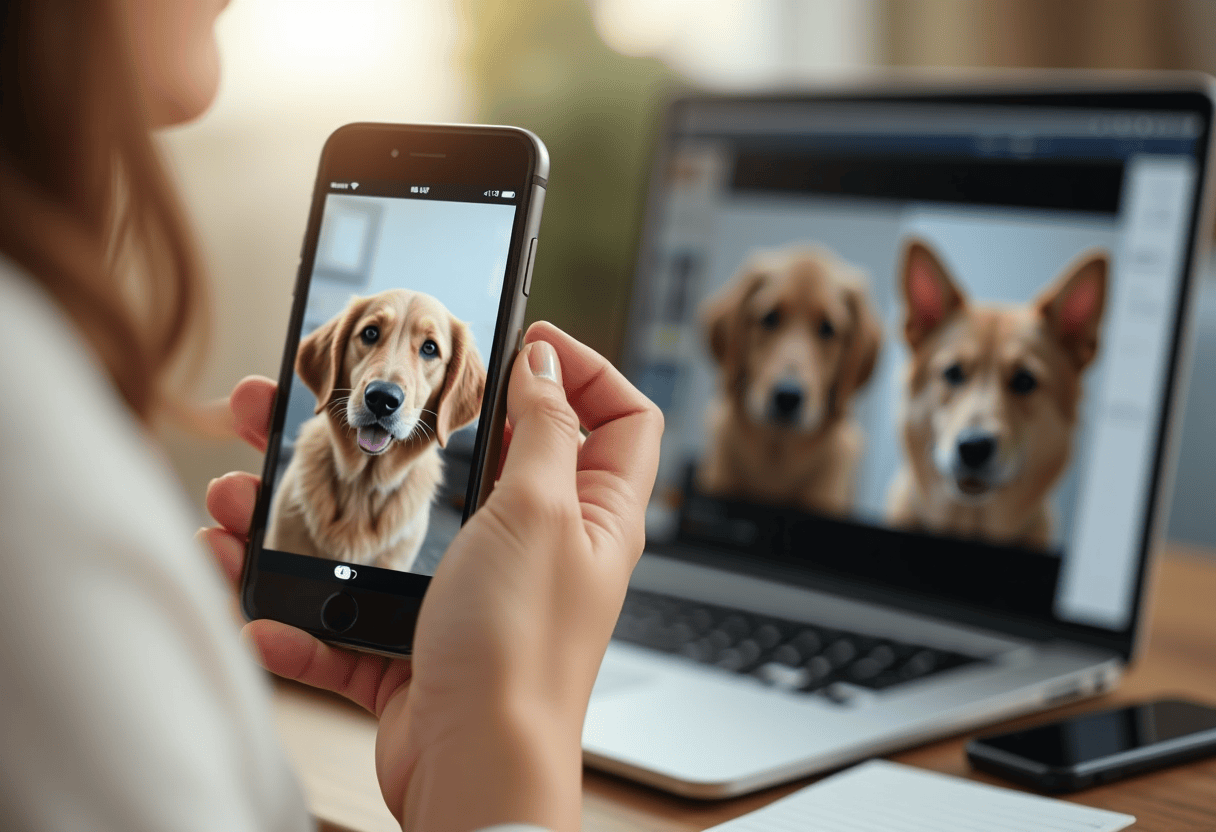
Among your remaining candidates, pick the photo with the pet's most characteristic expression — the head tilt, the tongue-out grin, the specific ear flop, the half-closed contented look that the household has come to associate with this specific pet. Generic posed expressions produce generic portraits. The portrait of a pet doing the specific thing the pet is known for hits harder than a posed studio shot.
-
5
Verify the background isn't competing
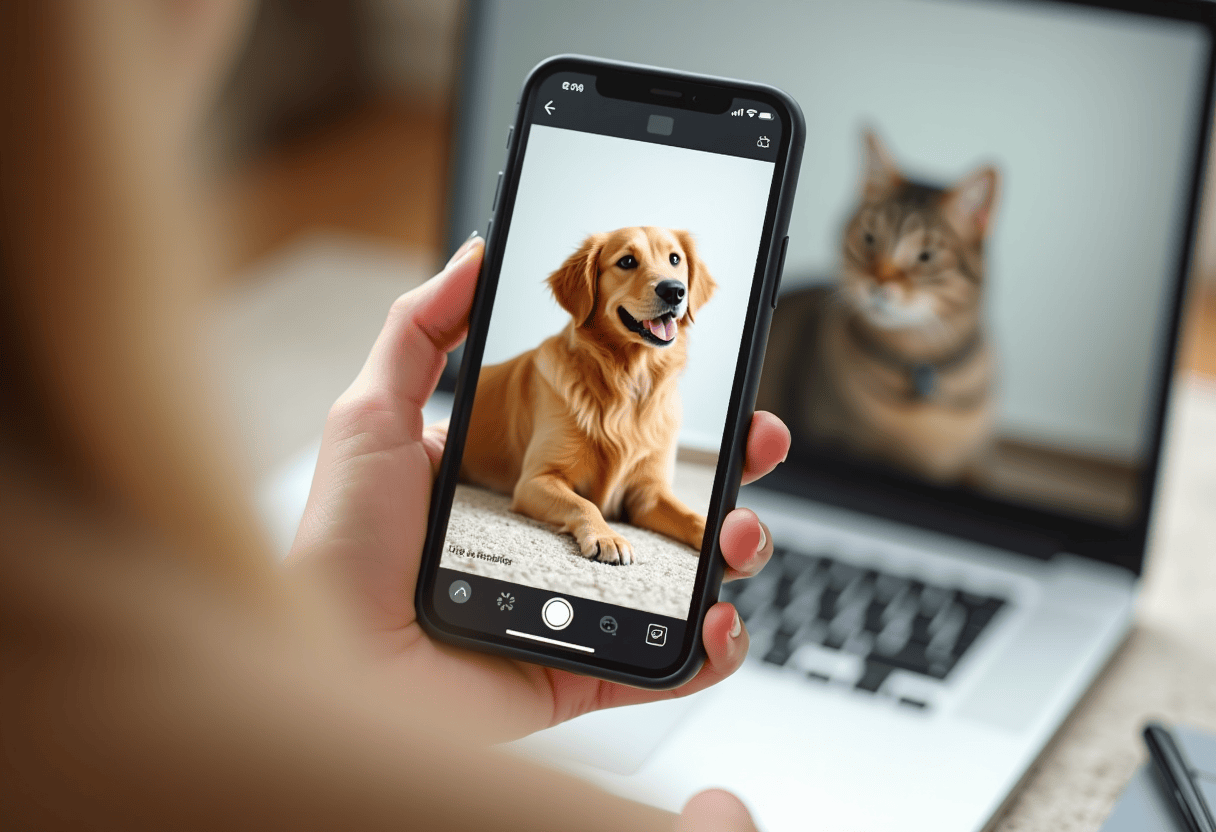
Before uploading, check whether the background is crowded with other pets, toys, food bowls, or people. A cleaner source makes it easier to inspect the pet's outline in the preview. If your favorite photo has clutter, try cropping to the pet or choosing another sharp photo. Upload your choice and review the preview before ordering.
⚠ Common mistakes
- • Picking the photo you 'like' instead of the one that's technically sharpest
- • Defaulting to a top-down photo because that's how most pet photos are taken
- • Choosing a photo with flash — eyes reflect in colors that cannot be fixed
- • Picking a photo with the pet asleep or facing away from the camera
- • Ignoring background clutter — toys, bowls, other pets in frame
Frequently asked questions
What if my favorite photo isn't technically sharp?
Can I use a photo where the pet isn't looking at the camera?
Should I crop the photo before uploading?
Can I combine multiple photos into one portrait?
What about old photos of pets who have passed?
Explore the styles
Start your portrait
Preview free, then choose a print. See delivery options at checkout.
Preview a style freeLast updated: 2026-09-22