How to Design a Photo Greeting Card Online
Designing a photo greeting card online takes about ten minutes from upload to checkout — but the choices you make in those ten minutes determine whether the recipient frames the card or tosses it. This walk-through covers photo selection, style decisions, the inside-message workflow, and how to preview before printing.
By PhotoCardMagic Editorial Team · Last updated
At a glance
- Time
- ~5 minutes
- Steps
- 5 steps
- You'll need
- 3 items
- Skill level
- Beginner-friendly
- Cost to try
- Free · no signup
Before you start
- ✓ A clear photo of the subject, ideally well-lit and front-facing
- ✓ About ten minutes for the design workflow plus three to seven business days for shipping
- ✓ An email address for your free preview (no credit card required)
Expected outcome: A 5x7 folded photo greeting card with personalized art on the front and a custom inside message, ordered and on its way to the recipient.
Steps
-
1
Upload a photo with the right qualities
JPEG, PNG, or HEIC up to 20MB. The strongest source photos are front-facing, well-lit, and clearly show the subject's face without sunglasses or heavy filters. Phone photos work fine — the AI is forgiving in the watercolor and oil painting styles. Don't crop the source photo; the AI focuses on the face automatically and decides the composition. If the photo has multiple subjects, all of them will appear on the card front.

-
2
Pick a style that matches the occasion
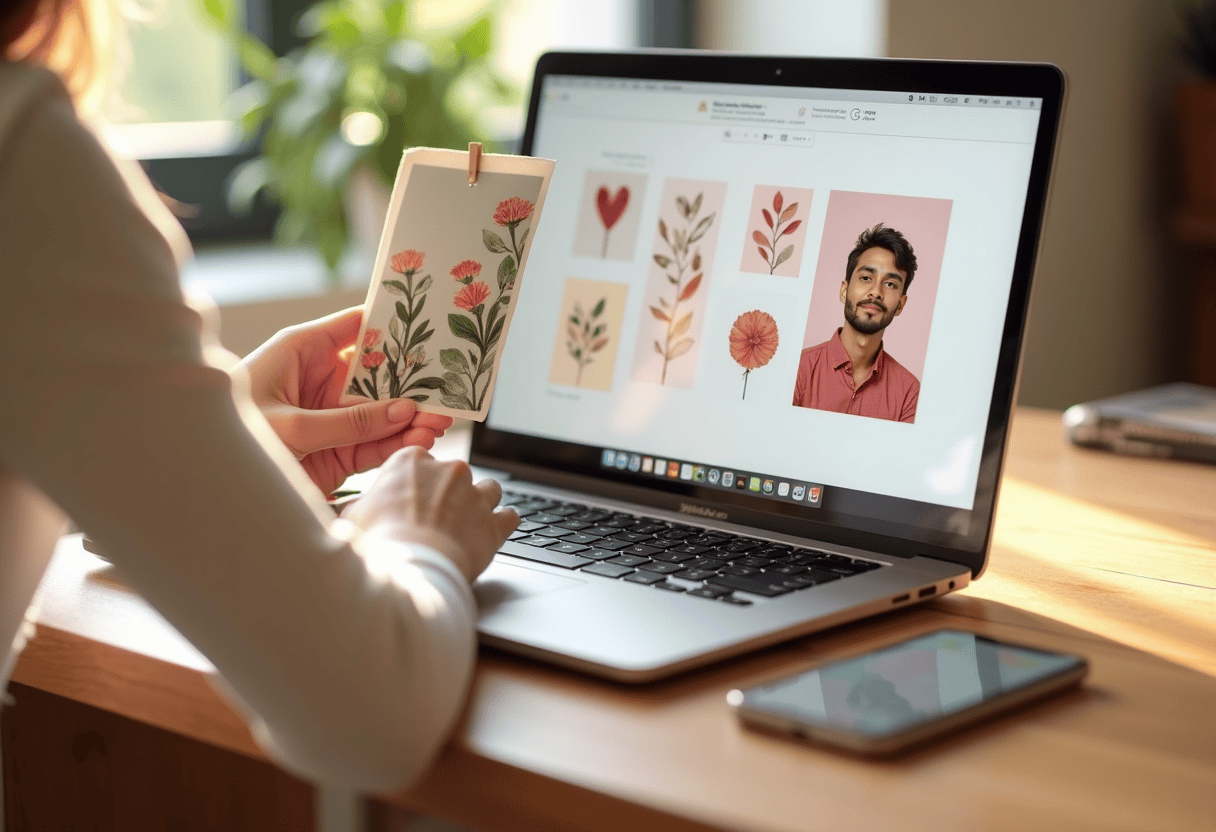
29 styles are available. Match the style to the occasion: Watercolor for thank-you and anniversary cards, Oil Painting for milestone-occasion and Father's Day cards, Watercolor for shower and holiday cards, Birthday Caricature or Pop Art for adult birthdays, Photorealistic for graduations and baby announcements. The first three previews are free with no signup — try two or three styles before committing.
-
3
Generate a free preview
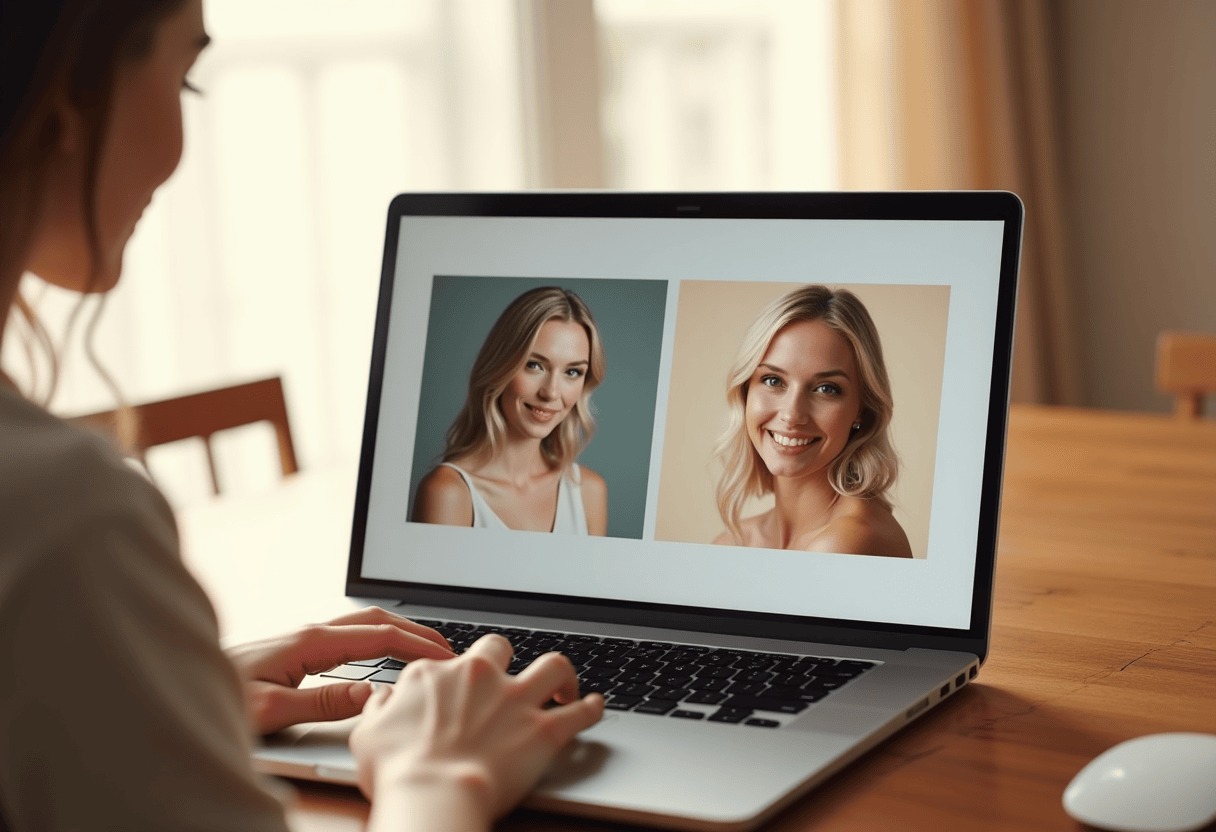
Press Generate Preview. The AI restyles the source photo into the chosen style, preserving the subject's identity while restyling everything else. Previews take about 60 seconds. If the first result isn't right, regenerate with a different photo or try a different style. Don't skip the preview — the printed card looks identical to the preview, so checking the preview is the right place to catch problems.
-
4
Write a custom inside message
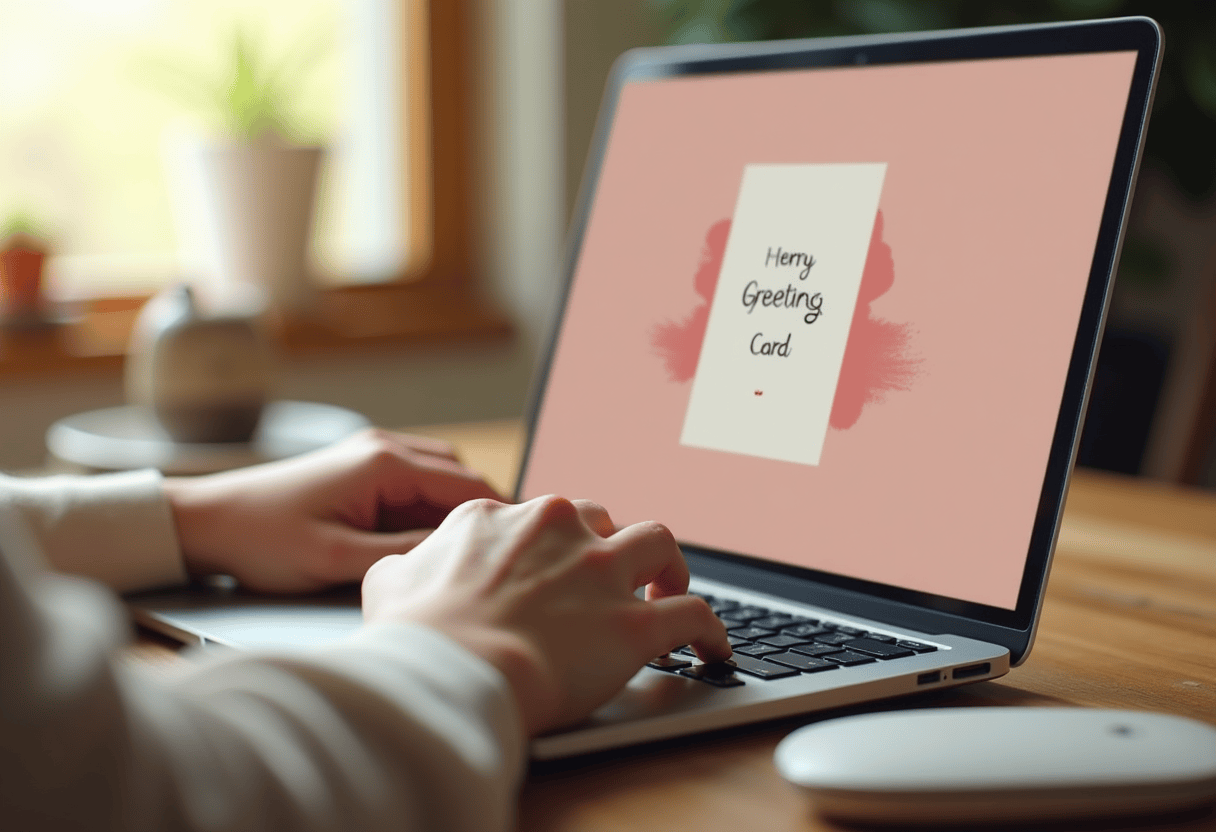
Up to 250 characters of typeset text printed on the right inside panel. Be specific: name the gift or gesture, reference one shared moment, skip the platitudes. Left inside panel stays blank for handwritten signature after the card arrives. The 250-character limit is intentional — longer messages clutter the card; shorter messages give the handwritten signature more visual weight.
-
5
Pick quantity and shipping
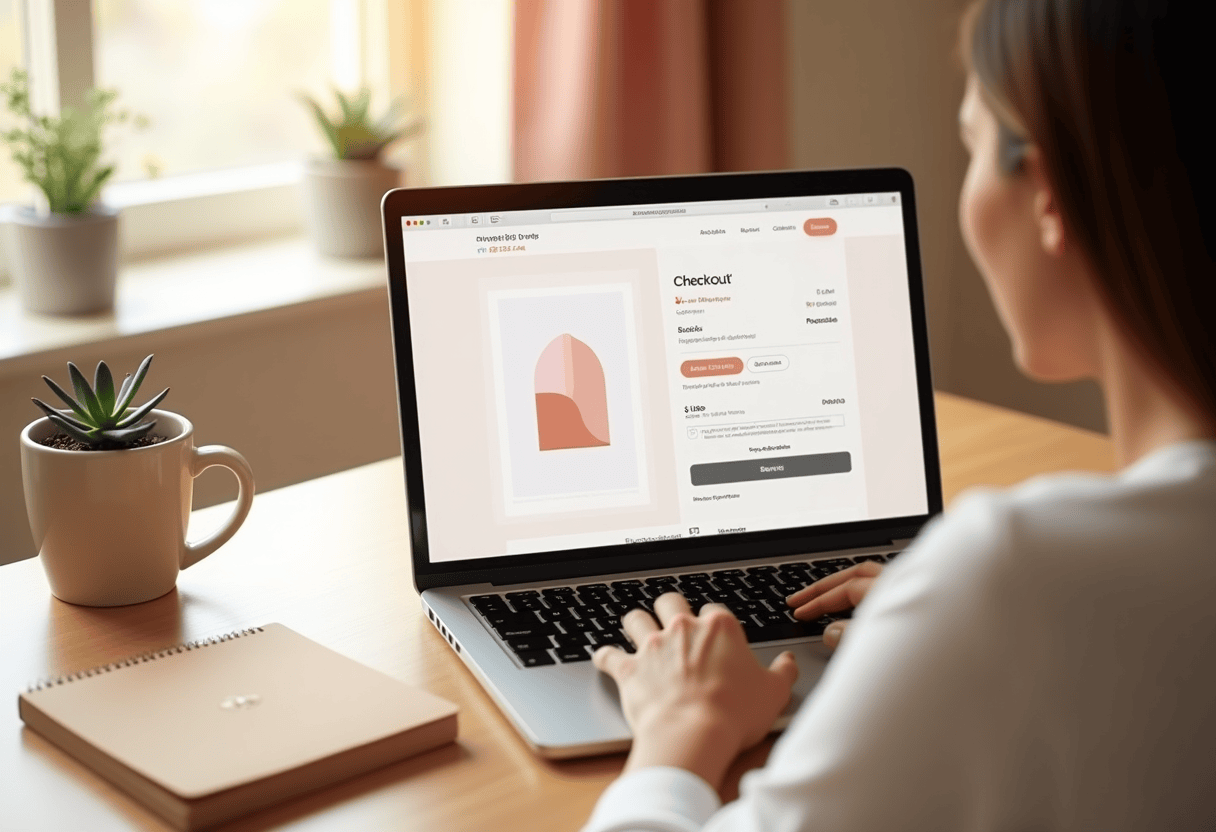
Single card $9.99 with envelope. Bulk pricing drops the per-card price to $4.99 at 5+ and $3.99 at 25+. Pre-addressed envelopes available for bulk orders at $0.50 each (CSV upload). Standard US shipping is 3–7 business days; Expedited 2–4; Overnight available at checkout. Order by 3pm PT for same-day printing. The card prints on heavyweight cardstock at a US printer and ships with a coordinating A7 envelope.
⚠ Common mistakes
- • Skipping the free preview and going straight to checkout
- • Picking a comedic style for a sentimental occasion (or vice versa)
- • Using a low-quality phone photo with motion blur or harsh lighting
- • Maxing out the 250-character inside message with platitudes
- • Forgetting to add pre-addressed envelopes on bulk orders
Frequently asked questions
How long does it take to design a photo greeting card online?
Do I need a design background to design a photo greeting card?
Can I order one custom photo card or do I have to order in bulk?
What if my photo isn't good enough?
“My dad doesn't cry at gifts. He cried at this one.”
Explore the styles
READY?
Start your portrait
Free preview. No signup. Ships from the US in 3–7 business days.
Preview a style freeLast updated: 2026-04-27