How to Turn a Photo Into a Charcoal Portrait
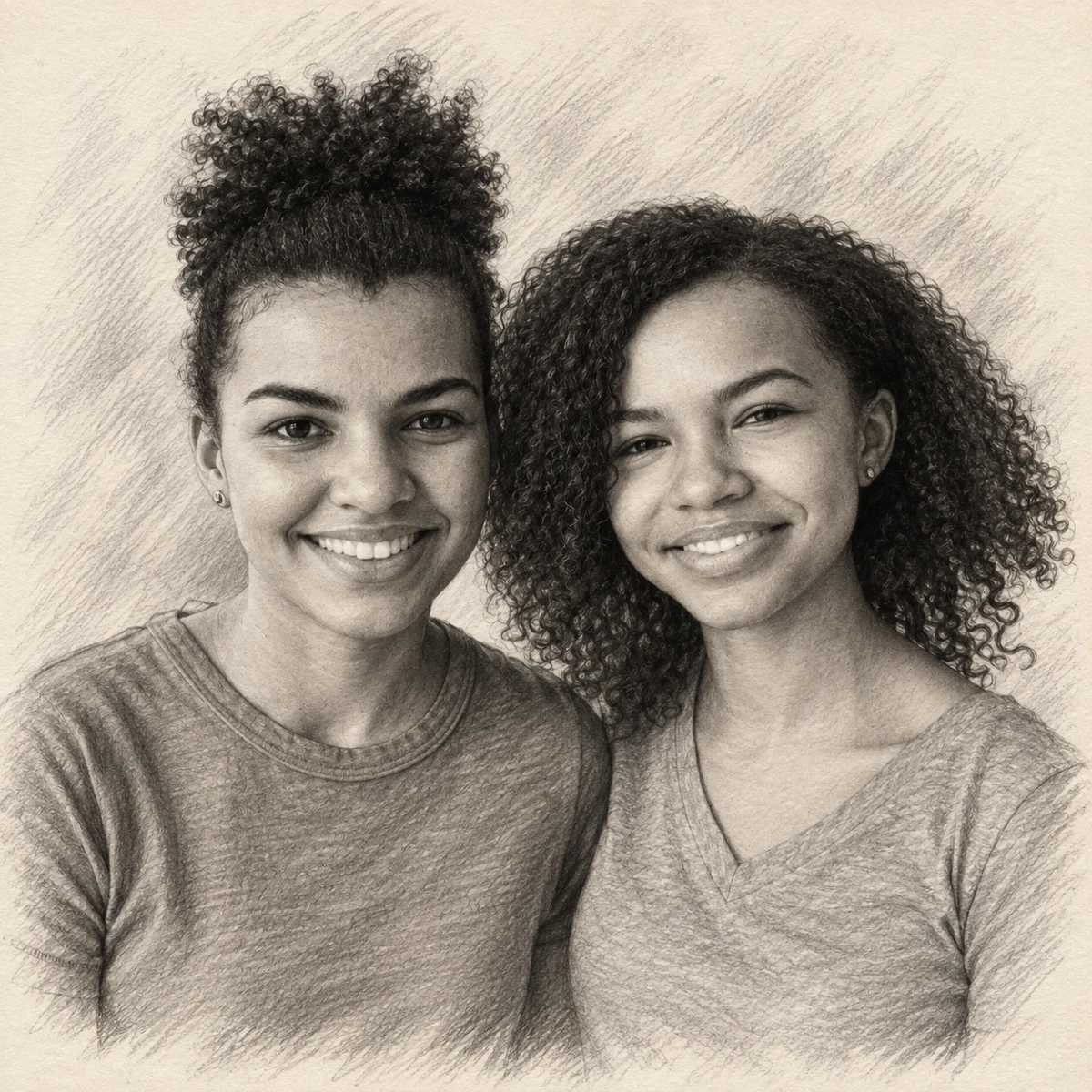

Create a charcoal-style portrait from a clear photo.
Free preview No account needed Order when you love it
Create a charcoal-style portrait from a clear photo. This walkthrough covers choosing the photo, previewing Pencil Sketch, and ordering a printed portrait.
By PhotoCardMagic Editorial Team · Last updated
At a glance
- Preview
- Free to try
- Steps
- 5 steps
- You'll need
- 3 items
- Skill level
- Beginner-friendly
- Cost to try
- Free · no signup
Before you start
- ✓ A clear, high-contrast photo
- ✓ An email address
- ✓ A preferred product (card, print, or canvas)
Expected outcome: A monochrome graphite-and-charcoal portrait ready to print.
Steps
-
1
Choose a contrasty photo
Charcoal thrives on contrast. Pick a photo where the subject has clear light and shadow on the face — golden hour photos or window-lit portraits work beautifully. Avoid flat flash photos where everything is evenly lit because the tonal range is what sells the hand-drawn feel.
-
2
Upload and pick Pencil Sketch
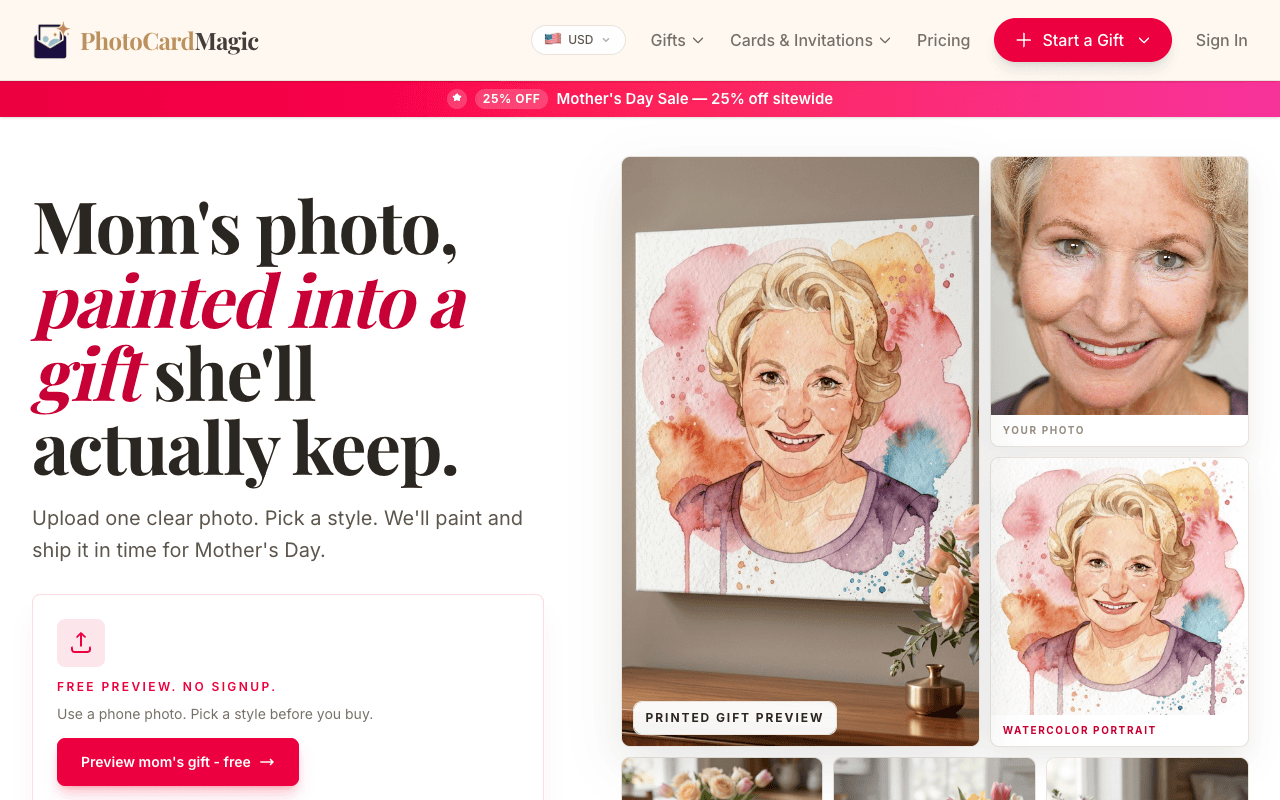
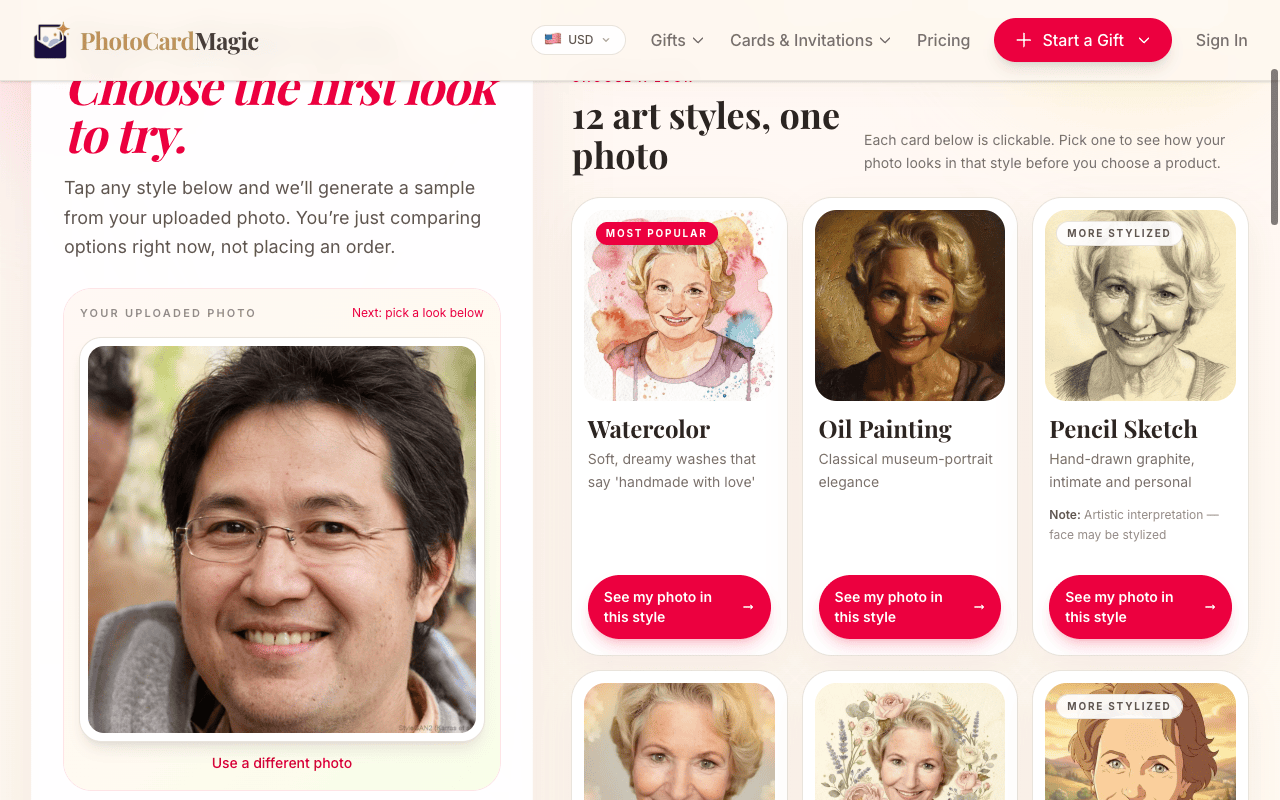
Drag the photo into the PhotoCardMagic upload panel. Once it's uploaded, pick Pencil Sketch from the style grid. The preview card describes the medium: graphite on textured cream sketch paper with fine hatching and cross-hatching.
-
3
Generate the preview
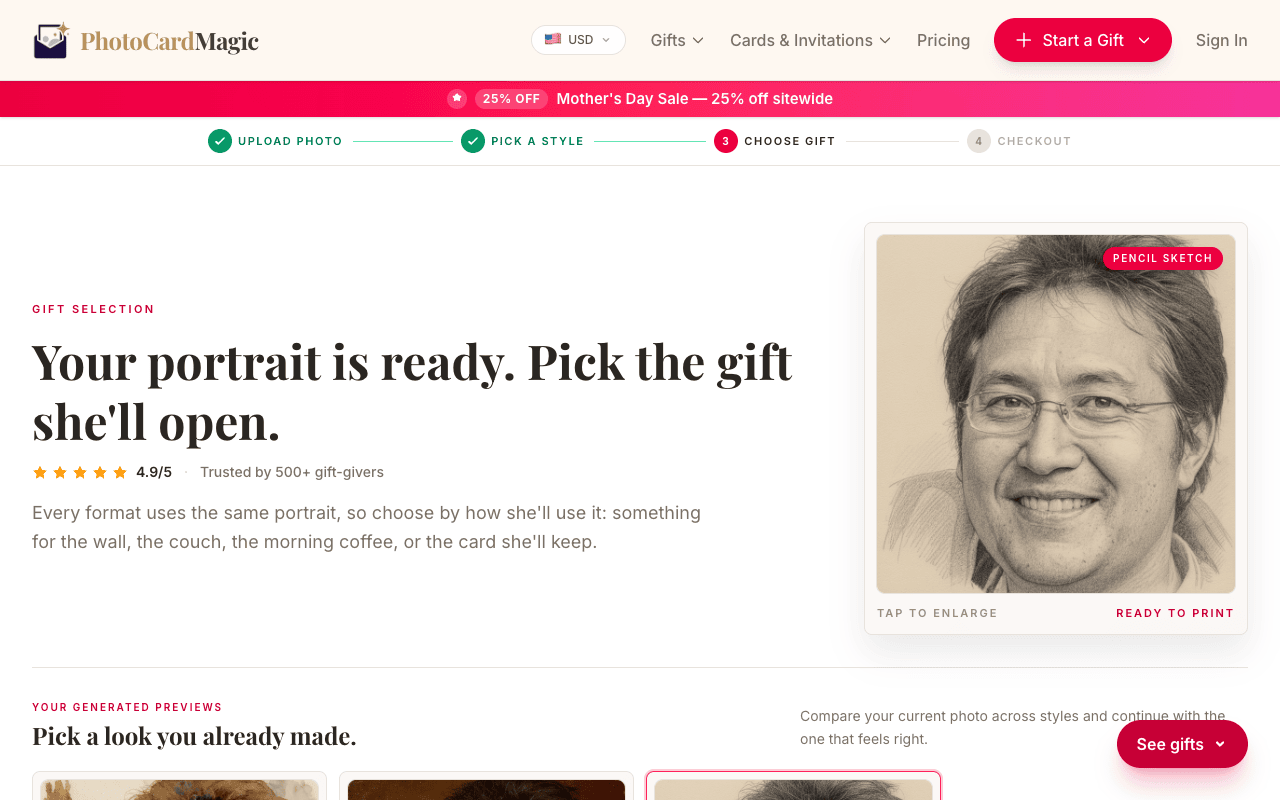
Tap Generate preview. Look for detail in the eyes and expression, then inspect the full range from graphite darks to paper-white highlights. Preview time varies.
-
4
Refine or regenerate
If the first sketch looks too loose, tap Regenerate for another pass. You preview for free, so feel free to experiment. You can also try the preview with a different photo — charcoal is the most photo-sensitive of our styles.
-
5
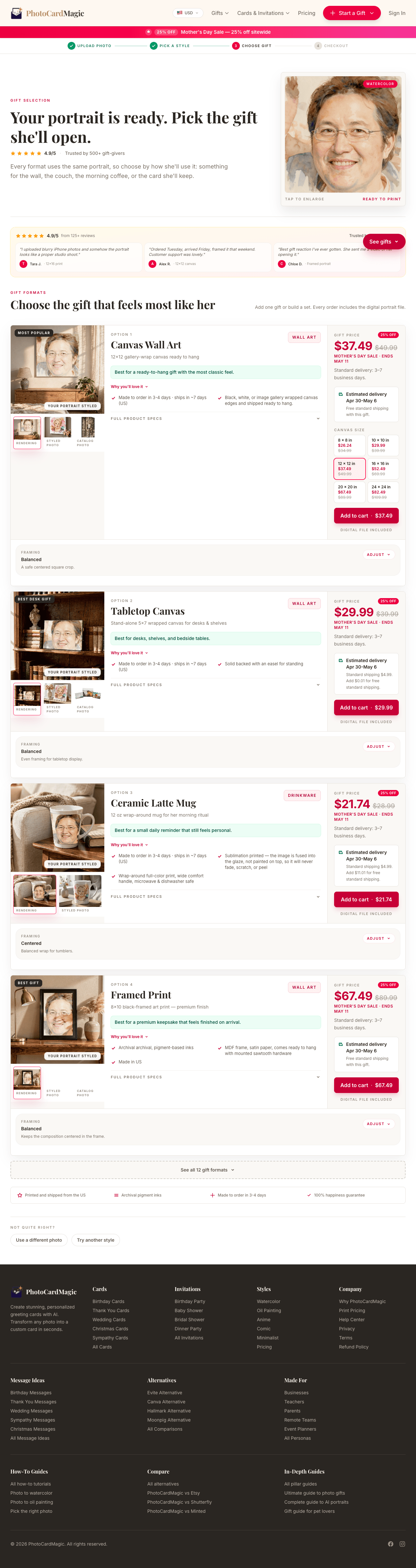
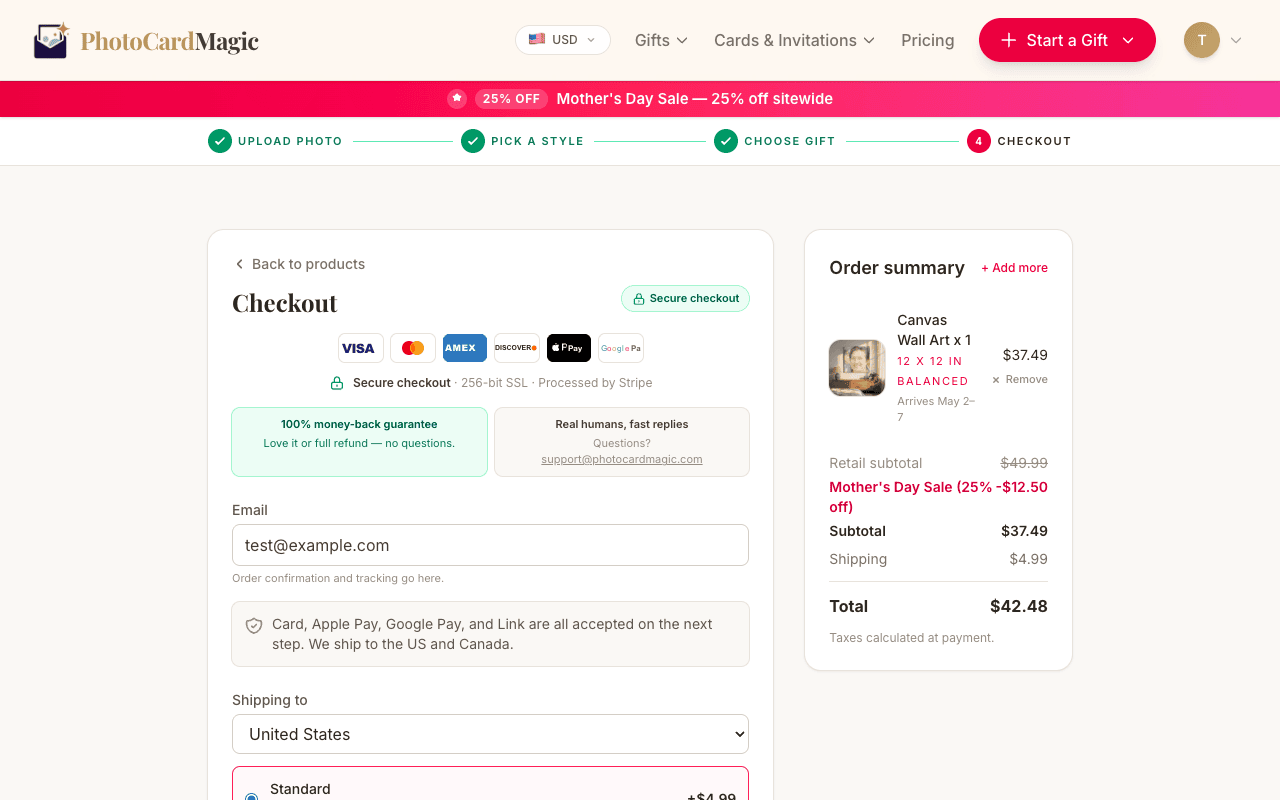
Order the print
Pencil sketches can work well as framed prints on matte paper. Choose the available format and review the delivery estimate before checkout.
⚠ Common mistakes
- • Using a flat, shadow-less flash photo
- • Expecting color — charcoal is monochrome by design
- • Cropping too tight around the face
- • Choosing a busy background that confuses the hatching
Frequently asked questions
Can I get a charcoal pet portrait?
Is it actually charcoal or is it pencil?
How long does it take?
Explore the styles
Start your portrait
Preview free, then choose a print. See delivery options at checkout.
Preview a style freeLast updated: 2026-09-22