Last updated: 2026-09-22 · By PhotoCardMagic
What is a photo-to-watercolor portrait?
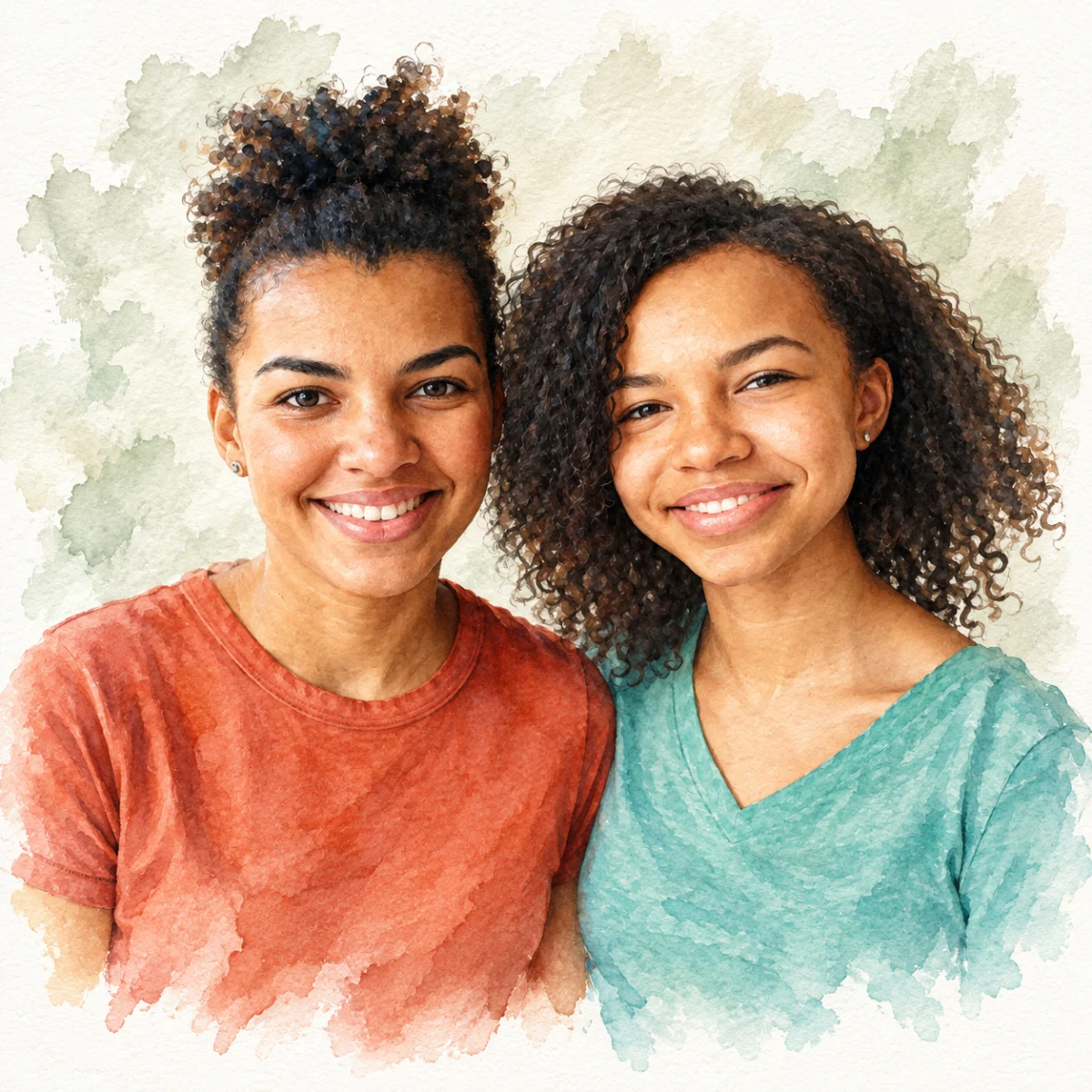
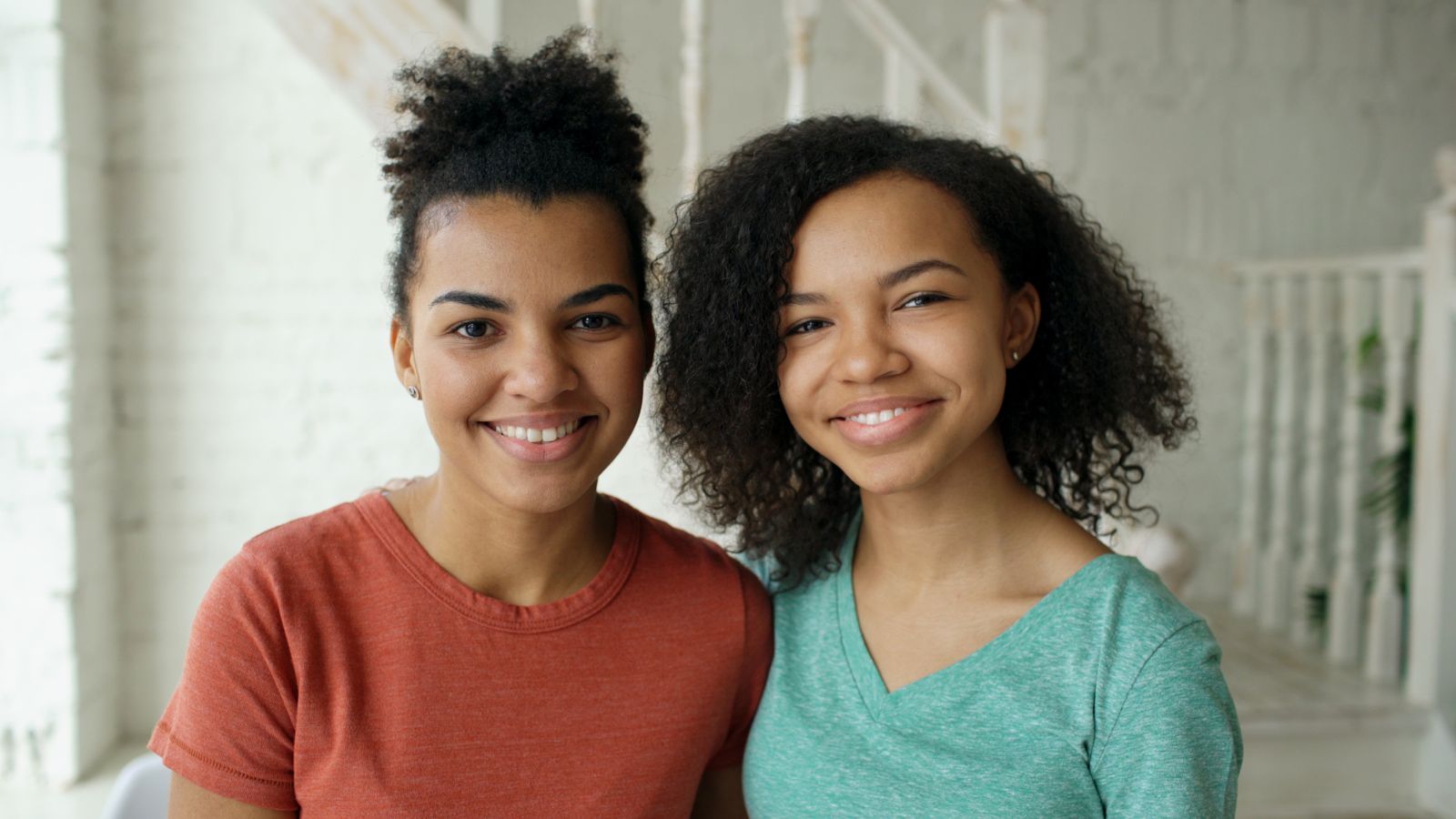
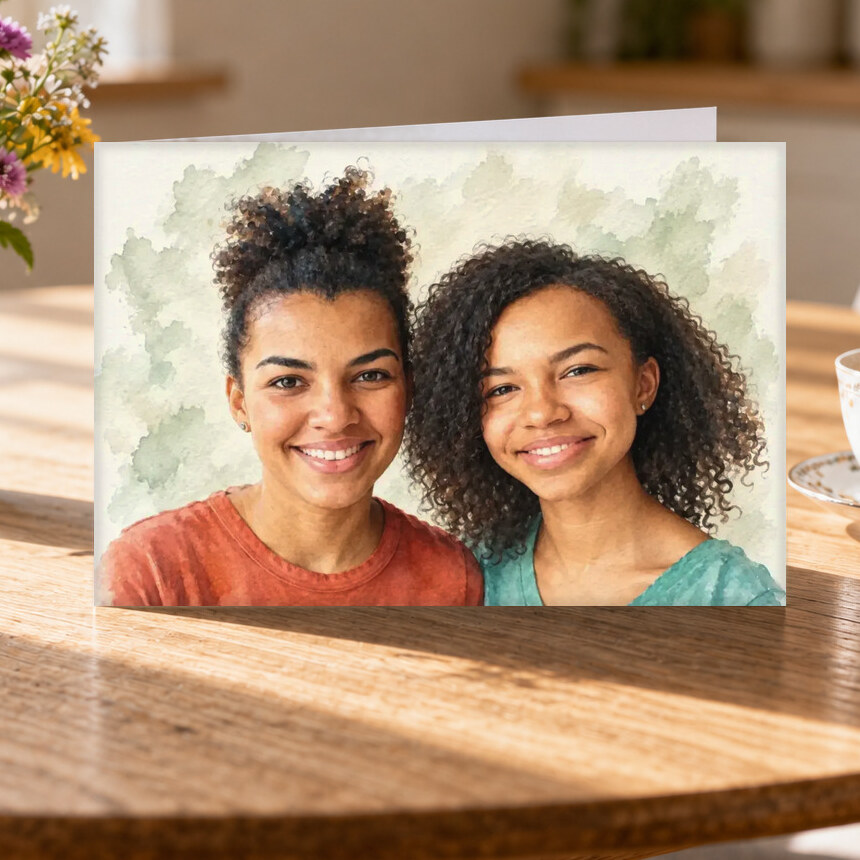
A photo-to-watercolor portrait is digital artwork created from a photo you already have. It keeps the people, pets, and expressions that matter while restyling the image with soft color washes, painted edges, and a simpler background. The result has a watercolor look, but it is not a hand-painted original.
PhotoCardMagic is built around a preview-first process. You can see the watercolor version before you pay, check whether everyone still feels recognizable, and try another photo or style if it does not.
For a detailed walkthrough, read how to turn a photo into a watercolor painting. If you are still choosing a look, see the full Watercolor portrait style guide.
Choose a photo that gives the portrait a strong starting point
Watercolor can soften an ordinary phone snapshot, but the face still needs enough information to work from. Start with a photo where:
- Faces are clear and large in the frame. A close portrait or waist-up photo usually works better than a distant group shot.
- Light falls evenly across the face. Daylight near a window is ideal. Deep shadows, strong backlighting, and colored party lights make likeness harder to judge.
- Eyes and defining features are visible. Avoid sunglasses, heavy filters, hair covering most of the face, or hands blocking important details.
- People are close to the same distance from the camera. This helps a couple or family portrait feel balanced.
- The photo is the version you want remembered. Expression and body language often matter more than a perfect background.
JPEG, PNG, and HEIC phone photos up to 20MB are accepted. Older or slightly imperfect photos can still work, especially when the face is sharp. If your only meaningful photo is blurry or very small, preview it first and judge the face carefully before ordering a large print.
How to turn your photo into watercolor art
- Upload your photo. No account or credit card is required to begin.
- Choose Watercolor. The style adds soft washes and painted texture while using your photo as the reference.
- Review the free preview. Look at faces, hair, expression, pet markings, hands, and any detail that matters to the memory.
- Try again if needed. A different crop, clearer photo, or another portrait style may produce a better likeness.
- Choose a product only after you approve the art. The portrait you reviewed is the artwork used on the card, frame, canvas, or other format you select.
How to review your watercolor preview
Check the portrait in this order:
- Likeness: Do the eyes, smile, face shape, hairstyle, and expression still feel like the person?
- Meaningful details: Are a pet's markings, a graduation gown, a wedding bouquet, or another important feature represented well enough?
- Composition: Does the crop leave comfortable space around heads and keep everyone visually balanced?
- Background: A watercolor background may become softer or less literal. That is fine unless an object is essential to the story.
- Print fit: Fine facial details need more scrutiny on large wall art than on a greeting card or mug.
If a preview misses the likeness, do not assume printing will fix it. Try another source photo or compare styles before buying. The free preview exists so you can make that decision early.
Choose the right way to print it
- Greeting card: Best for a birthday, anniversary, thank-you, or a small surprise. The 5x7 folded card includes a customizable inside message.
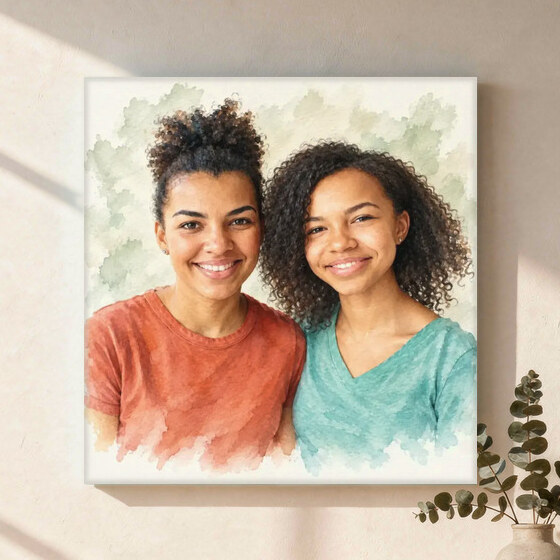
- Canvas wall art: A gallery-wrapped option for a shelf, gallery wall, or larger display.
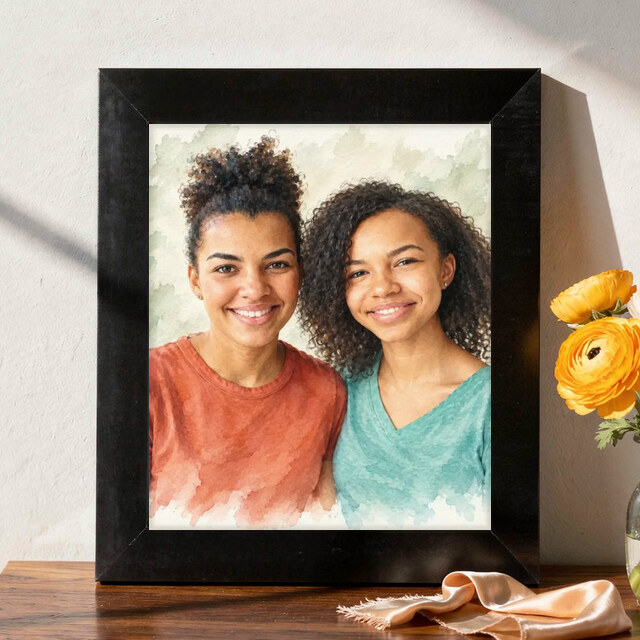
- Framed print: Best when you want a complete, ready-to-hang gift.
- Art print or acrylic print: Options for a clean, modern display.
- Mugs: A useful way to keep a favorite portrait close at hand.
Current sizes, USD prices, and delivery estimates appear before checkout.
Watercolor compared with other portrait styles
- Choose Watercolor for a soft, warm portrait that feels easy to display in many rooms.
- Choose Oil Painting for deeper color and a more formal, traditional look.
- Choose Pencil Sketch for a quiet, mostly monochrome portrait.
- Choose Photorealistic when exact clothing, uniform, or coat details matter more than a painted effect.
- Choose a playful story style when the recipient would enjoy humor or a more dramatic transformation.
Watercolor is a strong starting point, not the right answer for every photo. A free preview makes the tradeoff visible: choose the version that best preserves the person, pet, or memory rather than the style name that sounds most impressive.
What happens after you approve the portrait?
Select the product and size, check the product preview, and review any card message or customization before checkout. The approved digital portrait is reused across the formats you consider, so you are choosing how to keep the art rather than starting over with a different image.
Printed purchases are covered by the published refund policy. Review that policy before ordering if you have questions about portrait likeness, print defects, cancellations, or refund timing.
Recommended pairings
Frequently asked questions
How do I turn a photo into a watercolor painting?
What kind of photo works best for a watercolor conversion?
Will the watercolor preserve the face and identity?
What products can I print a watercolor on?
Is the portrait painted by hand?
What if I do not like the watercolor preview?
Keep reading
Turn a Favorite Photo Into a Painting
See your favorite photo as a watercolor, oil painting, or sketch before you pay. Choose a canvas, framed print, card, or mug with the portrait you love.
Read more →
Turn a Photo Into Custom Art
Turn any phone photo into custom art—watercolor, oil painting, sketch, pop art, Renaissance, anime, and more. Preview free, then choose a print.
Read more →
Custom Family Portrait From a Photo
Turn a family photo into a watercolor, oil painting, or Renaissance family portrait — pets included free. Canvas, framed, acrylic. Up to 7 subjects. Check delivery estimates at checkout.
Read more →
Custom Couple Portrait From a Photo
Turn a couple photo into a watercolor, oil painting, or Renaissance couple portrait. Anniversary, wedding, engagement gift. Canvas, framed, acrylic. Check delivery estimates at checkout.
Read more →